



💡 Photoshop Newsletter - June/July 2021

June/July 2021 update
Can you believe it's time for another update already? In June and July we released new versions of Photoshop The main features are explained in the New Features section below. We also updated the way Photoshop detects certain AMD cards, allowing for more AMD cards to be recognized and used by Photoshop and fixed several customer-reported issues. For details, see Fixed issues. We also published Quick Tips and blog posts, so I have included the links below.
Our Adobe Community Professionals (ACPs) spend a lot of time and effort in Adobe communities helping others. Starting this month, we have a new section in the newsletter where we will recognize one of our hard-working Photoshop ACPs each month. Our highlighted ACP this month is Dave Richardson.
ACP Highlight
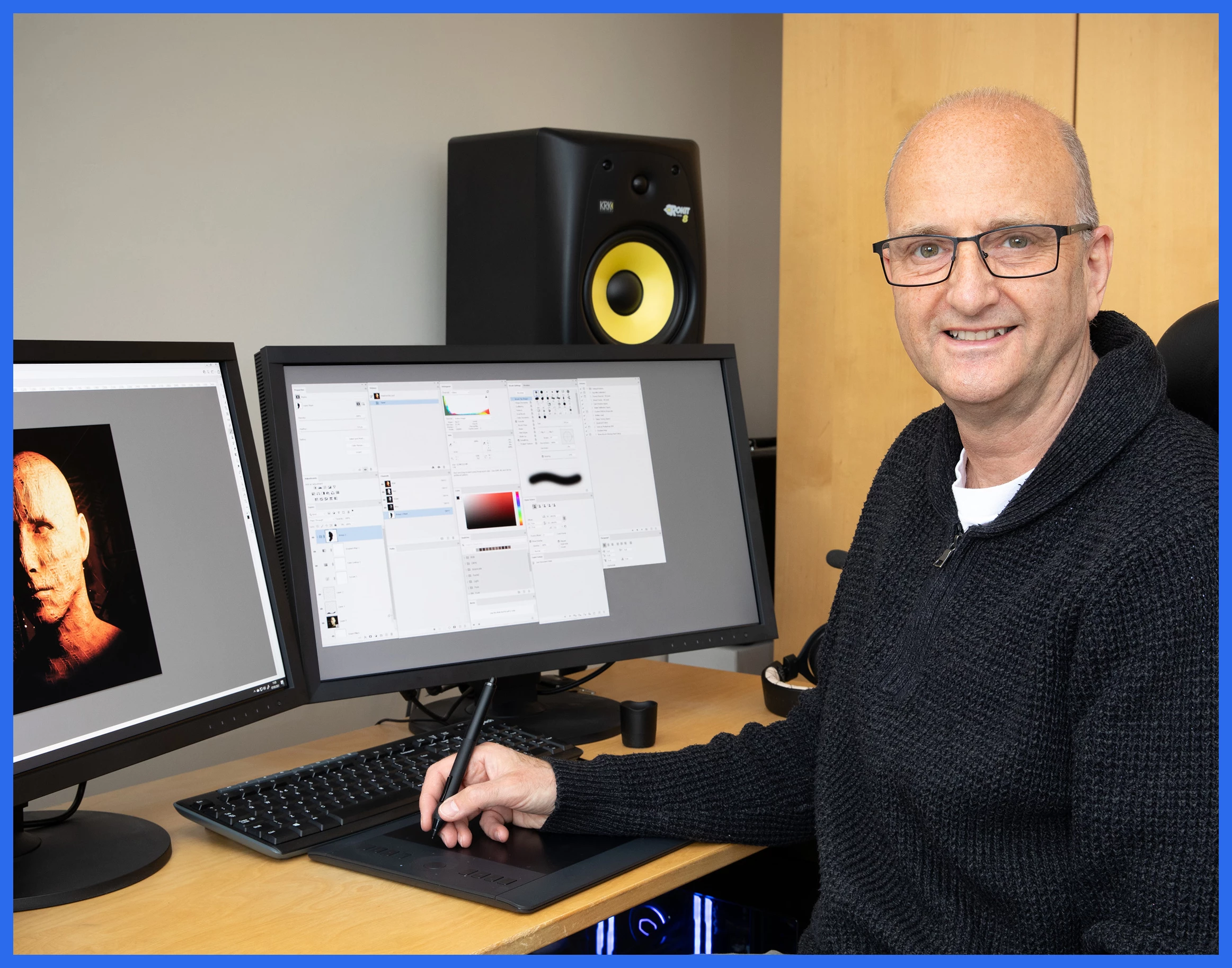 Dave Richardson (davescm) has been an ACP in our forums since 2016 but has actually been using Photoshop for about 18 years. Now retired, he gets to indulge his passion for making images both through photography and, in recent years, through 3D applications. He says that he enjoys the freedom and challenges set by creating scenes from scratch and is a keen extoller of the Adobe Substance suite in making and applying textures to his 3D work. Dave lives in the North East side of England. Besides image-making, he plays both guitar and bass and loves Indian food. You can see some of Dave’s work here: Dave Richardson. You can also have some fun with Dave's regular "Something for the weekend" posts in the Photoshop community.
New Features
Photoshop desktop
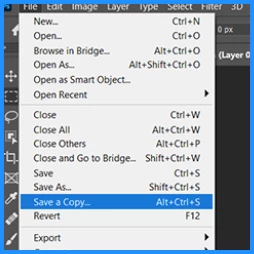
Save a Copy - Create a copy of your file and export or share it in a variety of formats. If you prefer the legacy workflow, Enable legacy "Save As" workflow and Do not append "copy" to the filename when saving a copy in the Photoshop preferences. For more details, see Save your files in Photoshop.
Photoshop on the iPad
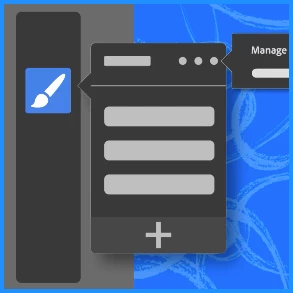
Load Custom Brushes - Now you can load brushes into Photoshop on the iPad and access them from the brushes panel.
Healing Brush - The Healing Brush helps you retouch images by painting sampled pixels you choose over the area you wish to change. This tool matches the texture, lighting, transparency, and shading of the sampled pixels to the pixels being healed.
Quick Tips
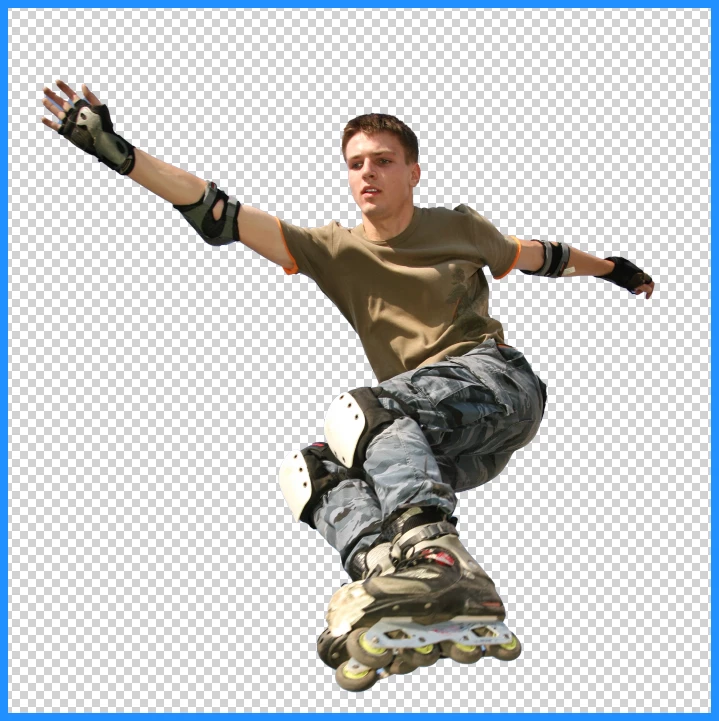 Quick Tips: Remove backgrounds with a single click
Blog posts

Ps on iPad Custom brushes and incredible ACR presets

What is composite Photography and how can it be used?

Everything you need to know to create jaw-dropping outdoor wedding photos
Learn something new
Adobe Education Leaders Livestreams
Troubleshooting
Basic Photoshop troubleshooting steps
Troubleshoot a crash or freeze
Optimize Photoshop performance
Program error while saving files
Troubleshoot Scratch disks are full error
Handy links
Follow Photoshop on Instagram | Facebook | YouTube | Twitter
Previous Newsletters
Photoshop Newsletter home page
 AdChoices