



Open for Voting
Photoshop not cycling through 3 views when pressing F
I have transferred to a brand new Mac Studio, latest MacOS, XDR screen. On my older iMac I could cycle through three views when pressing the F key. On the new Mac I can only scroll through two views, missing the intermediate view, which is the most useful one as it provides a full view within Ps with the panels & toolbars still visible
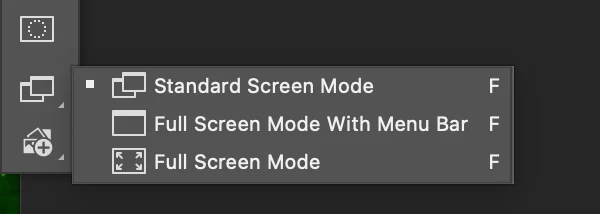
The three views are
1 - Standard Screen Mode
2 - Full Screen Mode With Menu Bar
3 - Full Screen Mode
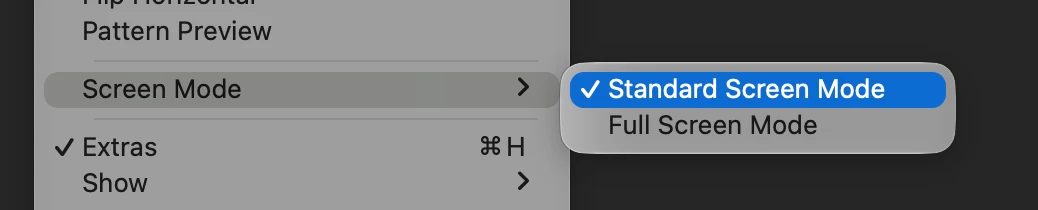
Option 2 - Full Screen Mode With Menu Bar is missing and not available from the pull down menu. The bottom of the toolbar option but just takes to Full Screen Mode
The two attached screenshots show the options on my new Mac
How can I restore/access option 2 - Full Screen Mode With Menu Bar
 AdChoices