Participating Frequently
July 4, 2022
Question

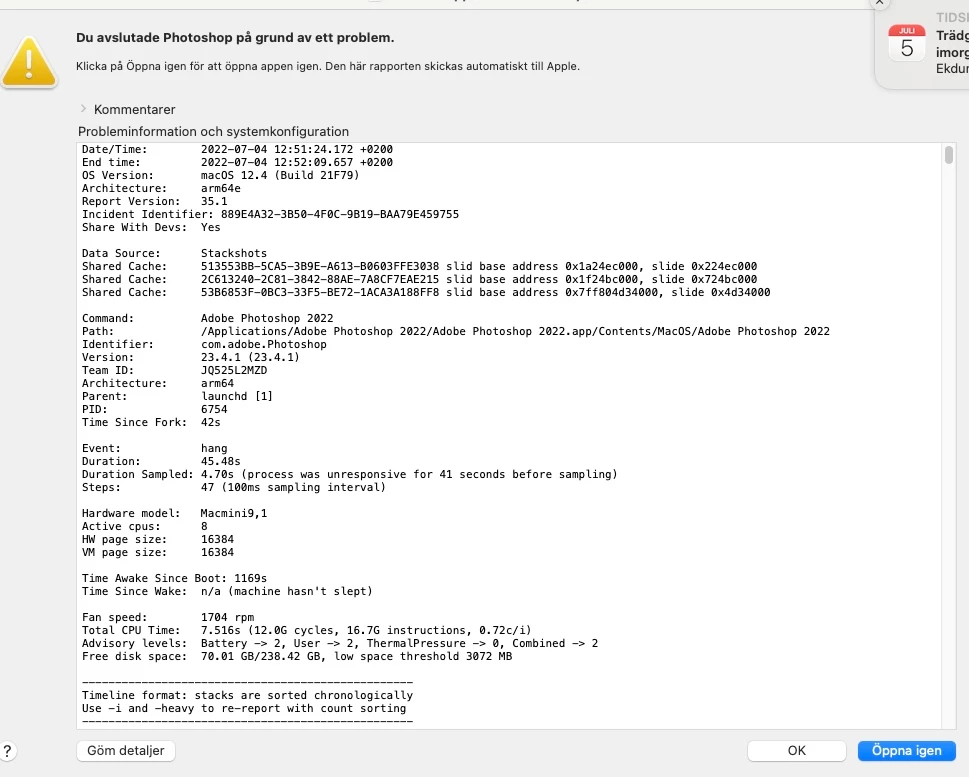
Photoshop not working

  • July 4, 2022
  • 14 replies
  • 309 views

Photosshop not working


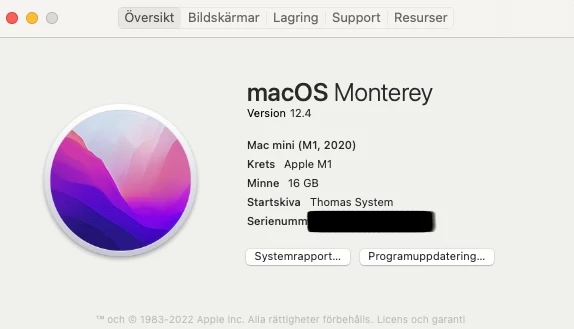
[Serial number of Mac Mini removed by moderator for your protection on a public forum.]



This topic has been closed for replies.

14 replies

jane-e
Community Expert
Community Expert
July 5, 2022


@jane-e wrote:

Click the Photoshop icon in the Dock. The shortcut menu will open because your are holding down the Control key. Click "Open" from the shortcut menu.


@Mamba56 wrote:

Click the Photoshop icon in the Dock. The shortcut menu will open because your are holding down the Control key. Click "Open" from the shortcut menu. "Right Click to get the option Open and pressed Open"


You changed my instructions, Thomas. You added a "right-click" when I didn't say it, and this is what made my instructions not work for you.


At this point, go ahead and follow the directions from Cory. Be sure to follow his directions exactly as written.


Best of luck,

Jane


CShubert
Community Manager
Community Manager
July 5, 2022

Hi @Mamba56, this is not good, thank you for your patience. Many here will do all they can to help you...


We need to find a way to get your computer to be able to open Photoshop, so;


Close Photoshop
Restart the computer
Use the Adobe Creative Cloud App to uninstall Photoshop
Restart the computer
Install Photoshop via the Creative Cloud App without launching any other programs.
Restart the computer
LaunchPhotoshop
Wait 5 minutes... does the error persist?


Was this able to work?


Thank you,

jane-e
Community Expert
Community Expert
July 4, 2022

Hmmm....


Have you ever successfully launched Photoshop? One reason it would not work is if Photoshop were never launched and had not been able to create the Preferences file.


Did you just purchase Photoshop or had it been working and it just stopped launching recently?


If you have ever successfully launched Photoshop then you can delete Preferences file manually.

https://helpx.adobe.com/photoshop/using/preferences.html

Scroll down to the heading "Manually"


Jane


Mamba56Author
Participating Frequently
July 4, 2022
  1. HAVE DONE ALL STEPS FÖR CLEANING ALL ADOBE PROGRAMS AND INSTALLED THEM AGAIN. LRC IS OK PHOTOSHOP IS USELESS
  2. Press and hold Command + Option + Shift + Control and keep holding them down. OK
  3. Click the Photoshop icon in the Dock. The shortcut menu will open because your are holding down the Control key. Click "Open" from the shortcut menu. "Right Click to get the option Open and pressed Open"
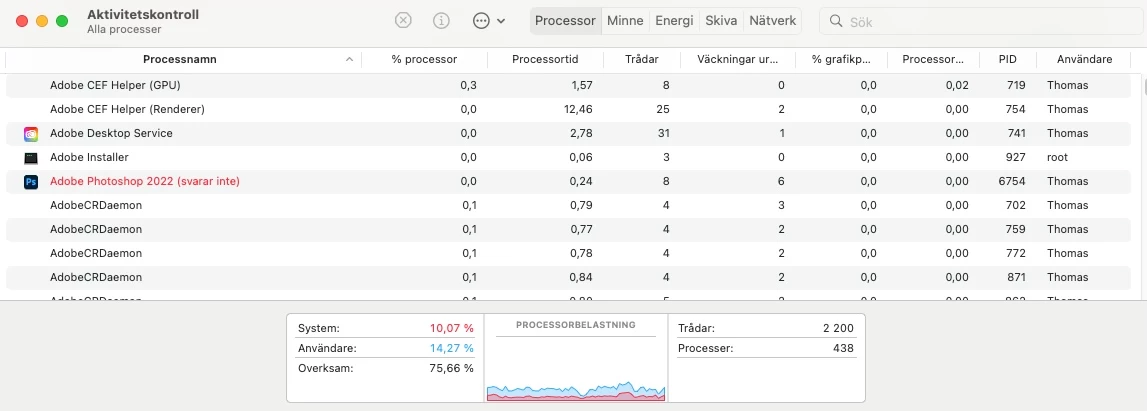
  4. Now the dialog to delete Preferences will appear. NO DIALOG APPEARS, PHOTOSHOP DOES NOT OPEN AND IT DOES NOT RESPOND AT ALL, HAVE TO FORCE IT CLOSED.
  5.  TRIED THE ABOVE 4 TIMES SAME RESULT EVERY TIME
Mamba56Author
Participating Frequently
July 4, 2022
Sorry I do not understand your reply and how it would make Photoshop not opening today!

Save the Wave
Thomas Kindberg
Derek Cross
Community Expert
Community Expert
July 4, 2022

Jane: That's the trouble with copy and paste!

jane-e
Community Expert
Community Expert
July 4, 2022

2) Double click on the Photoshop icon to launch it
3) QUICKLY hold down Ctrl+Alt+Shift. (for Windows) or CTL+OPT+CMD+Shift (for Mac OS X)


@Mamba56 

Try these slightly modified steps for macOS:

  1. Press and hold Command + Option + Shift + Control and keep holding them down.
  2. Click the Photoshop icon in the Dock. The shortcut menu will open because your are holding down the Control key. Click "Open" from the shortcut menu.
  3. Now the dialog to delete Preferences will appear.
  4. Release the four keys
  5. Delete preferences.


Friendly note to Derek: we are long since past macOS10. Monterey is macOS12.


Jane

Derek Cross
Community Expert
Community Expert
July 4, 2022

I suggest you use the Adobe Cleaner Tool to uninstall Photoshop, then install it again.

https://helpx.adobe.com/uk/creative-cloud/kb/cc-cleaner-tool-installation-problems.html

Mamba56Author
Participating Frequently
July 4, 2022

Your sollution is not working, no dialogue appears, asking you “Delete Photoshop Preference Files?”

Tryed it three times, no luck


Mamba56Author
Participating Frequently
July 4, 2022

Its impossible too reset Photoshop preferences when it does not even start