

Question
Photoshop on the web shows “Unsupported file format” warning when using the Brush tool with a Wacom pen
Hi ,
Sorry, I selected the wrong category. To clarify, the device is computer.
I’m using the Brush tool in Photoshop on the web with a Wacom pen tablet. When I draw with the Wacom pen, I often get the following warning, as shown in the attached screenshot:
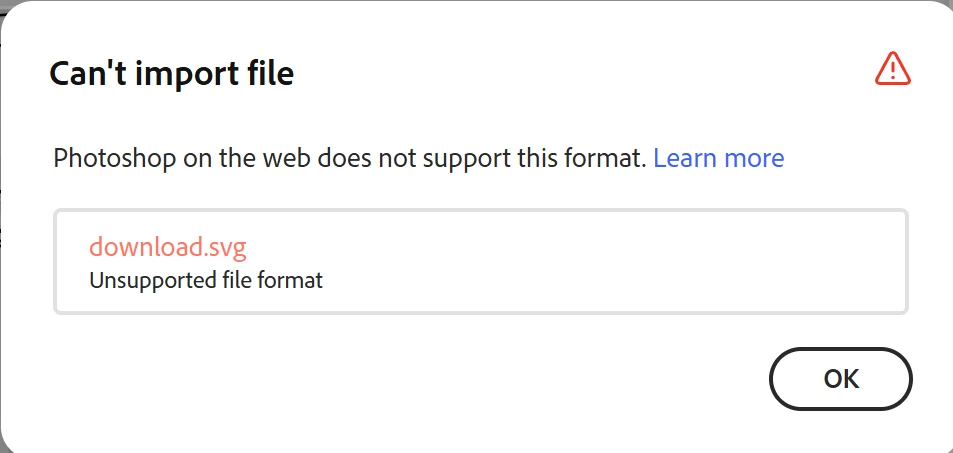
This seems to happen when the pen is touching surface for an extended period of time while using the Brush tool.
I have already tried the following:
- Set the Wacom pen side button / side switch to No Action
- Disabled Press and Hold for right-clicking in Windows Control Panel > Pen and Touch
However, the same issue still keeps happening.
Is there any way to prevent this warning from appearing, or is there a known fix or workaround for this issue?
Thank you.


 AdChoices