
Known Participant
March 10, 2026
Question

Photoshop opens Adobe Stock MOV files as solid black box - no video

  • March 10, 2026
  • 3 replies
  • 51 views

I downloaded a .mov video from Adobe Stock.  When i try to open this video in photoshop, it opens only a static black screen.  I can’t import to photoshop at all.  I tried to import video as frames also, that doesn’t work either.

How to I open these .mov videos to edit in Ps?

The old versions of Ps used to open them.
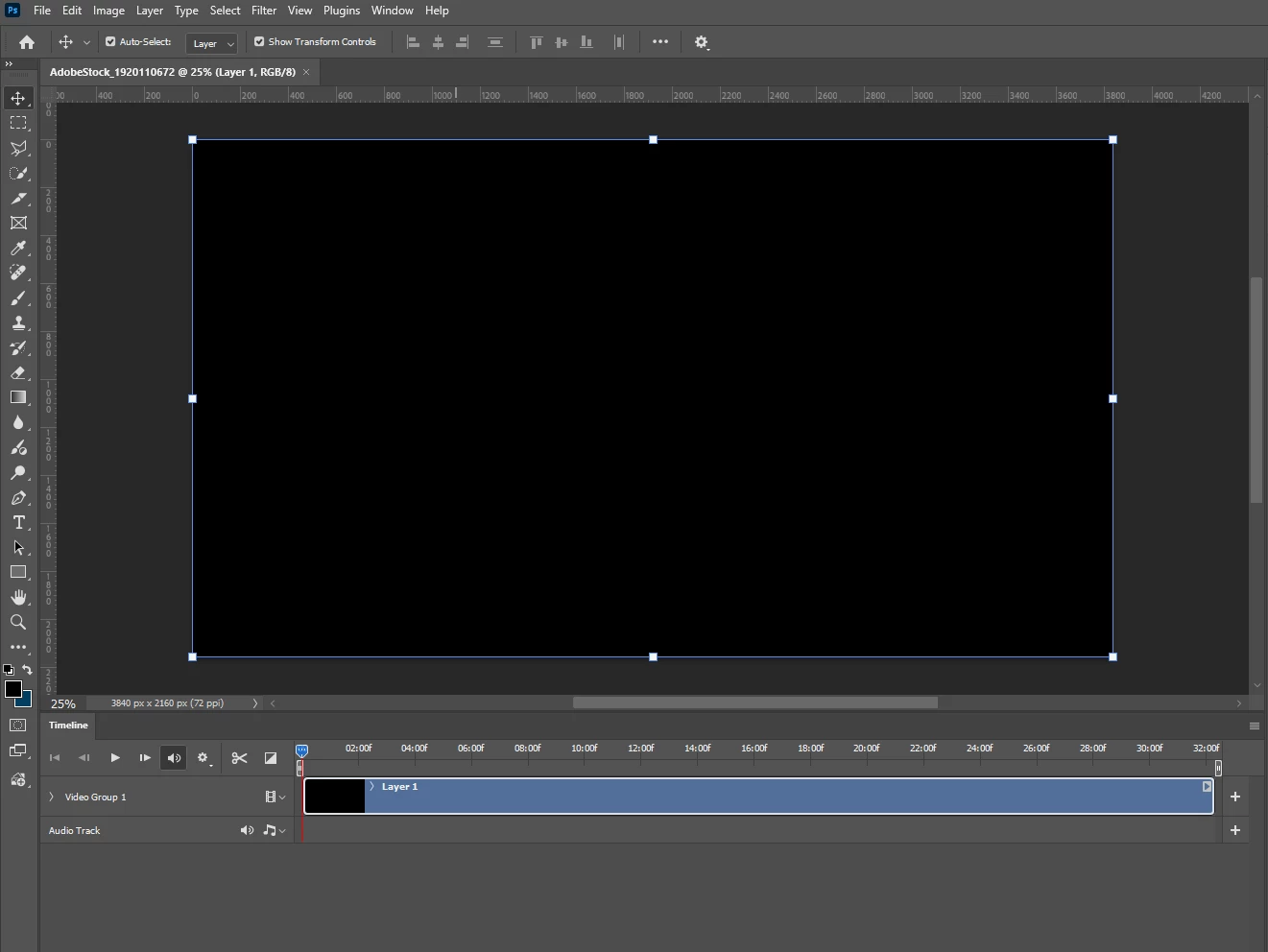
 

^ this is how they open, just a black screen 😑

    3 replies

    Nancy OShea
    Community Expert
    Community Expert
    March 10, 2026

    Another option:  transcode the offending MOV file to a more stable format with Adobe Media Encoder. Drag file into the queue, set format to H.264. 


    Nancy O'Shea— Product User & Community Expert
    Nancy OShea
    Community Expert
    Community Expert
    March 10, 2026

    Since MOV is a QuickTime file container, can you open the file in QuickTime?

    Check Codecs: If you are on a PC, ensure you have the necessary QuickTime codecs installed.


    Good luck with your project.


    Nancy O'Shea— Product User & Community Expert
    Claire H.
    Community Manager
    Community Manager
    March 10, 2026

    Hi ​@Amanda4lb38n9fc, welcome to the Photoshop forums! Can you send a link to the stock footage you’re using and your system information? To better help you with this issue, we would like a few more details. Can you send your system info and a numbered list of the exact steps needed to replicate it? You can find your system info by going to Help > System Info, copying and pasting it into a text file, and attaching it here. Thanks! ^CH