
Question
Photoshop point snap even though it's turned off
Hi,
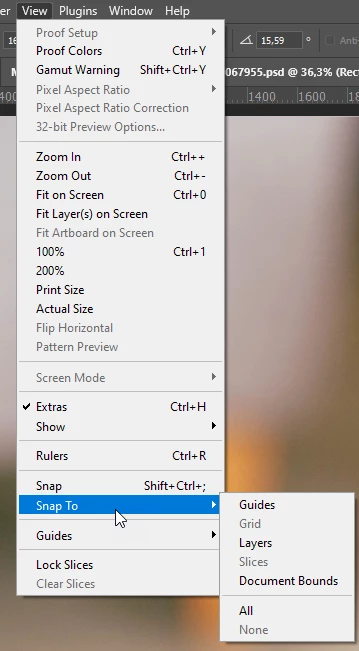
I've got a smart object that I'm trying to transform with Skew. The points of the shape keep snapping to random places and lagging, even though I've turned off all "Snap to" under View. I've tried to edit the points by using the keyboard arrows, but that moves the whole shape around.
It's driving me insane, and I can't edit the shape like I need to. Please help?
Attaching a screen recording and a screenshot of my settings for snap.
Windows 10.
PHotoshop version 25.6


 AdChoices