
Photoshop records mouse movement after using Spacebar (Hand Tool)
Hello,
I am experiencing a serious issue in Photoshop that makes normal work almost impossible.
Description of the problem
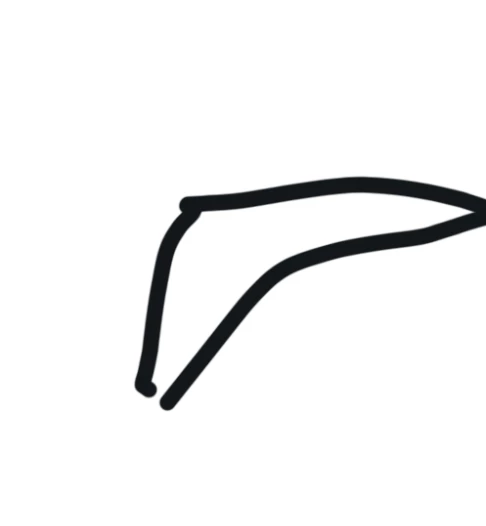
When I use the Spacebar to temporarily activate the Hand Tool and move the canvas, Photoshop appears to record the mouse movement. After I release the spacebar and click with any tool (Brush, Lasso, Selection tools, etc.), Photoshop repeats the exact trajectory of the mouse movement that occurred while the spacebar was held.
For example:
-
I hold the Spacebar to pan the canvas.
-
I move the canvas with the mouse.
-
I release the Spacebar.
-
I click with another tool.
Instead of performing a normal action, Photoshop recreates the exact path of the mouse movement made during the canvas pan.
The issue occurs with all tools, not only with the Brush tool.
Important details
-
The problem happens only after using the Spacebar (Hand Tool).
-
Photoshop reproduces the exact mouse movement trajectory.
-
The issue started recently; previously everything worked correctly.
-
Reinstalling Photoshop did not solve the problem.
-
Resetting Photoshop preferences did not solve the problem.
-
The issue occurs even when using the on-screen keyboard, so it does not seem to be related to the physical keyboard.
-
Disabling GPU acceleration does not fix the issue.
Because of this behavior, every time I pan the canvas with the Spacebar, the next tool action reproduces the mouse movement path, which makes Photoshop extremely difficult to use.
Could you please advise what might cause this behavior and how to fix it?
Thank you.


 AdChoices