Participant
March 1, 2024
Question

Photoshop reducing size when I try to crop

  • March 1, 2024
  • 3 replies
  • 816 views

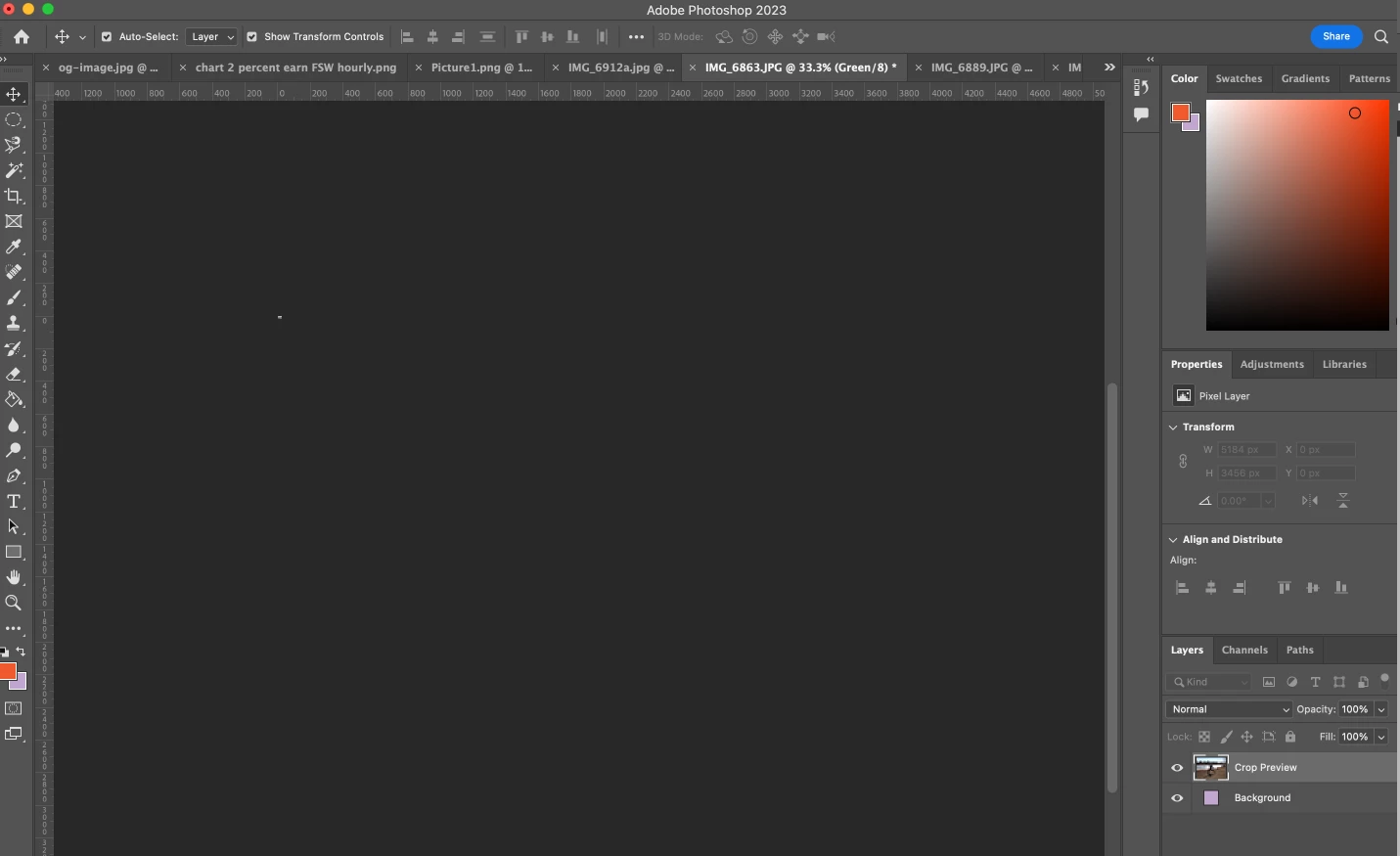
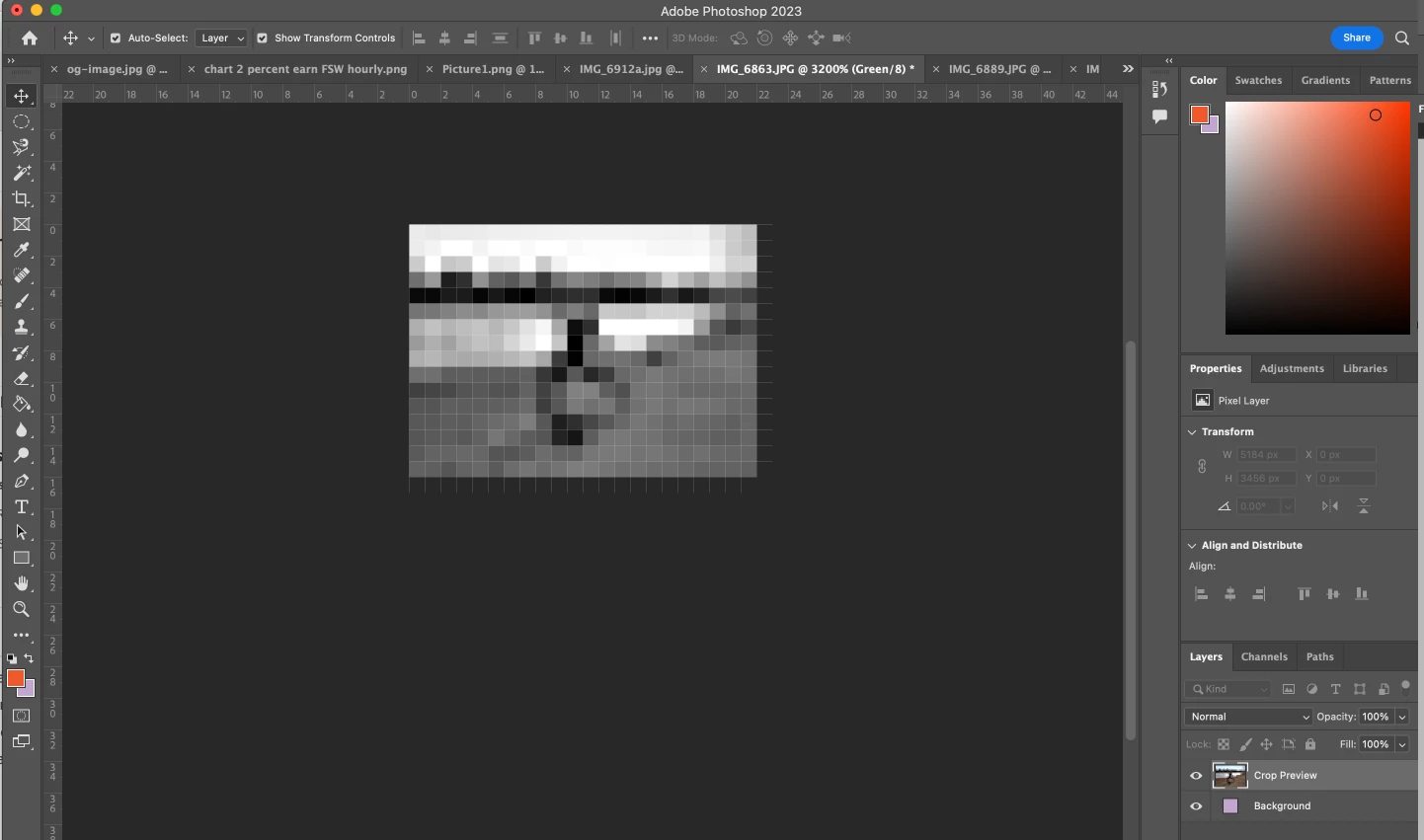
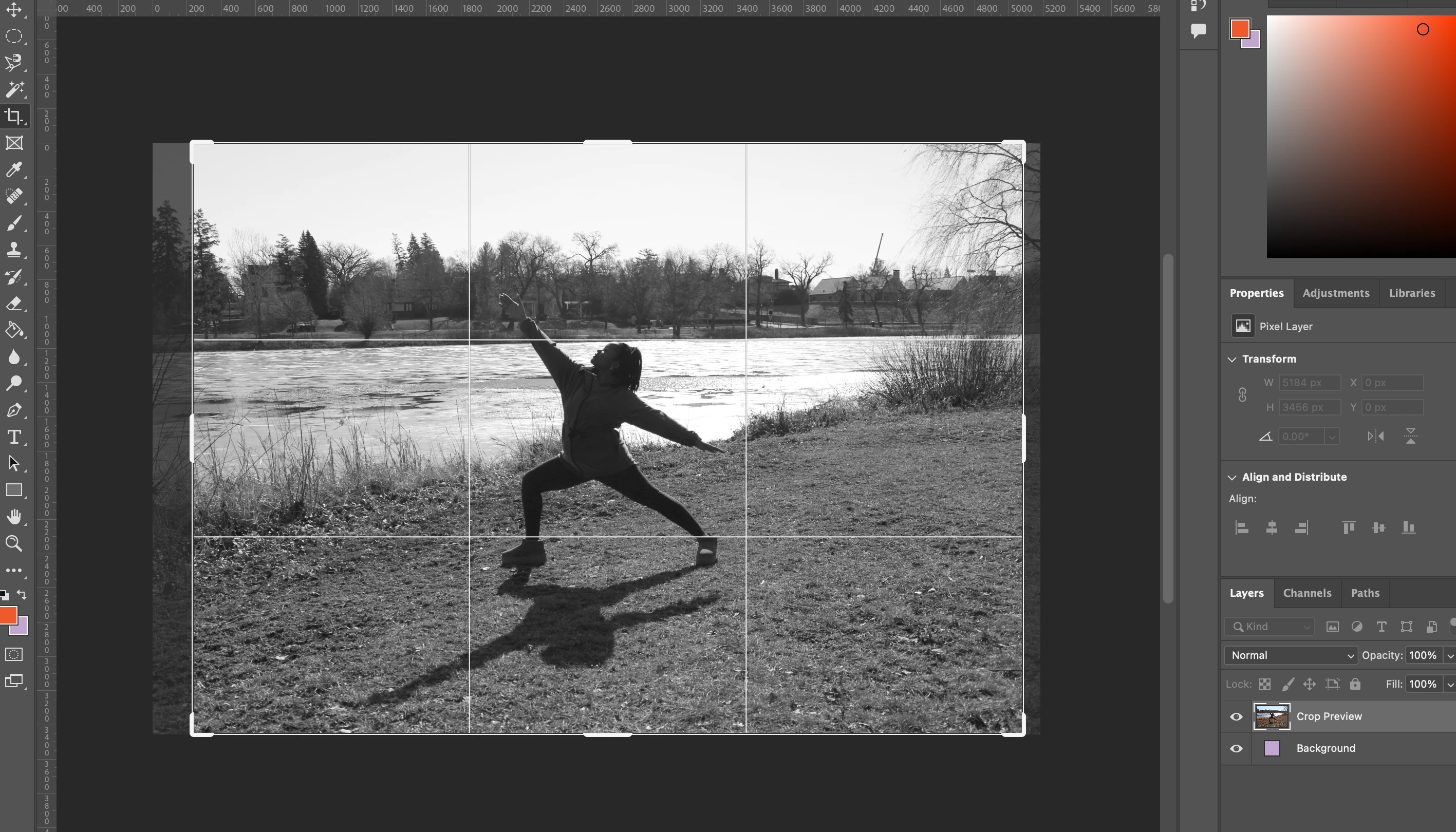
I have an image that I am trying to crop out just a small bit on the right and top, to make the subject centered in the photo. I usually would just go to my crop tool and make it the size I want and then click the select tool and it would resize the image. Today when I try this, it reduces the size to 52.3% of the image, and when I zoom to 100%, the image is totally pixelated. 
3 replies

Participant
June 25, 2025

I'm having the exact same issue, and the two other comments didn't fix it.

Noel Orridge
Community Manager
Community Manager
June 25, 2025

Hi @patriot_1_1528, Thank you for reaching out, and welcome to the community! I'm sorry that you're running into this issue.


To better understand the issue, could you please share more details, like your system configuration (from Help> System info> Copy and paste it into a text file and attach it to your response)? How exactly are you using the crop tool? Does it occur with all the supported image formats or just certain ones? Relevant screenshots or a screen recording would be beneficial as well. You can share via Google Drive, WeTransfer, or another public file-sharing platform with your response.


In addition to the suggestions above, you can check these out and see if they fix the issue.


1) Try turning off Animated Zoom or Scrubby Zoom:

  • Windows: Edit > Preferences > Tools
  • Mac: Photoshop > Settings > Tools
  • Uncheck Enable Animated Zoom or Scrubby Zoom


2) Turn off GPU acceleration: Please refer to this Helpx article for steps and more in-depth information: https://adobe.ly/3TH3JUo


3) Try resetting your preferences to default. It is recommended that you back up your preferences before resetting. You can refer to this Helpx article for steps to back up and reset the preferences: Preferences in Photoshop


Let us know how it goes!

Please use @ before mentioning my name so that I can get notified at the earliest, and you get the help you deserve.

Noel
D Fosse
Community Expert
Community Expert
March 1, 2024

Look in the options bar when the crop tool is active (not shown in your screenshot). Clear out the values set there.

gener7
Community Expert
Community Expert
March 1, 2024

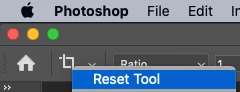
I would reset the Crop Tool and try again. Ctrl or Right-click on the icon to get this menu.