


Participant
April 19, 2022
Question

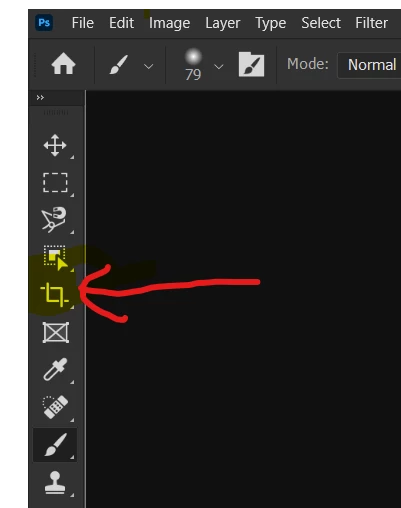
Photoshop release 23.3.0 crashes and quits when using the "Crop" tool.

  • April 19, 2022
  • 13 replies
  • 1463 views

Photoshop release 23.3.0 crashes and quits when using the "Crop" tool. 

After selecting the "Crop" button the crop bars appear on the image normally, then Photoshop crashes and quits when you try to crop the image.
 

This topic has been closed for replies.

13 replies

Legend
April 19, 2022

I'm not seeing any submitted crash reports from you in our system. If you haven't done so already, please submit all Crash Reports along with your email address: https://helpx.adobe.com/photoshop/kb/submit-crash-reports.html That will help us diagnose the crash.


One thing to try: Go to Preferences > Performance... click Advanced Settings... and uncheck "GPU Compositing" - then restart Photoshop. Does the problem still occur?

Participant
April 19, 2022

That didn't help. I'm going to try re-installing Photoshop without "Keep" for the preferences this time.

TheDigitalDog
Inspiring
April 19, 2022

When PS crashes, the first thing to do is try resetting preferences. Press and hold Alt+Control+Shift (Windows) or Option+Command+Shift (Mac OS) immediately after launching Photoshop. Any difference?


Author “Color Management for Photographers" & "Photoshop CC Color Management/pluralsight"