December 2, 2025
Question

Photoshop Save as & Open file Issue!

  • December 2, 2025
  • 2 replies
  • 93 views

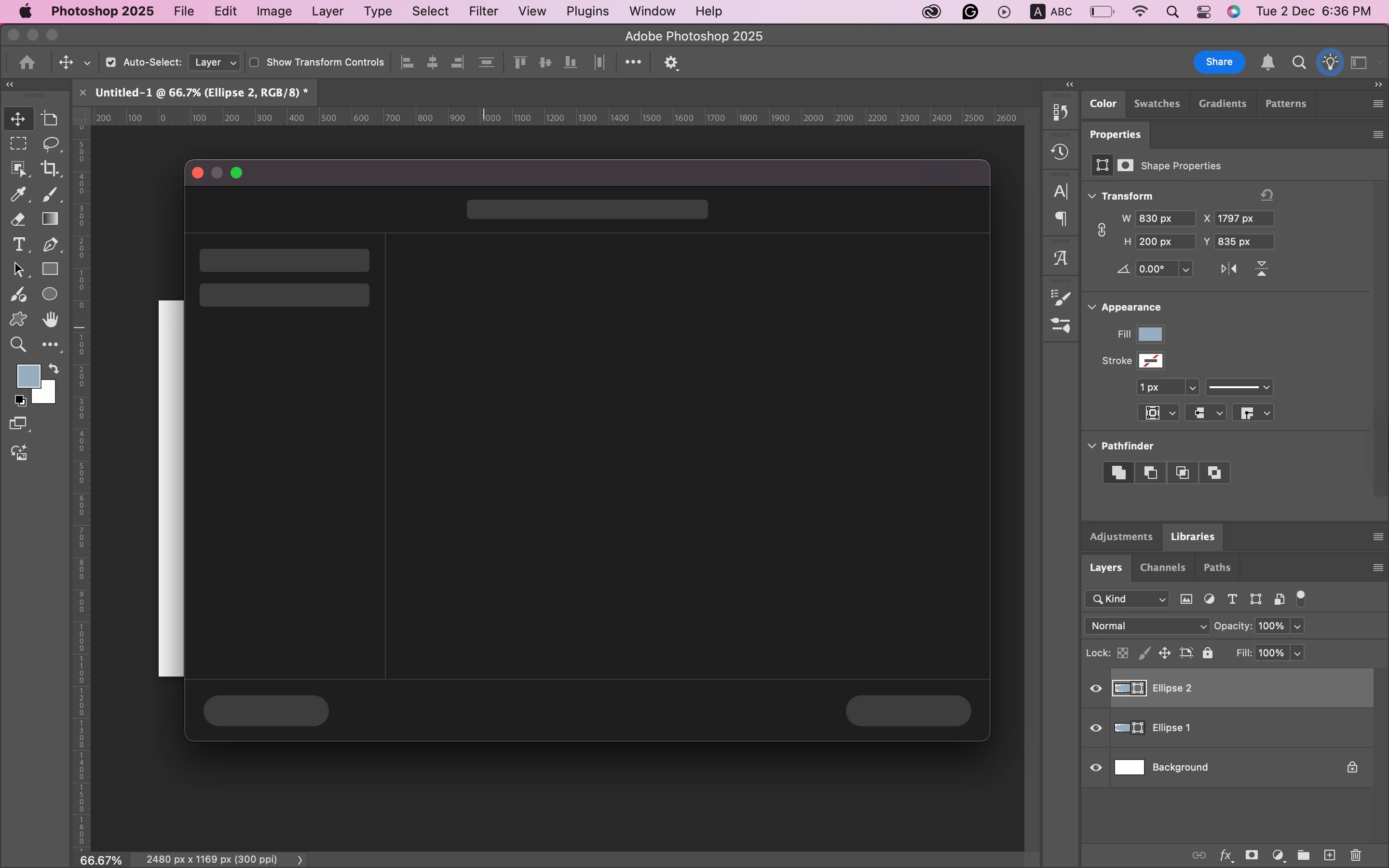
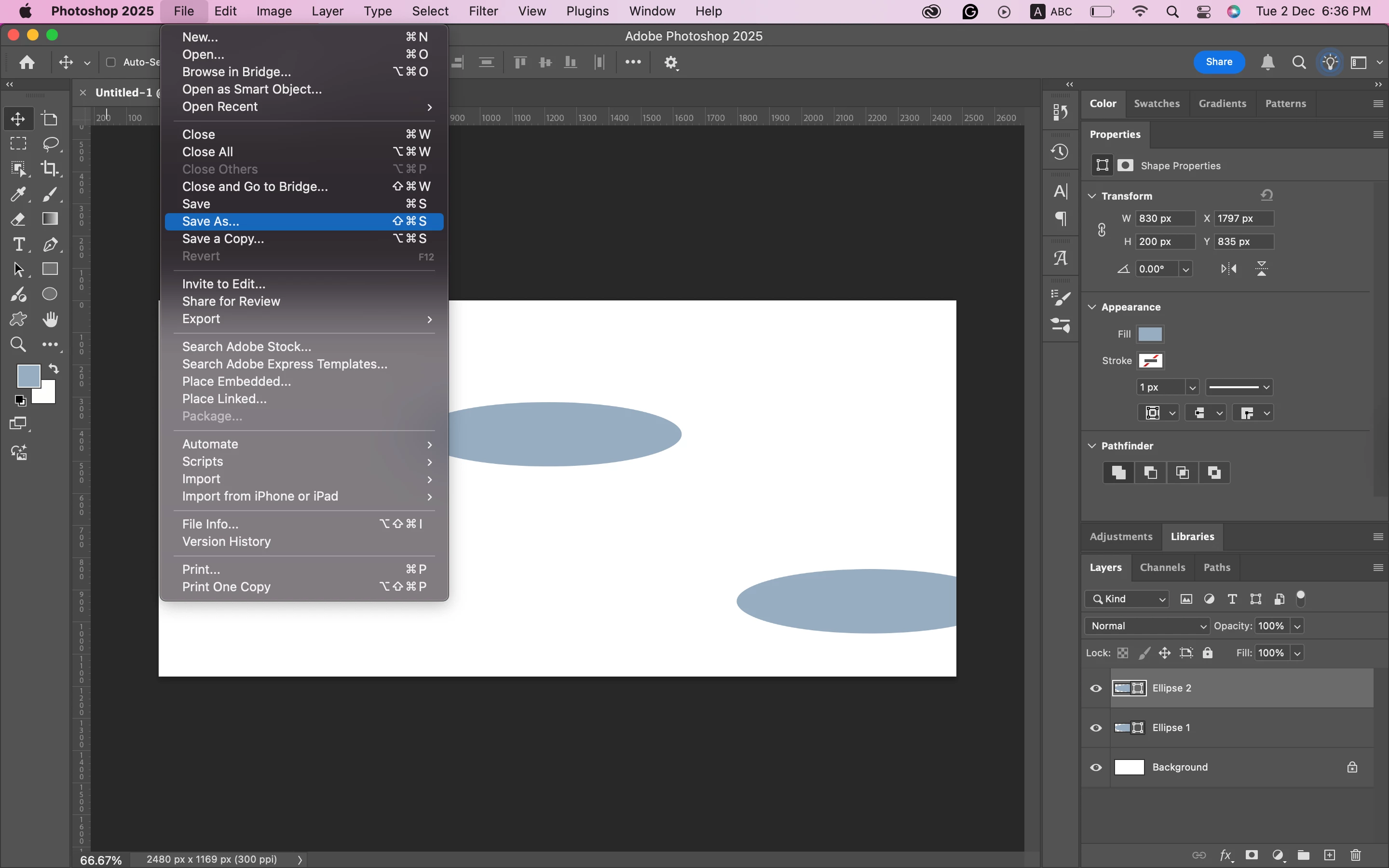
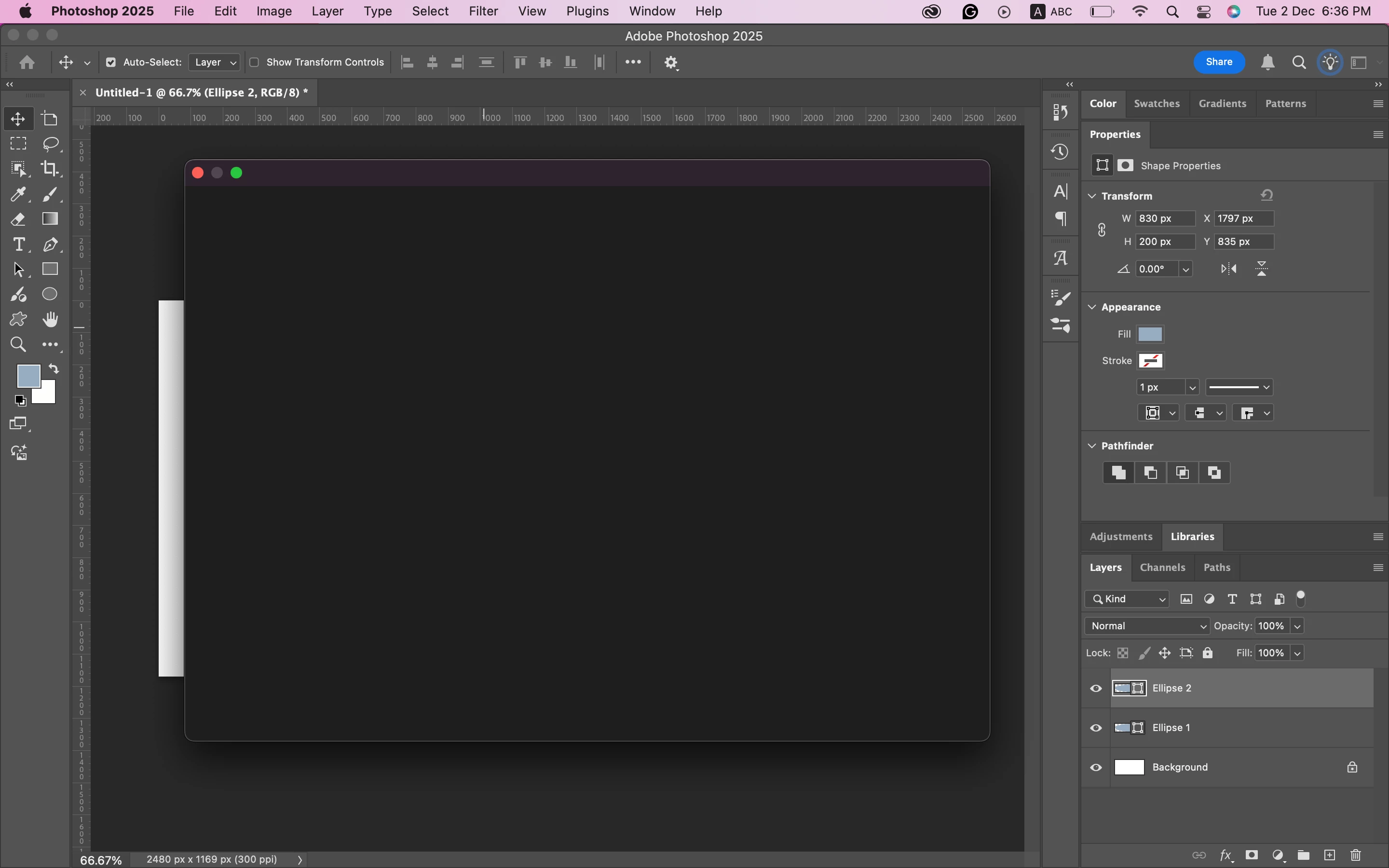
I have been having this issue for a while, where I am unable to open or save as a file. I can make a New document tho.


Anyway, when I try to Open Or Save as a file, I get a blank black page, and it stays like that, and nothing shows up.


I tried looking this up, but it doesn't seem that anybody is having a similar issue.


Can you please help me?

I have attached screenshots of the problem. 
 

Screen Shot 2025-12-02 at 6.36.39 PM.pngScreen Shot 2025-12-02 at 6.36.31 PM.pngScreen Shot 2025-12-02 at 6.36.19 PM.png

2 replies

Community Manager
December 2, 2025

Hi @Sayed32199323qg6v, welcome to the community!
Could you let us know what version of Photoshop you’re using? If you haven’t already, please update to the latest version and let us know if that helps with the issue.
If everything is up to date, it might help to reset your Photoshop preferences. Just keep in mind this will remove custom settings like brushes, workspaces, and others, so make sure to back them up first. Here’s how:
https://adobe.ly/48Mn4Mf
Thanks!
Alek

*(If you mention me with an @, like @Aleke, I’ll get a notification and can respond faster.)*
Myra Ferguson
Community Expert
Community Expert
December 2, 2025

Here's a page with multiple solutions to address issues with opening and/or saving files:

https://helpx.adobe.com/in/photoshop/kb/program-error-opening-psd.html