
Photoshop Save / Bridge Thumbnails
Greetings everyone
(I know this is not Photoshop related, but no-one is responding to my question on the Bridge forum.)
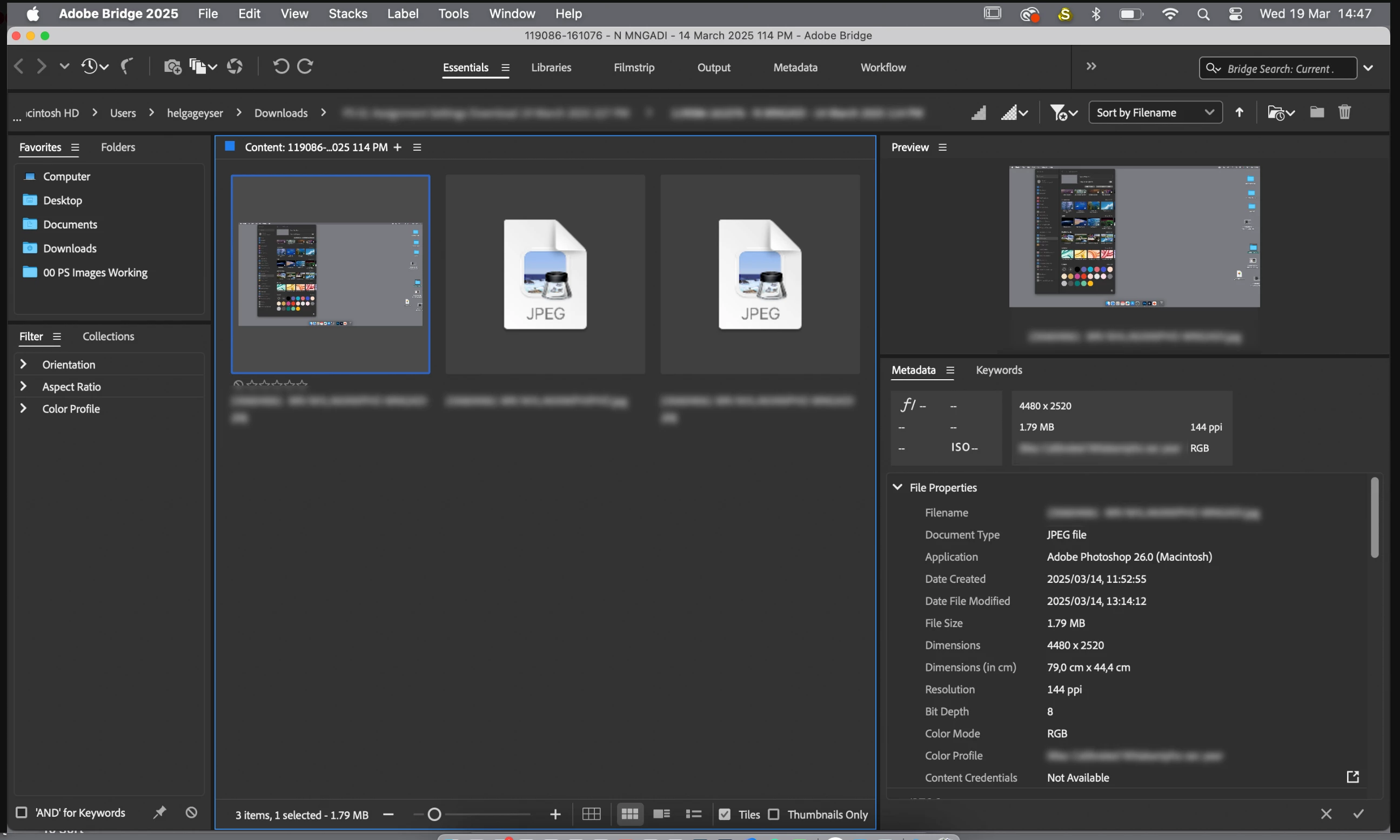
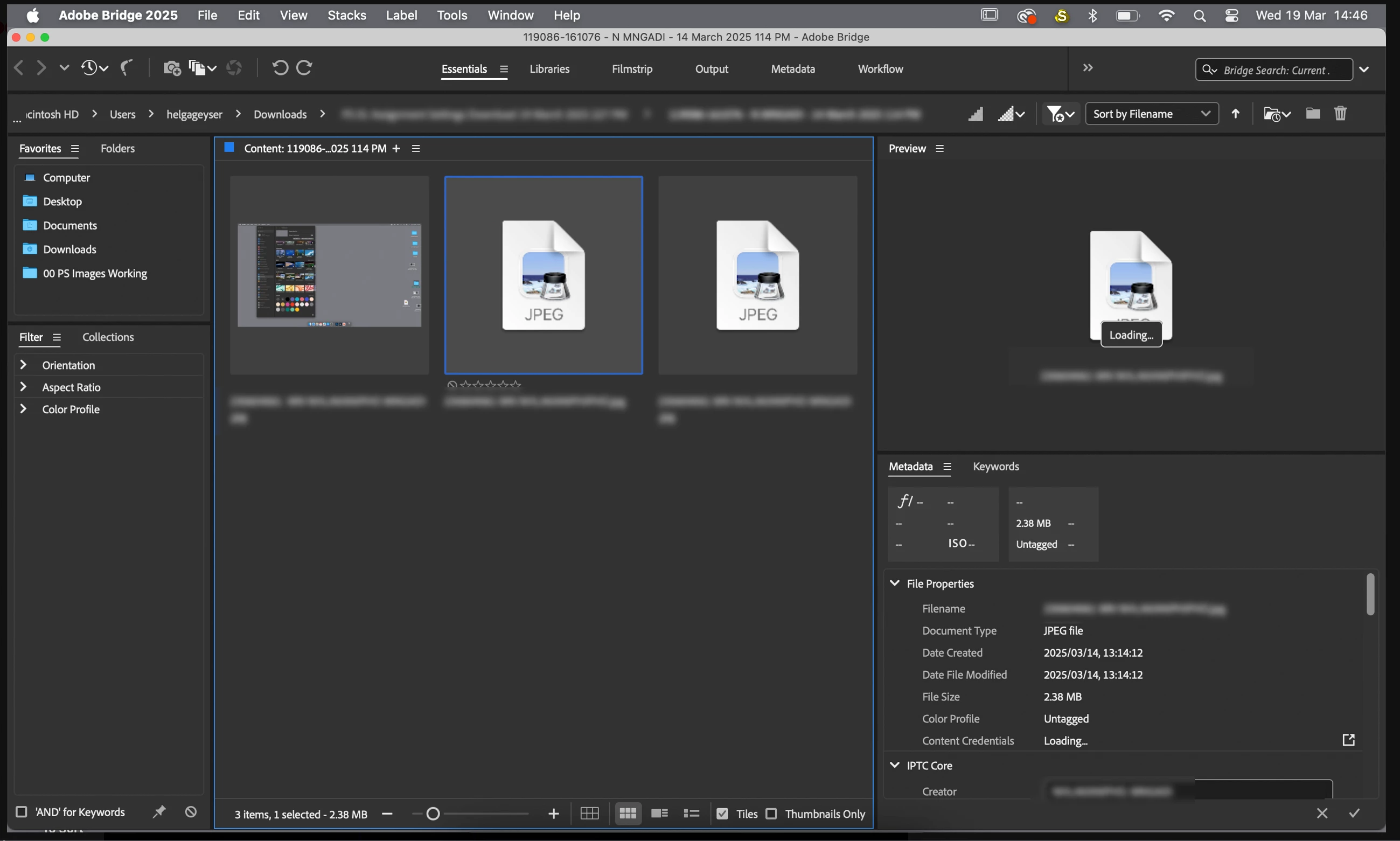
I have three screenshot jpeg images in a folder. One image loads a Thumbnail and a Preview and the other two don't.
I have reset the Preference Settings, Purged the Cache, given Full Disk Access to Bridge and checked all settings and Preferences.
The one image that loads the Thumbnail & Preview also displays the full Metadata. The other two show no Dimensions, Resolution or Colour Profile. These images were Saved in Photoshop and not Exported.
The same issue is visible on Bridge 2025 and on 2022.
The images that do not show, do open in Photoshop 2025.
The images that do not show in Bridge do show in Finder and open in Preview.
The images that don't show, also do not show in Capture One - which makes me think that it is not necessarily a Bridge issue, but more a Photoshop Save issue.
The issue is not isolated - I get the same issue with work that has been saved on multiple 24inch M1 Mac computers (student work).
I am on a MacBook Pro (M1) with all Apps fully updated to the latest versions.
I kindly request some assistance with this problem.
Regards


 AdChoices