
Participant
July 12, 2024
Answered
photoshop saving settings problem
- July 12, 2024
- 1 reply
- 257 views
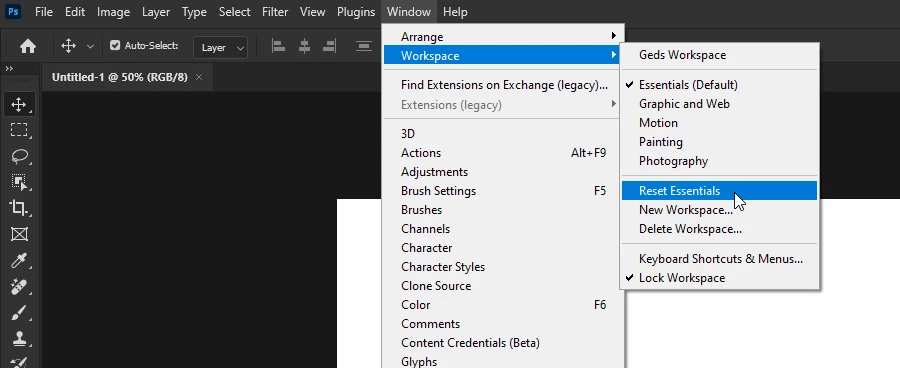
I worked in a Photoshop folder that I used artboards. After I did my work I saved it in a folder and closed it. The next day when I opened the folder, my preview settings, all toolbars had closed and had not been saved. When I open the files none of my settings are restored that I have worked with, it looks like they are not saved. How can I fix the problem? Thank you for your answer.


 AdChoices