

Answered
Photoshop selecting the outside of a transparent layer but not the inside
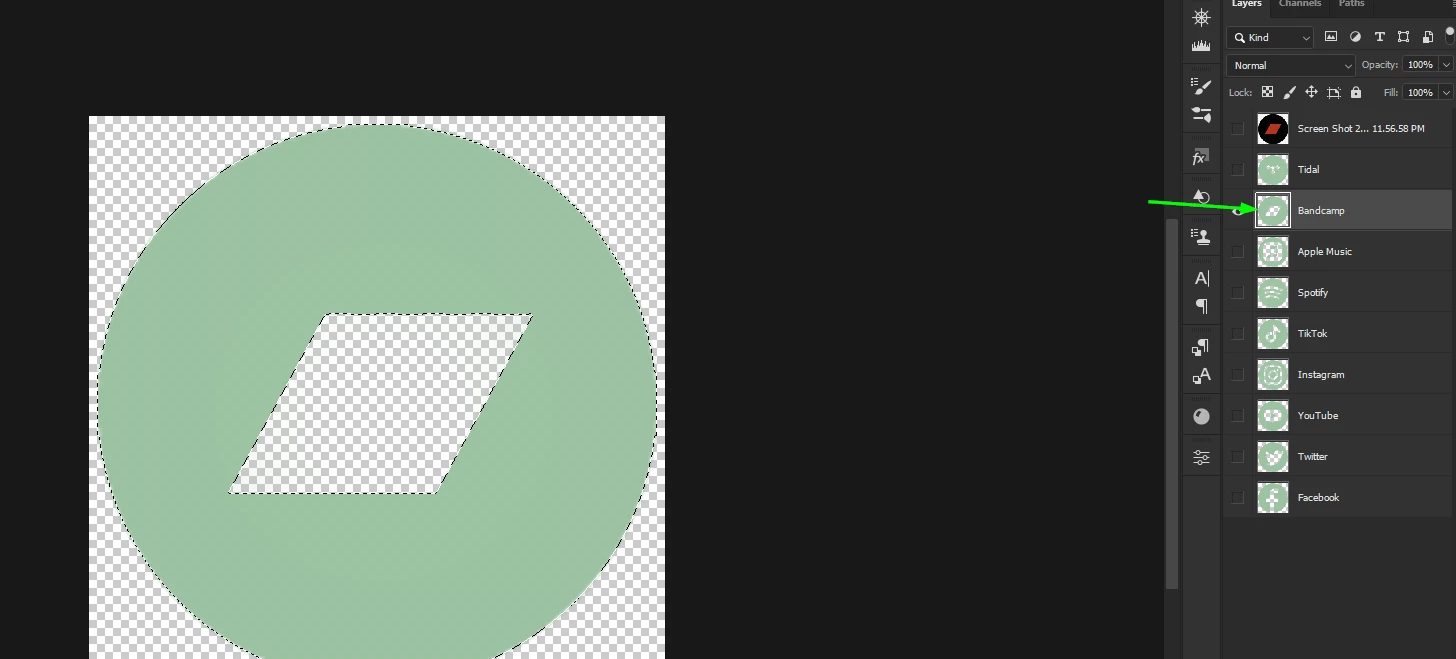
I made some social media logos awhile back and saved the session with each logo on it’s on layer.
I’m doing another project and wanted to use the same logos, but with a different color on the new project. These are circles with the logo etched out of the middle. When I select a portion of the logo and click on similar, it selects the circle as a whole, but I can’t get it to deselect the middle, so when I try to bucket fill, it just gives me a circle. Even if I do the object selection tool, it does the same thing.
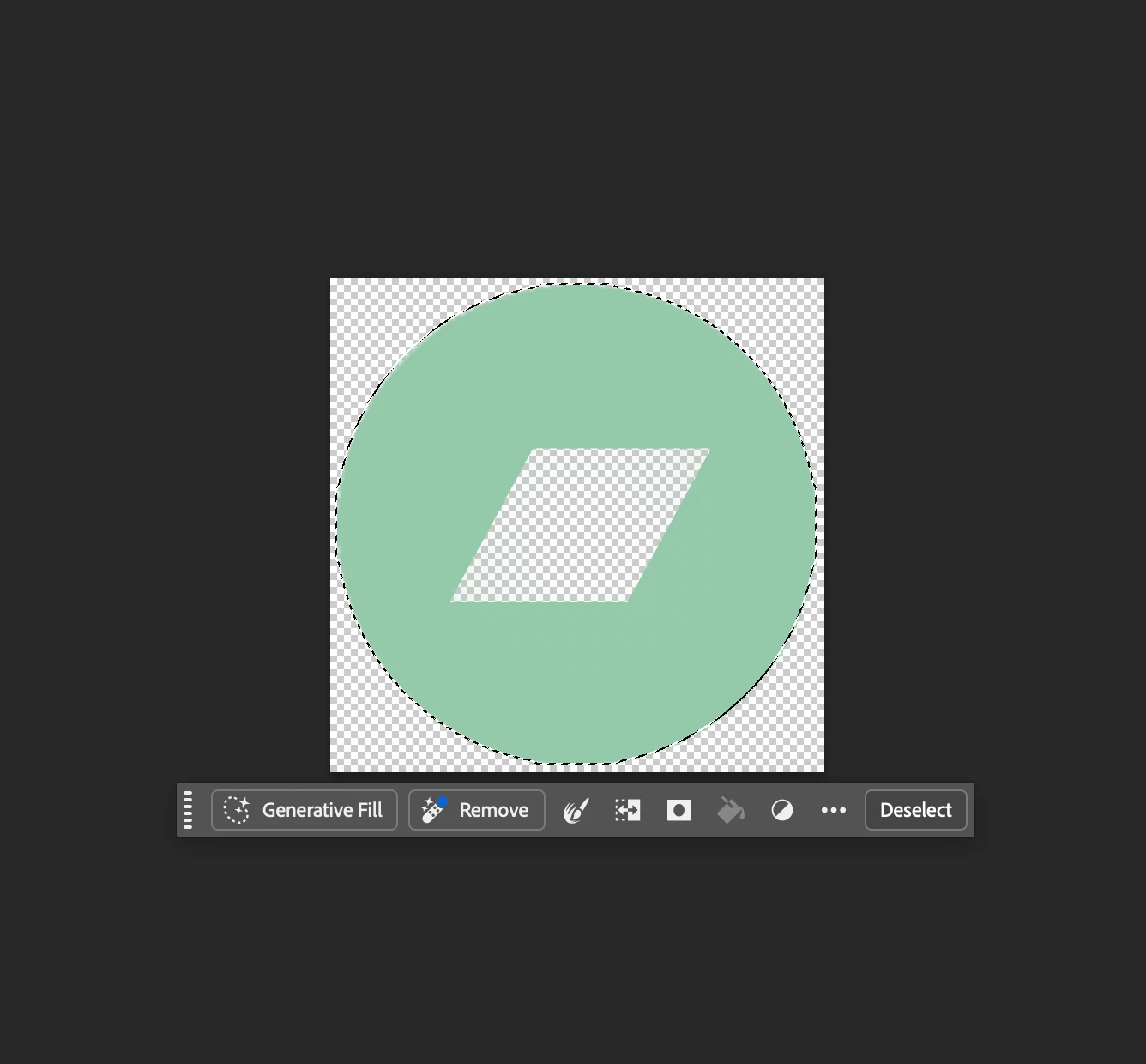
I’m self-taught and just learn things as needed, and forget them just as quickly, so this could be something super simple. I just don’t want to have to recreate these again.
Any help would be appreciated.


 AdChoices