


Photoshop Shows Error When Trying To Open Any File (11552453)
Photoshop Version 27.1
Windows 11 Version 25H2
Drivers:
NVIDIA GeForce MX250 Version 577.03
Intel Iris Plus Graphics
Super Display Virtual Adapter
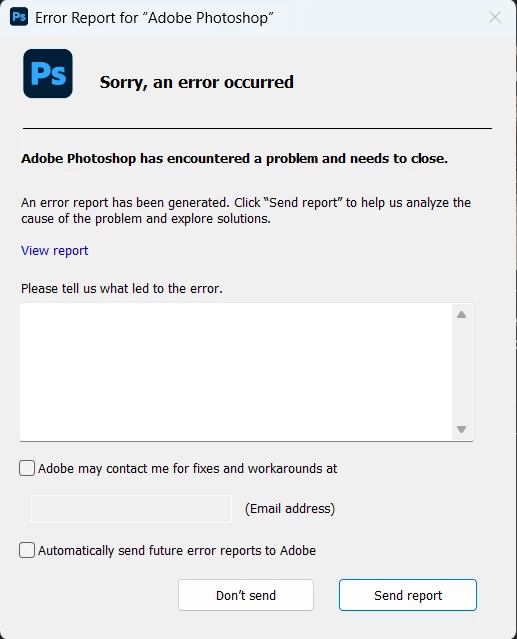
Photoshop boots up fine and the menus work great. When I try to open ANY type of file, an error window pops up and says "Adobe Photoshop encountered a problem and needs to close." That's all it says.
I have tried:
-Restarting my computer
-Updating Photoshop
-Updating Computer
-Checking computer storage space (there is PLENTY)
-Uninstalling and reinstalling Photoshop
-Tried to hold Cntrl+Alt+Shift while booting up photoshop (which was reccommended and supposed to bring up dialog box to reset all photoshop preferences) Nothing popped up. When I try going through menus Edit--Preferences--General... I don't see any options to reset preferences.
-I know I've updated my graphics processors/drivers before but it's giving me grief this time.
HELP!!
 AdChoices