


질문
Photoshop shows nothing on file launch or gray box when clicking on layer
Issue:
- Photoshop version: 25.5.0 Release
- OS: Sonoma 14.3.1
Steps to reproduce:
- I open photoshop
- Create a file, open file, drag image to open in Photoshop (doesn't matter)
- File opens and nothing shows in workspace
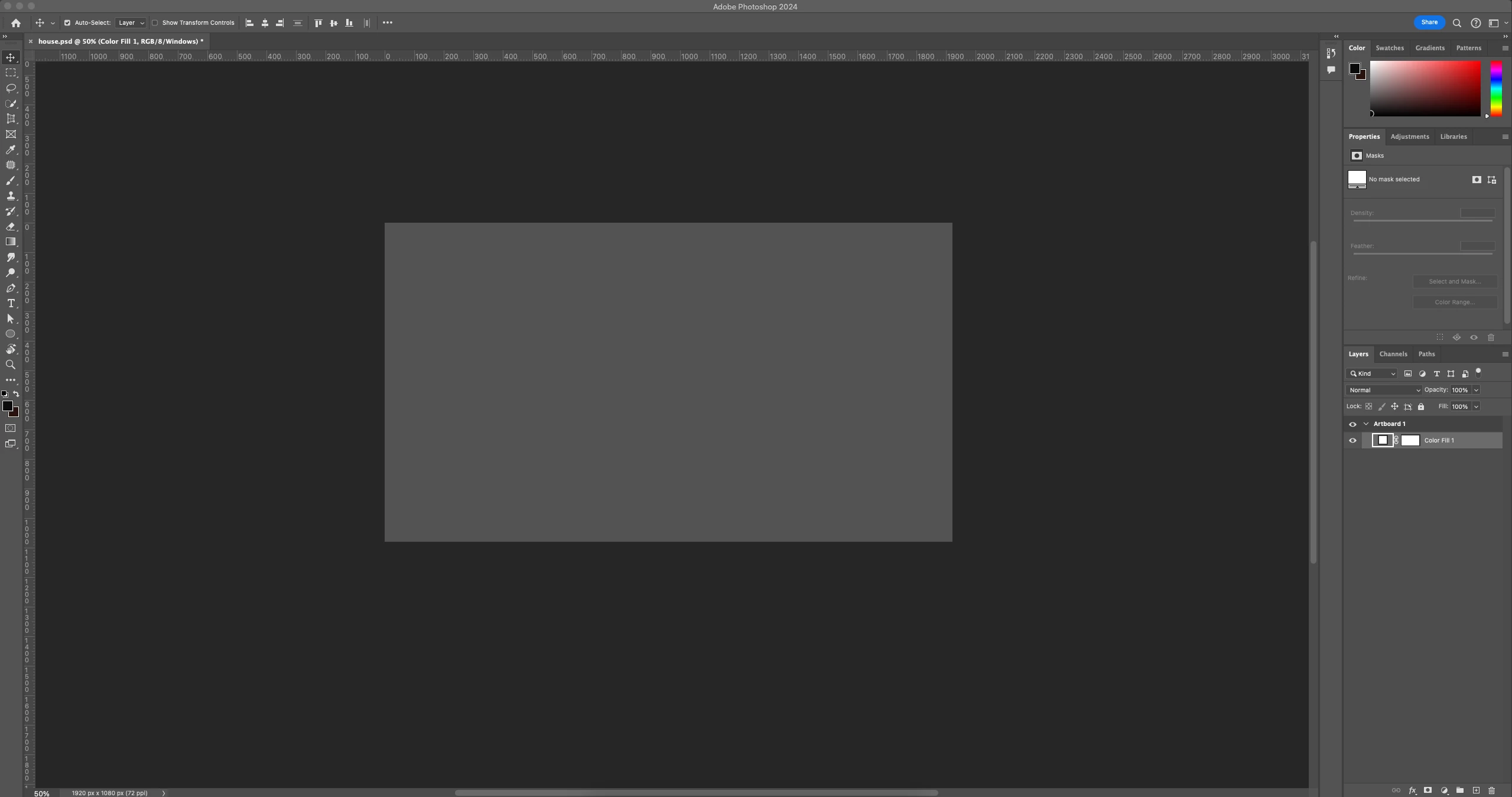
- When I click on any layer/artboard name, a gray box appears
Expected result: My file to show up
Actual result: No visible artboard space and/or gray box working area.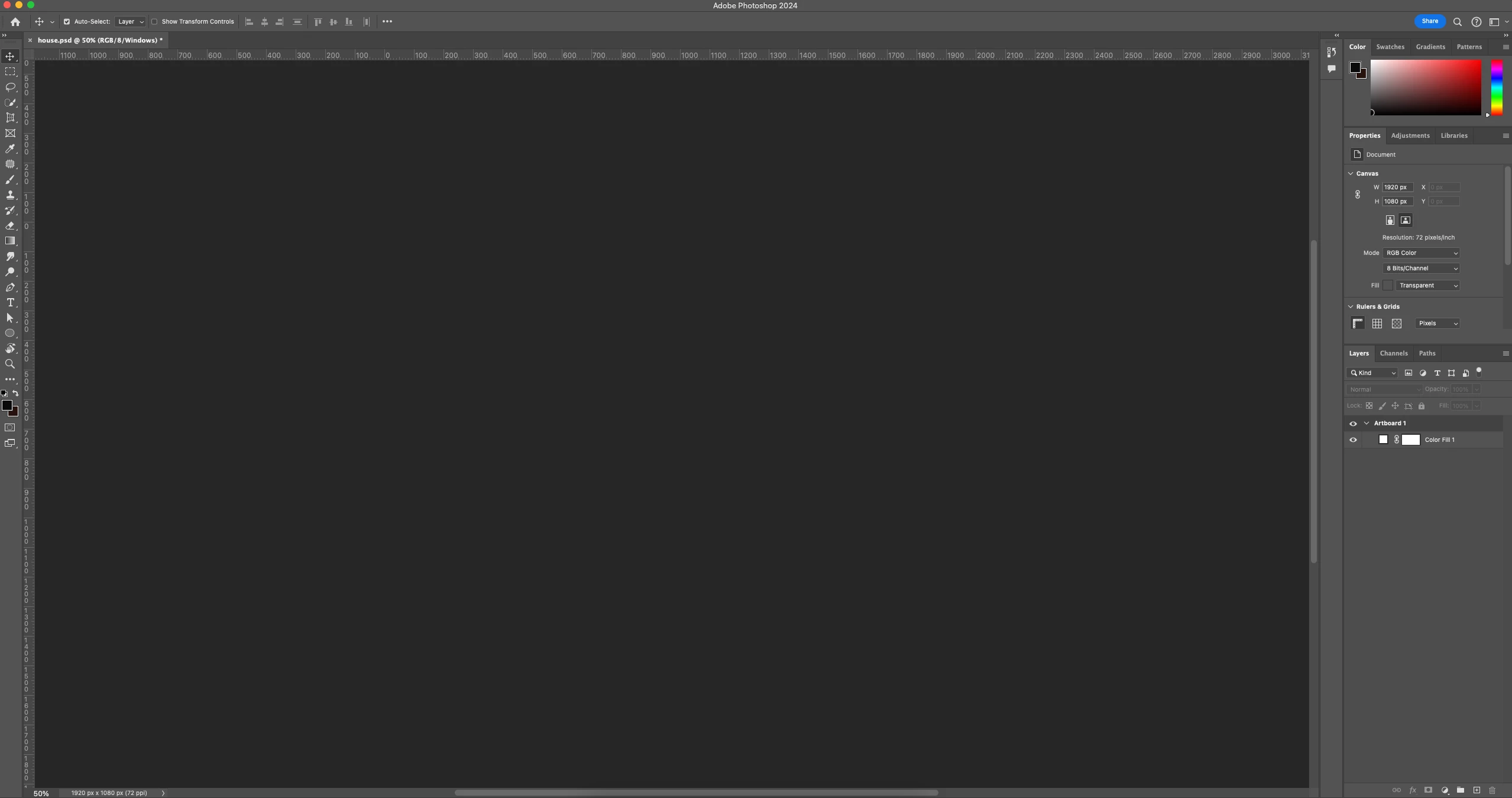
Notes:
I've already tried restarting my computer, restarting photoshop, clearing cache, playing around with my preferences... Please help!
 AdChoices