
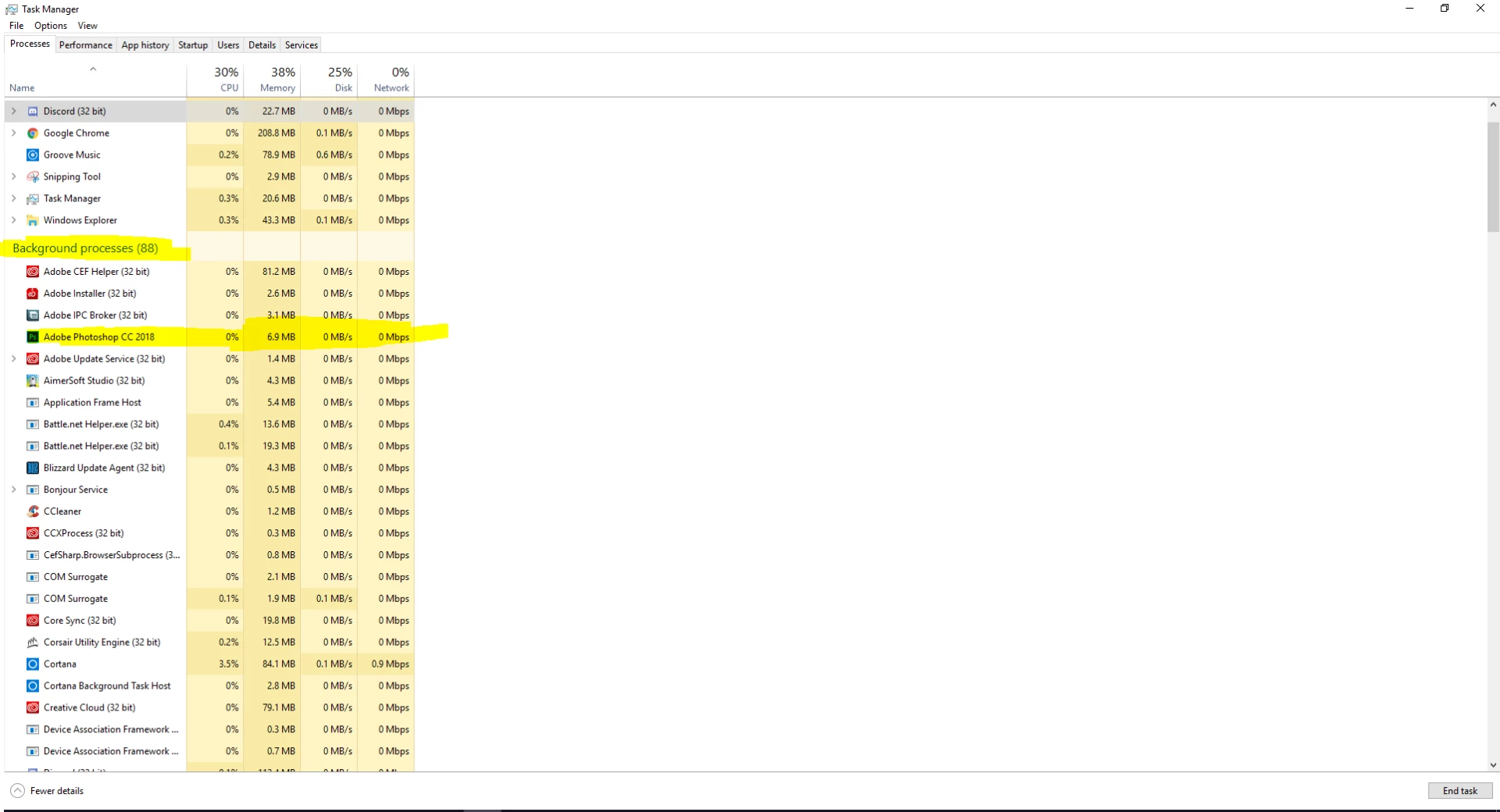
Photoshop, stuck as a background process.
This issue first started in CC 2017, I've completely uninstalled Photoshop, along with the Creative Cloud. I've also deleted all the folders in program files, documents, and everywhere I could find any Adobe folders. But after reinstalling everything I'm still not able to open it, I updated to CC 2018 and I'm still having this issue, I've even tried downloading previous versions, every time I re-download it my computer still wont open it. It doesn't pop up the normal launch box or anything, I look in the Task Manager, and every time I click run it pops up a new background process for it. I've tried running as an administrator, it will pop up the message asking if I want to run the program I click yes, it still pops up as a background process. I tried ending the process trees tied to Adobe but that didn't work either.


 AdChoices