Participant
March 25, 2020
Answered

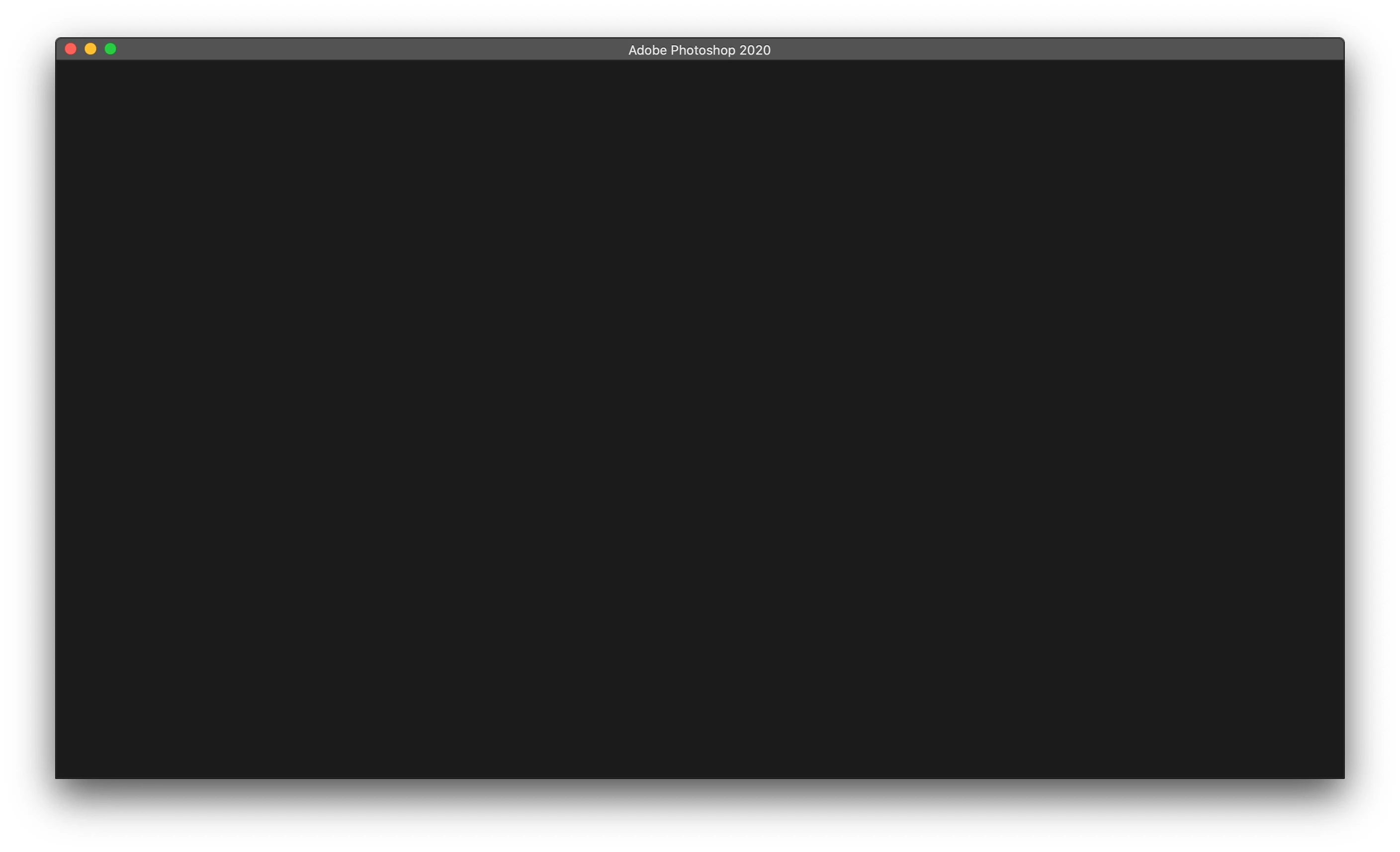
Photoshop stuck on a black window atfter launch

  • March 25, 2020
  • 1 reply
  • 432 views

Bonjour,

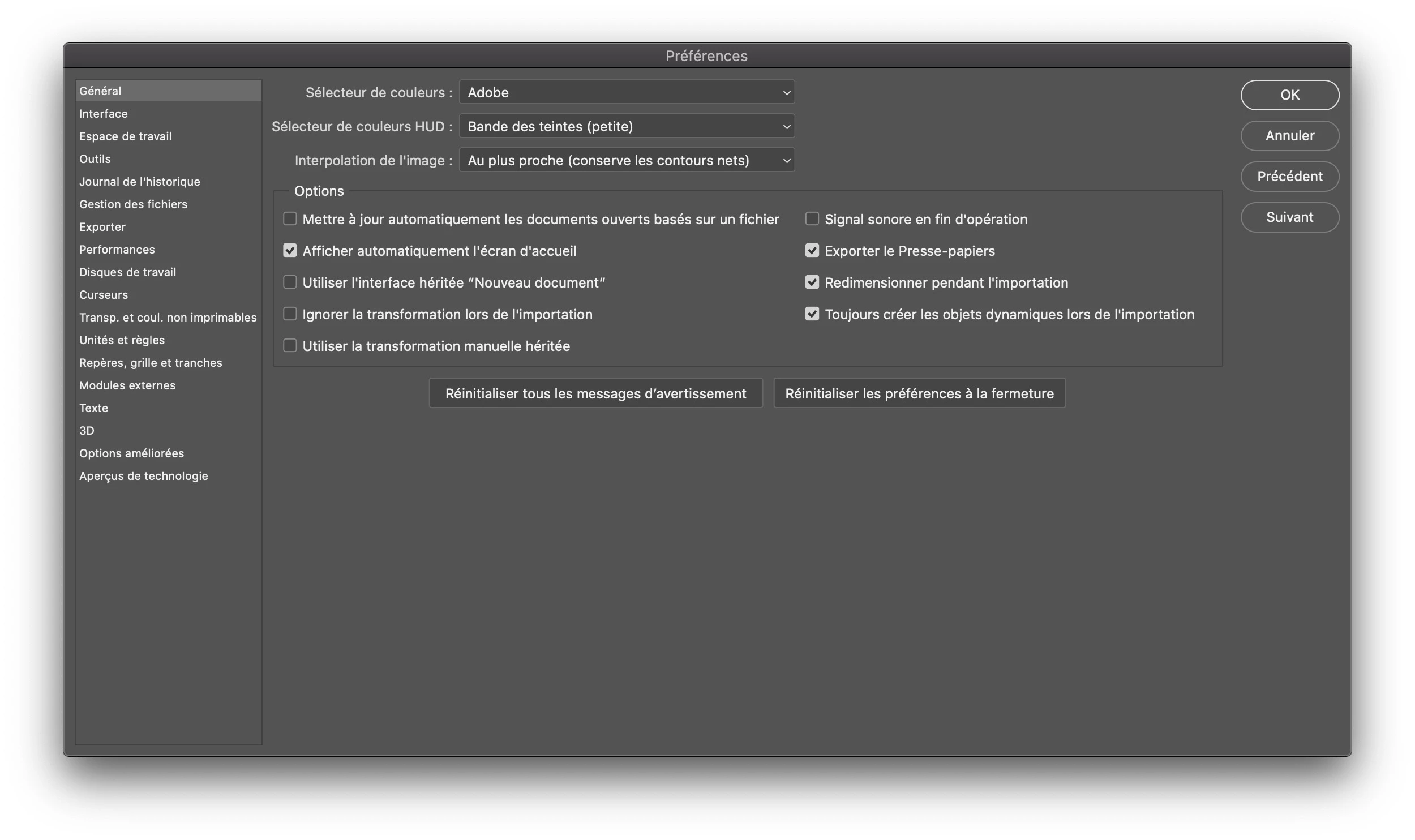
J'ai installé la version d'essai du dernier photoshop sur mon macbook air 2019, qui est à jour. Au lancement, l'écran de chargement fonctionne et Photoshop s'ouvre, mais il est bloqué sur un écran noir et c'est tout. Je peux seulement définir les préférences, accéder à la barre de menus et fermer le programme. Je ne peux pas ouvrir ou créer un nouveau fichier.

J'ai essayé de résoudre ce problème en réinitialisant les préférences, en réinstallant même le programme, mais en vain.

Pourrais-tu m'aider s'il te plait?


(Désolé pour mon anglais, je suis français.)
 

This topic has been closed for replies.
Correct answer nikunj.m

Hi there,


We are sorry about the issue while trying to launch Photoshop. 


Please try the suggested steps here: https://helpx.adobe.com/photoshop/kb/troubleshoot-home-screen-issues.html


If the issue persists, please add your vote to the issue at the link below and try the suggested workaround: https://feedback.photoshop.com/photoshop_family/topics/photoshop-2020-black-window


Regards,

Nikunj

1 reply

nikunj.m
Community Manager
nikunj.mCommunity ManagerCorrect answer
Community Manager
March 25, 2020

Hi there,


We are sorry about the issue while trying to launch Photoshop. 


Please try the suggested steps here: https://helpx.adobe.com/photoshop/kb/troubleshoot-home-screen-issues.html


If the issue persists, please add your vote to the issue at the link below and try the suggested workaround: https://feedback.photoshop.com/photoshop_family/topics/photoshop-2020-black-window


Regards,

Nikunj

sidnayAuthor
Participant
March 26, 2020

Hello,


Thank you very much for you reply, I tried the solution you suggested me to do and it worked.


Have a nice quarnantine !

Sidnay.