


Participant
November 26, 2023
Question

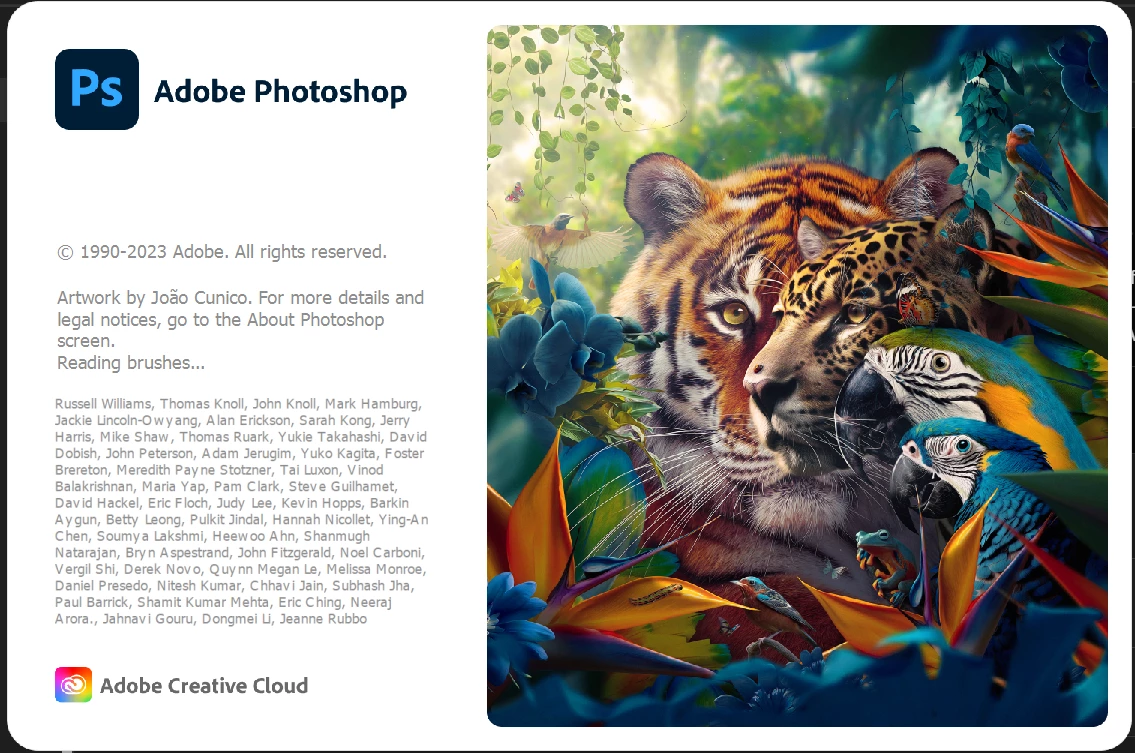
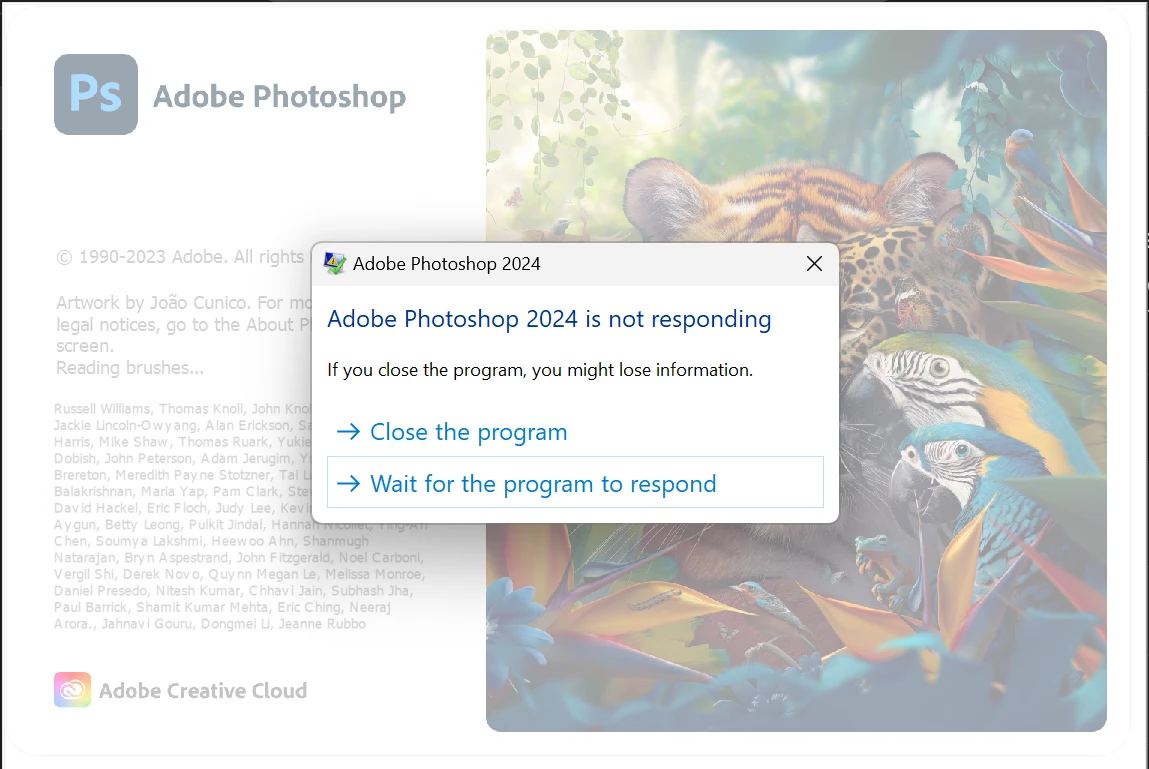
Photoshop (v 25.1) won't launch, freezing on the splash screen

  • November 26, 2023
  • 2 replies
  • 359 views

I recently redownloaded Photoshop to do some projects, but unfortunately, when I tried launching it, I couldn't get past the loading screen. I've tried pretty much every solution I could find, so I decided I would take a more direct approach and ask about my problem specifically.
Whenever I launch Photoshop it'll make it halfway through the splash screen until it freezes at either reading brushes or loading fonts depending on the version of Photoshop I launched.
Attempted Solutions:
Uninstalling and reinstalling Photoshop

Downloading older versions

Letting it sit for an hour or two

Deleting custom brushes
Deleting additional fonts

Deleting preferences

Deleting presets
Deleting Creative Cloud and reinstalling
(I may have done more, but those are all the major things I tried)
This topic has been closed for replies.

2 replies

D Fosse
Community Expert
Community Expert
November 26, 2023

Note what it says on the splash screen as it loads components. Here it says "loading brushes".


Apparently you have corrupt brushes. If you haven't installed any brushes yourself, it's a corrupt install. There is a brushes.psp file in the Preferences folder in your user account, you can try to move it to the desktop and launch again.


An uninstall/reinstall won't touch anything in the preferences folder unless you specifically tell the installer to delete it when uninstalling.

kglad
Community Expert
Community Expert
November 26, 2023

in the future, to find the best place to post your message, use the list here, https://community.adobe.com/

p.s. i don't think the adobe website, and forums in particular, are easy to navigate, so don't spend a lot of time searching that forum list. do your best and we'll move the post (like this one has already been moved) if it helps you get responses.


<"moved from cc desktop bugs">