


Photoshop v 26 cannot run Image Processor or other scripts from Application folder.
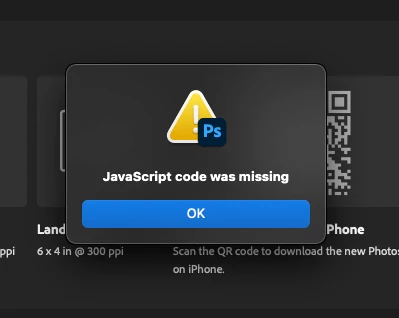
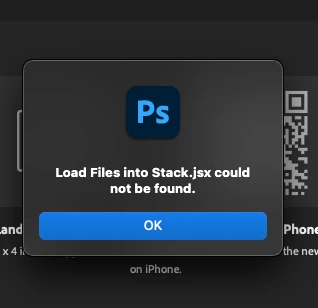
When I try to run Image Processor from within Photoshop or from Bridge, I get the message "JavaScript code was missing". I get the same or similar with other script functions (see screenshots) and when browsing to other scripts I have manually placed in the Presets>Scripts folder.
This is a brand new Mac. I have tried uninstalling and reinstalling Photoshop from Creative Cloud with and without removing preferences, as well as both v 26.0 and v 26.10. I have since installed v 25.12.4 and the scripts all run without problem. It seems like v 26 is unable to access the Applications folder or something? I have checked the scripts are present where they should be, and can be run if placed in another location.
The only related article I found was talking about a similar issue when launching Photoshop with Rosetta, which I am not doing.
System:
Photoshop v 26.0 and v 26.10
Macbook Pro M2 Max, OS 15.7
 AdChoices