
Participating Frequently
March 2, 2023
Answered

PhotoShop v24.2 Not Showing Legacy Extensions

  • March 2, 2023
  • 7 replies
  • 17182 views

Hey Guys,


I'm having issues enabling my legacy extensions panel on my Macbook Pro M1. It currently greyed even after I enabled all the legacy extension settings in my preferences and running photoshop in Rosetta.
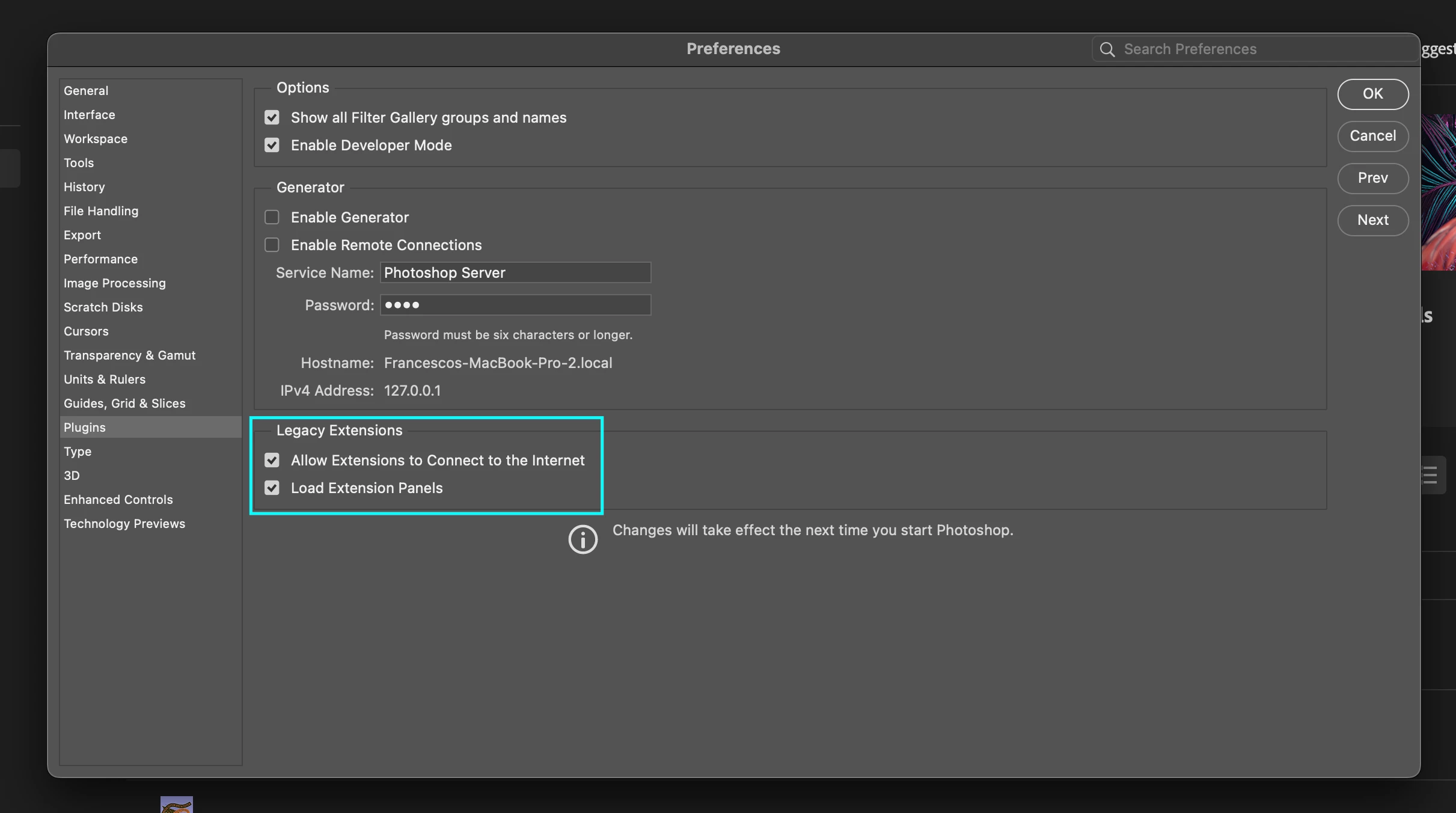
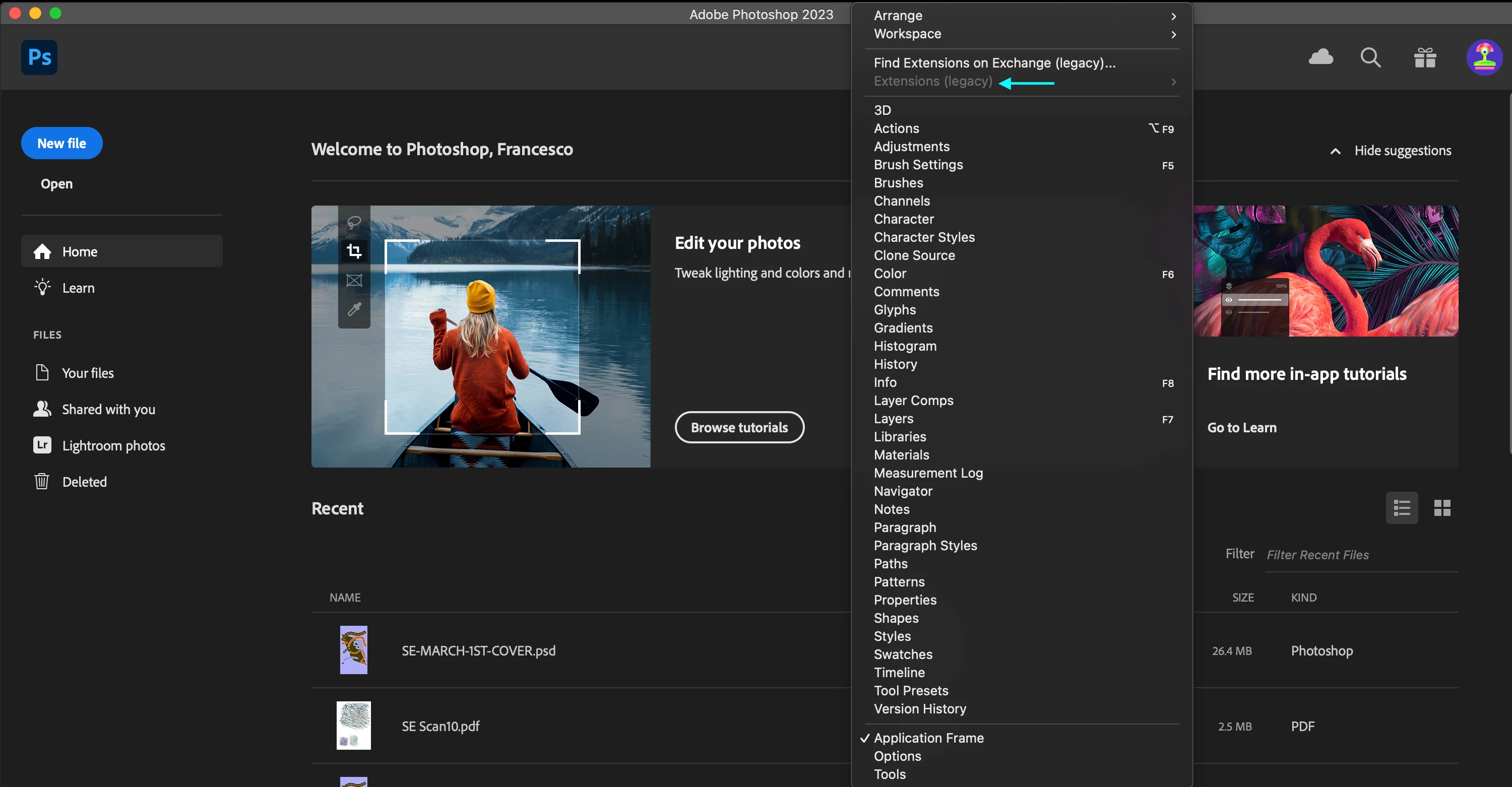
Is anyone else encountering the same issue as me? or do you know a workaround for the time being?
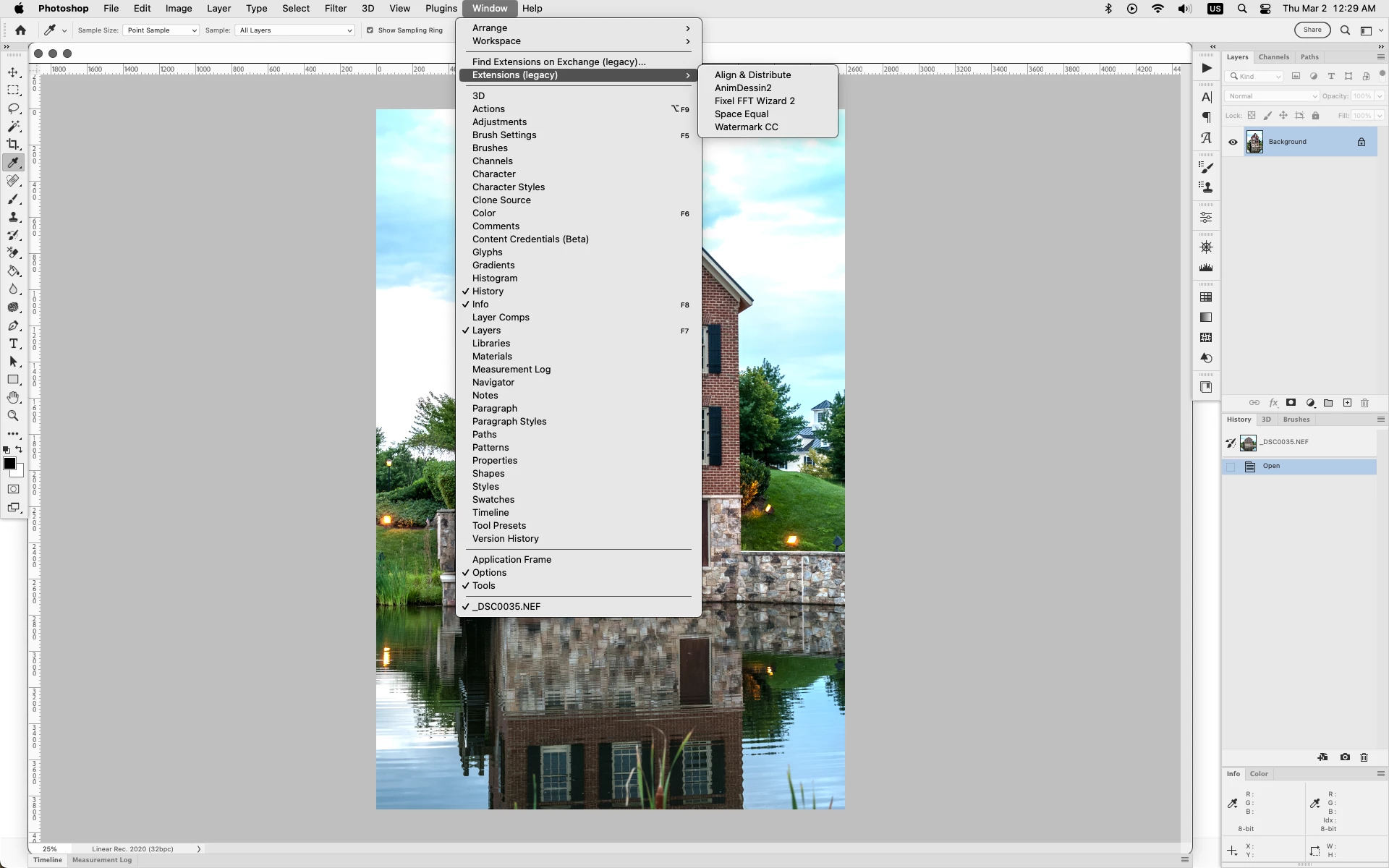
Correct answer Jeff Arola

I would reset the Photoshop preferences by going to Photoshop>Preferences>General, clicking on Reset Preferences On Quit and restarting Photoshop.


https://helpx.adobe.com/photoshop/using/preferences.html


Works here on a M1 2022 Mac Studio running macOS Ventura 13.2.1 and Photoshop 2023 (ps ver 24.2) under Rosetta.


7 replies

Participant
December 28, 2024

Yes am having the same problem 

Participant
January 5, 2025

Same issue - bought Mac Studio M2 Ultra - photoshop not loading legacy extensions

Participant
October 18, 2023

did you fix it


Participant
February 1, 2024

Please help. I purchased some presets to do photo editing in PSD. I have the latest PSD. version and Apple M2 Pro macbook with the Sonoma OS.  Now, I am supposed to find these plugins at the extention panel or something but EXENTIONS is not even showing on my WINDOW tab or under my preferences it is greyed out. Why? Help please. 


Jeff Arola
Community Expert
Community Expert
February 1, 2024

MariNella,


Maybe the presets are for Camera Raw?


Where did you get the presets from?

Participating Frequently
March 2, 2023

@Jeff Arola it is working now; thanks for your help

Participating Frequently
March 2, 2023

Thanks for that. I will try this out and see how I go! 

Jeff Arola
Community Expert
Jeff ArolaCommunity ExpertCorrect answer
Community Expert
March 2, 2023

I would reset the Photoshop preferences by going to Photoshop>Preferences>General, clicking on Reset Preferences On Quit and restarting Photoshop.


https://helpx.adobe.com/photoshop/using/preferences.html


Works here on a M1 2022 Mac Studio running macOS Ventura 13.2.1 and Photoshop 2023 (ps ver 24.2) under Rosetta.


Participating Frequently
March 2, 2023

Thanks, @Jeff Arola , same thing doesn't make a difference unfortunately

Jeff Arola
Community Expert
Community Expert
March 2, 2023

What if you actually open a document into photoshop proper?