viktoriap59157741
Known Participant
June 1, 2021
Answered

Photoshop video render takes forever

  • June 1, 2021
  • 4 replies
  • 13590 views

I am a beginner in making videos and since the last time I have made a video in After Effects, I found it very complicated if I wanted to add some shapes, or images to my composition and since I had my mockup already made in Photoshop I thought I will do the vide in photoshop. I tried to import that file into After effects but it merged some layers that it shouldn't have done even with my choice of keep layers editable.

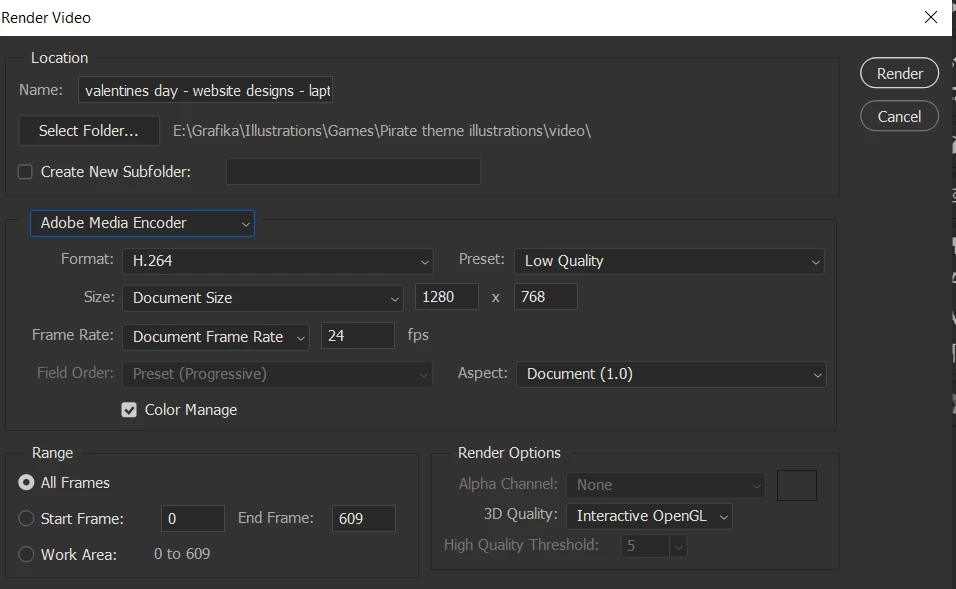
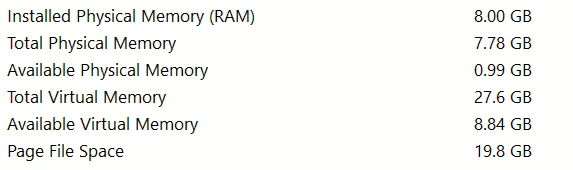
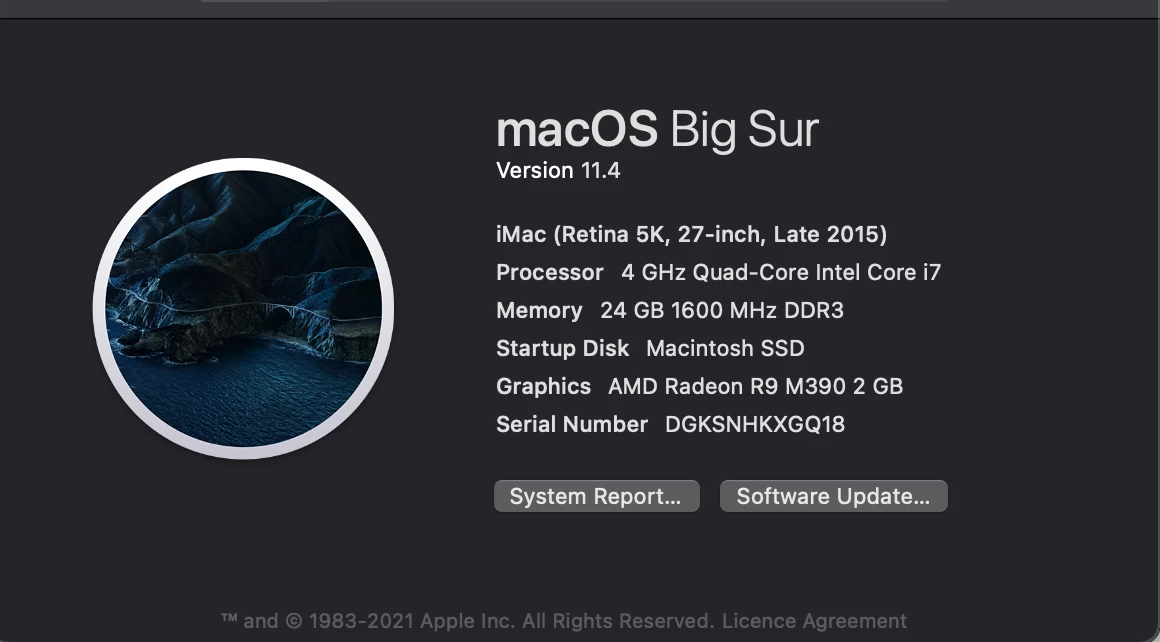
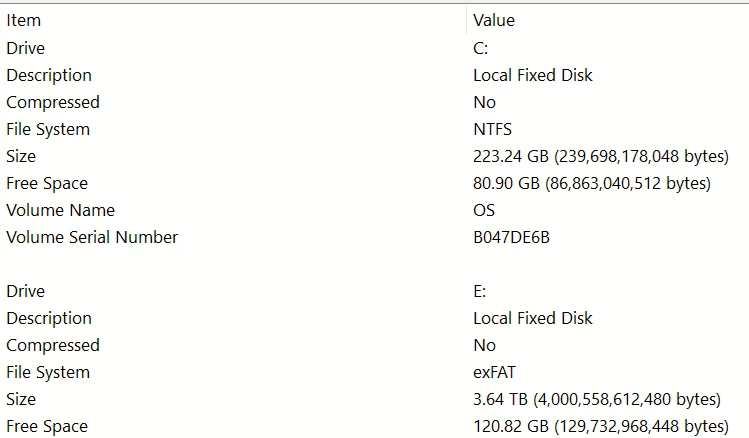
I have attached the settings of my video render, specs of my personal laptop and my work computer (imac).
I thought my personal laptop isn't strong enough to render the video. 

After I click to render it just starts to load forever and nothing happens. I feel like I could leave photoshop load all day and nothing would happen on both computers.
What am I doing wrong?
Correct answer Chuck Uebele

Make sure Bridge is closed. There seems to be an issue with rendering videos, if Bridge is open.

4 replies

Participant
December 3, 2021

Hello there, not sure if it is still actual. I went accross the same problem. Got a mac with Catalina. Tried all suggested things and nothing happend until I updated all apps in the CC. Also a photoshop - Graphic and videos under the category video. And here we go, videos are rendering again....

Participating Frequently
December 16, 2021

what exactly and where you updated saying "Also a photoshop - Graphic and videos under the category video"? I am about to uninstall this buggy software and get back to pirate, but well-working copy

Derek Cross
Community Expert
Community Expert
December 16, 2021

Are you stating you're using stolen software?


Chuck Uebele
Community Expert
Chuck UebeleCommunity ExpertCorrect answer
Community Expert
October 4, 2021

Make sure Bridge is closed. There seems to be an issue with rendering videos, if Bridge is open.

Participant
October 5, 2021

That is the solution! Thank you so much, Chuck! I would never have thought of that!


In fact I have to explain it a little more detailed:

If Bridge is closed and I try to export the video, it doesn't work either. It is somehow initialising, but the "Render Video" dialog window doesn't appear.

So I leave Bridge open at first, then the dialog window opens immediately. NOW I close Bridge; just before I click on the "Render" button ... and then it works without any further problems! 🙂


Thanks again!

Participant
October 5, 2021

Maybe Adobe can fix that bug in the future, but obviously in this case it is not Photoshop which is the problem.

Participant
October 4, 2021

I have the same problem with the Video rendering. After the dialog window nothing happens any more, it loads forever (Version 22.5.1). 

For example I simply put 3 different images à 1 sec. into the timeline to export a GIF file. Sometimes I also need a MP4, for which I always used the Video render function. It worked until PS Version 22.0. 


My workaround is to have Version 22.0 installed on my second Notebook and never update it, so that I can quickly export an MP4 file when I need it. 

Derek Cross
Community Expert
Community Expert
June 1, 2021

Can you spell out your workflow again, it sounds complicated. If you have Premiere Pro it's best to use that for creating videos (adding in After Effects for things like special intros).

You don't seem to have enough RAM and you need a lot of spare disk capacity to render videos.

viktoriap59157741
Known Participant
June 1, 2021

Hi,


I made a mockup, well several of them, but I only started to animate this one. I want to imitate live website usage with my mockup, by revealing layers, "scrolling" on page designs etc. I have made everything I need and I wanted to export. I set up the high and low details, none of them does anything. the cursors just load for a really long time but never finishes. I am not sure this additional information helps?
I could make animation and export as video 3 years ago in photoshop, I had no problem with it except for the available formats. I had about the same complex structure of layers and I could just export normally. Did something change in exporting videos since then?

viktoriap59157741
Known Participant
June 1, 2021

ok so I just exported my video In media encoder, but I would still like to know, what is wrong with my settings or anything in Photoshop.