Question
Photoshop window tuned blue after windows update
my phothsop screen has turned blue and all the colours anre seeming to be bluish now, My monitor does not have any blue tint blut only photohsop is havins such problem. Please help 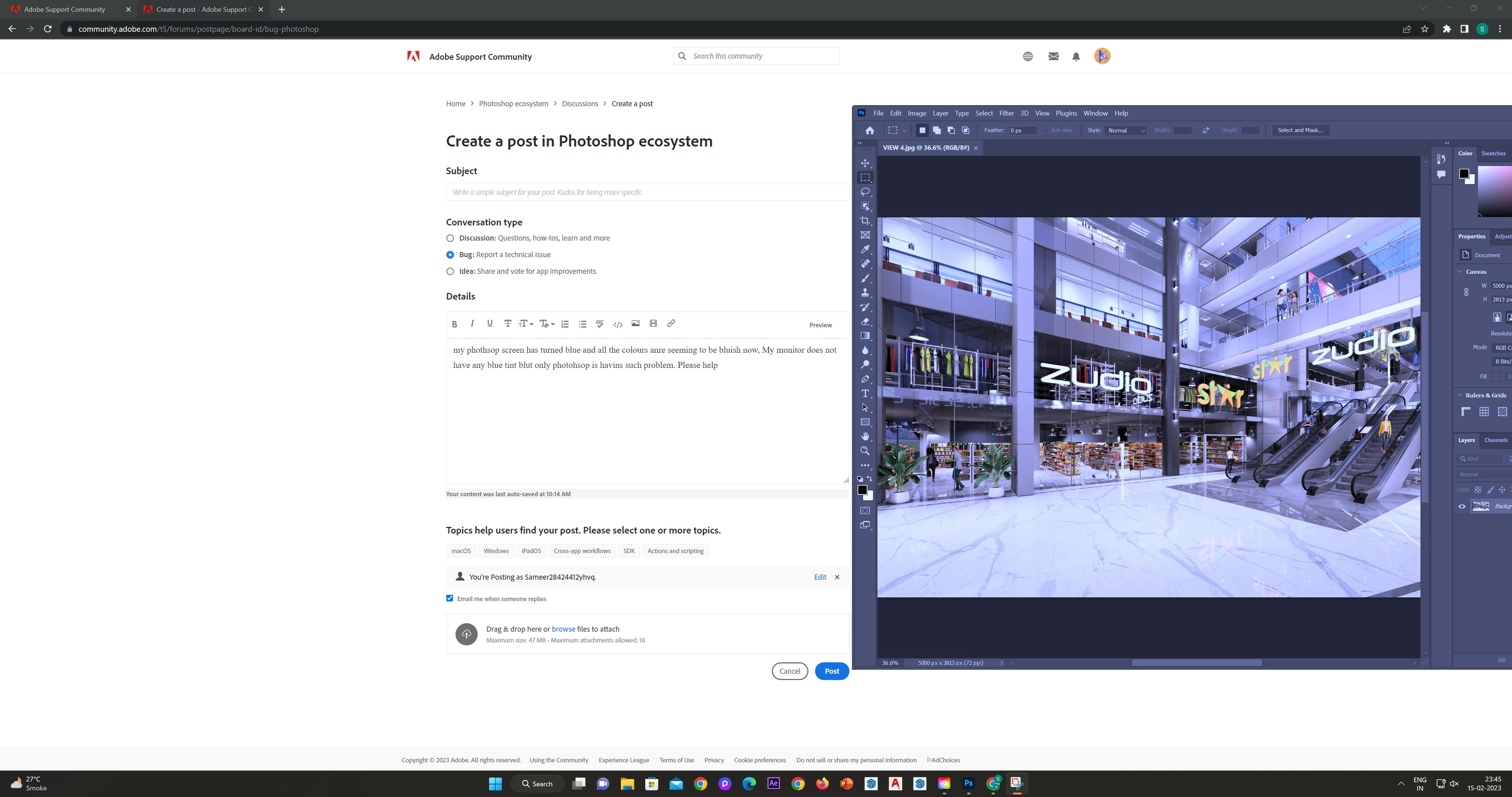

my phothsop screen has turned blue and all the colours anre seeming to be bluish now, My monitor does not have any blue tint blut only photohsop is havins such problem. Please help
Already have an account? Login
Enter your E-mail address. We'll send you an e-mail with instructions to reset your password.


 AdChoices