
Participant
March 30, 2023
Answered

Photoshop Won't Launch. 205 Error. Have tried everything.

  • March 30, 2023
  • 8 replies
  • 1751 views

Photoshop CC 2023 (24.3)

It won't open; I get the following box: 
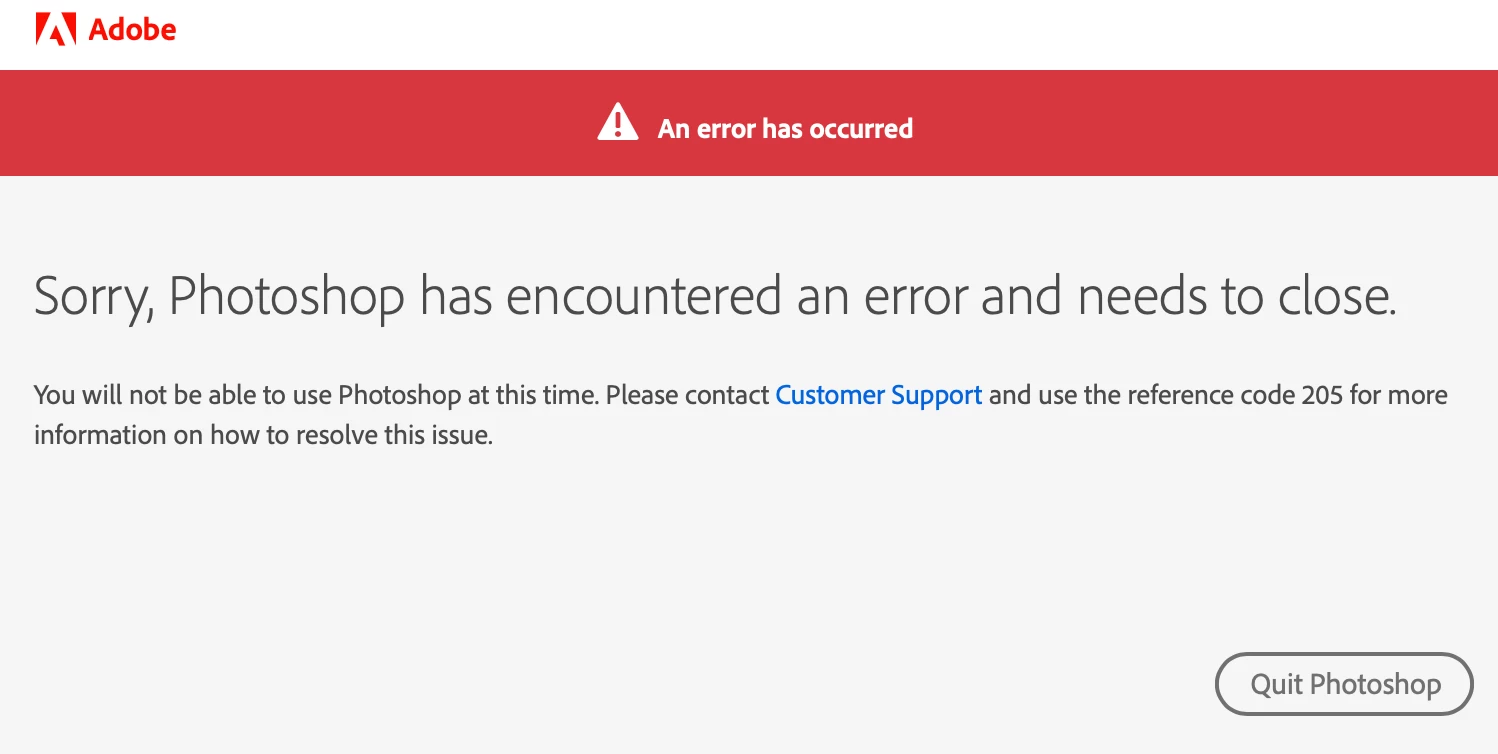


I have reinstalled it twice. Logged out of Creative Cloud and logged back in. Restarted. Used a different network. The other apps in Adobe suite work fine. Please help. Driving me crazy. 

This topic has been closed for replies.

8 replies

Adobe Employee
April 7, 2023

First, close all Adobe apps, sign out of your Creative Cloud. Please go to https://account.adobe.com/activated-devices and deactivate devices and all active sessions, then restart your computer and sign in again through Creative Cloud.

Temporarily disable your antivirus and firewall software

https://helpx.adobe.com/creative-cloud/kb/troubleshoot-download-install-logs.html#error205

STEP 1 Close all applications

STEP 2 Open only the Creative Cloud desktop app and log out by clicking on the little circle at the top on the right

STEP 3 login again

STEP 4 test the program

If this doesn't help, please log out on Creative Cloud desktop and follow the 2nd and 3rd step of this website and then log in again.

 https://helpx.adobe.com/es/download-install/kb/adobe-license-issues-keychain-credential-mgr.html#EliminarcertificadosdeAdobeUseryAdobeApp 

Ged_Traynor
Community Expert
Community Expert
April 7, 2023

@Lxsmarydiaz the issue has already been resolved

jane-e
Community Expert
Community Expert
March 30, 2023

Moved from Bugs to Discussions


Jane

Participant
March 30, 2023

Then you should get paid! Adobe gets off so much free labor here......

Thanks again! 

Ged_Traynor
Community Expert
Community Expert
March 30, 2023

@Person P. Person you're welcome, but I don't actually work for Adobe, I just volunteer my time to help people like you 😁

PapelMac
Participant
April 7, 2023

THANK YOU!  This just saved me as well!!!!!

Participant
March 30, 2023

Heck yeah, that worked! Thank you very much, @Ged_Traynor. You deserve a raise. 

Ged_Traynor
Community Expert
Ged_TraynorCommunity ExpertCorrect answer
Community Expert
March 30, 2023
Participant
April 28, 2023

Thanks, this one work!! Deleting all the Adobe App info on the Keychain. 

Participant
March 30, 2023

Thank you, @Ged_Traynor . But that did not work. Any other suggestions? 

Ged_Traynor
Community Expert
Community Expert
March 30, 2023