Participating Frequently
July 20, 2022
Question

Photoshop won't open (Mac)

  • July 20, 2022
  • 2 replies
  • 322 views

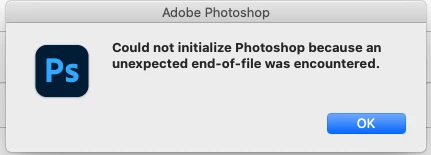
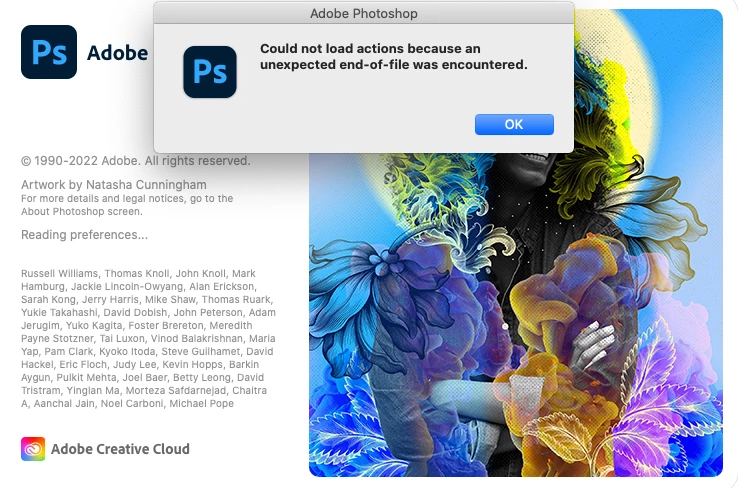
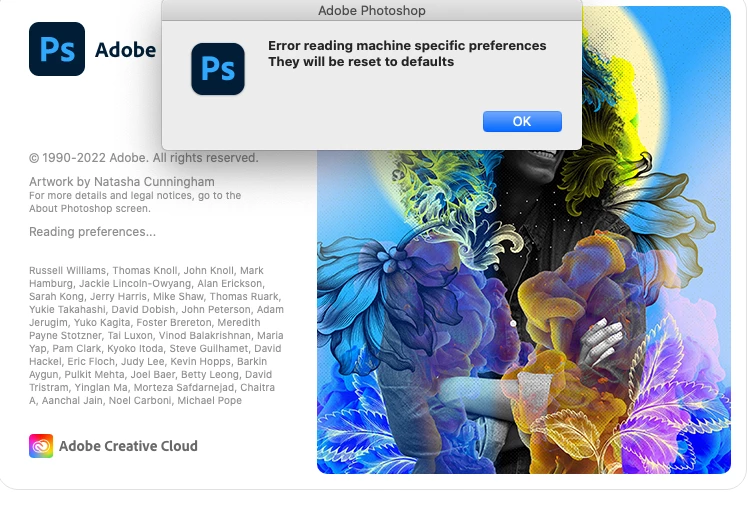
Photoshop will not open. I was getting prefs and actions errors. I ran the update. No change. I uninstalled and reinstalled. No change. See the errors below. I also tried opening with option pressed and that didn't do anything.


MacOS Catalina 10.15.7


Help!
 

This topic has been closed for replies.

2 replies

Participating Frequently
July 20, 2022

I tried command option shift and it seems to be working again.

nikunj.m
Legend
July 21, 2022

I'm glad that the app is working fine now.


Please feel free to reach out if you need assistance with anything else!

Regards,

Nikunj

nikunj.m
Legend
July 20, 2022

Hi,


We're sorry about the trouble with Photoshop. Would you mind telling us the exact version of Photoshop you're using?


Since you're using macOS Catalina, you can try adding Photoshop to the Accessibility list for macOS along with Full disk access using the steps suggested here: https://community.adobe.com/t5/photoshop-ecosystem-discussions/quick-tips-learn-how-to-give-full-disk-access-to-photoshop-on-macos/td-p/12889716


You can try to reset the preferences of Photoshop using the steps mentioned here: https://helpx.adobe.com/photoshop/using/preferences.html#Manually

Please backup your settings prior to resetting the preferences. You can check: https://helpx.adobe.com/photoshop/using/preferences.html#BackupPhotoshoppreferences


Let us know how it goes!

Regards,

Nikunj