
Question
Photoshop workplace bug
Everytime i place an image into photoshop the program displayes the startup menu (open project or new project screen) and when i move my image it leaves a trail of of the image (like 50 copies of the image but isnt actaully there), to fix the bug i have to quick save, close photoshop and then open the project again, i have to do this over and over everytime i make a change in photoshop.
this is really anoyying and taking up a lot of time, i cant get any school work done at all.
ive updated photoshop multiple times, and unistalled and reinstalled multiple times.
any help is much appreciated
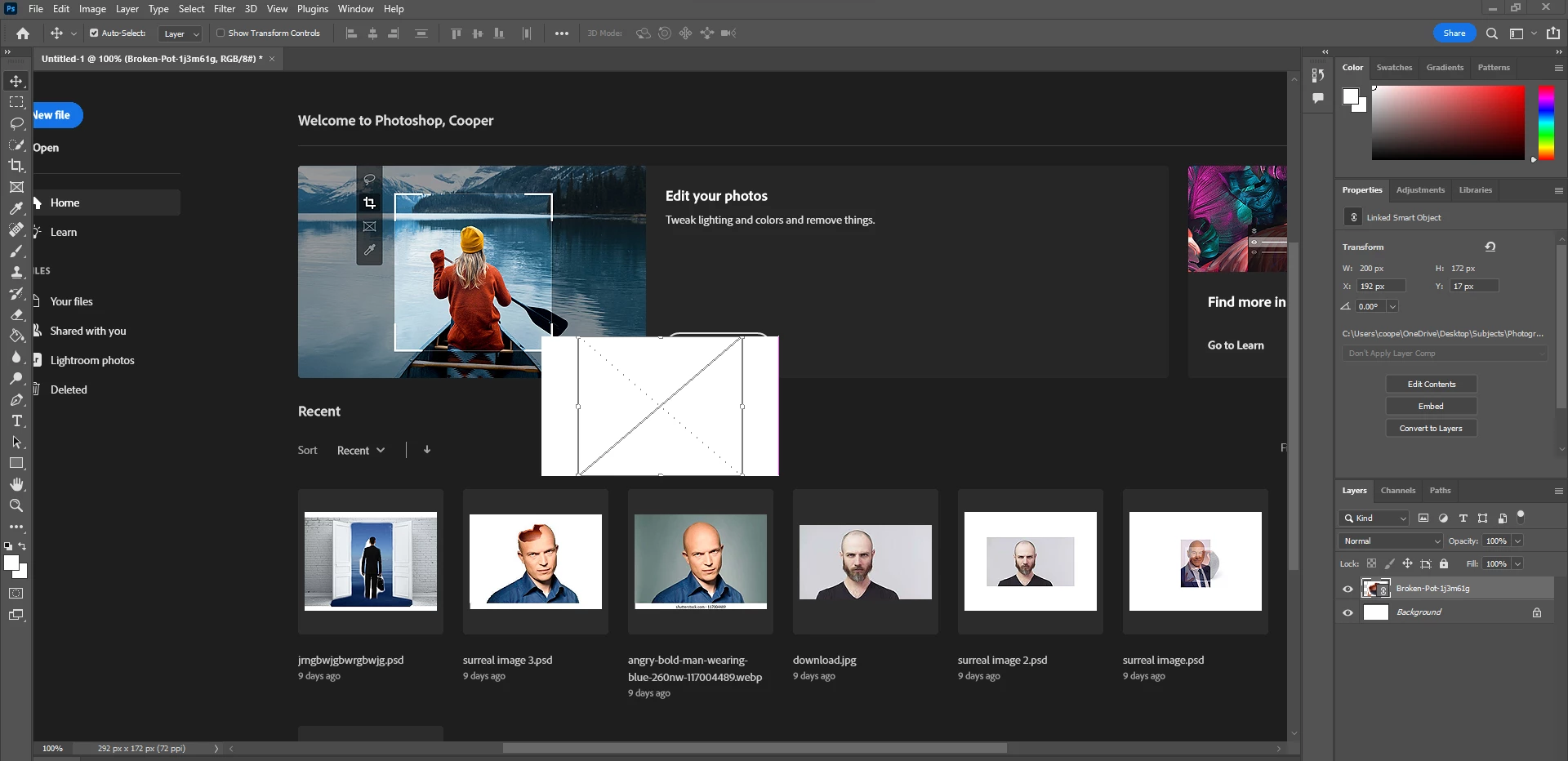 <--- that is the issue (Every single time)


 AdChoices