Participant
August 22, 2023
Answered

Phototshop 24.6 and 24.7 RTX 4070 not longer supported?

  • August 22, 2023
  • 9 replies
  • 2619 views

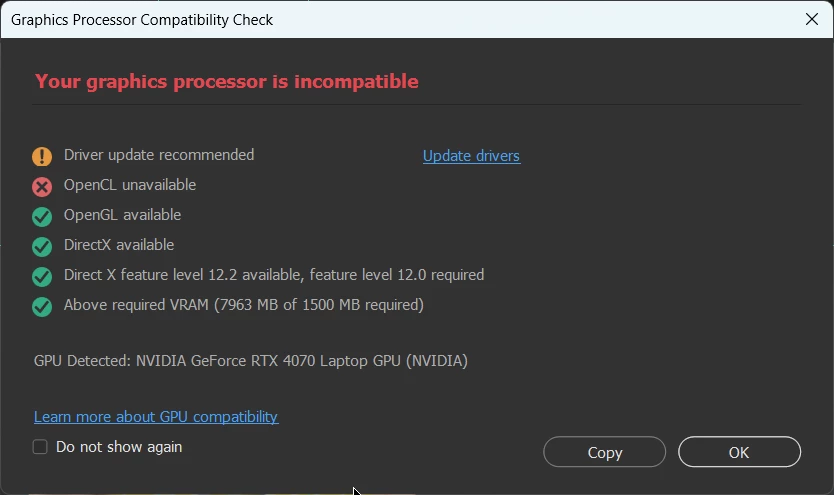
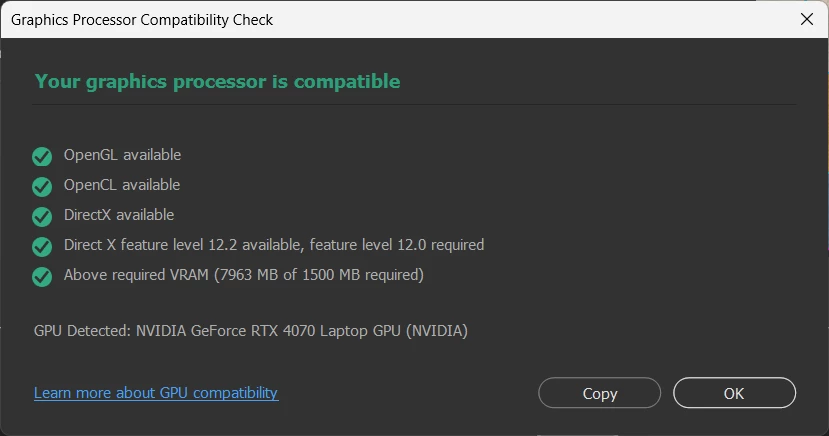
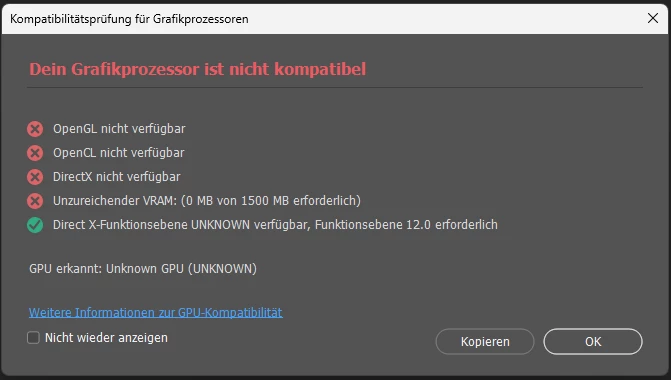
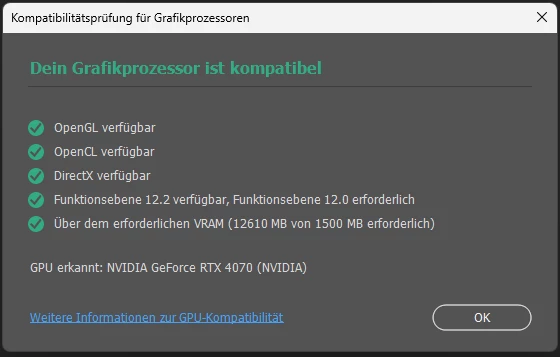
With the latest versions 24.6 and 24.7, PS no longer recognizes my RTX 4070 graphics card. Up to and including version 24.5 there were no problems, after reinstalling version 24.5 the support is back.

The latest Nvidia Studio driver 536.99 is installed.

PS 24.7
PS 24.5 
This topic has been closed for replies.
Correct answer Lelouch ViBritannia

i had a similar issue that was only fixed when i opened Microsoft Store on Windows 11 and updated the openGL and openCL compatibility app


Before the update

i updated this


and now after the update everything is working


9 replies

Participant
January 23, 2024

thank you!!! I had tried to update my CL and GL but could never get it to work. never thought to use M Store to fix the problem!!! thank you

Lelouch ViBritanniaCorrect answer
Participant
November 22, 2023

i had a similar issue that was only fixed when i opened Microsoft Store on Windows 11 and updated the openGL and openCL compatibility app


Before the update

i updated this


and now after the update everything is working


D Fosse
Community Expert
Community Expert
August 24, 2023

Huh. That was a new one.


Thanks for reporting back, always nice to tick off as resolved 🙂

Participant
August 24, 2023

Done, it was a rights issue. I use the Windows Applocker, the program %PROGRAMFILES%\ADOBE\ADOBE PHOTOSHOP 2023\ADOBE CRASH PROCESSOR.EXE was blocked.

So can be closed, thanks for all the troubleshooting tips!

D Fosse
Community Expert
Community Expert
August 23, 2023

This is weird. I have never heard of anything like this.


It could be corrupt Photoshop preferences. To nuke this completely for a fresh start, uninstall Photoshop and choose to not keep settings and preferences. That should remove everything. Then reinstall.


The preferences contain the entire app configuration, and corrupt preferences can cause the strangest behavior. Preferences are rewritten on every application exit, so are prone to corruption.


Migrating preferences from a previous version is always a bit risky. I never do it. They may not mean exactly the same thing in the new version.

Participant
August 23, 2023

- no Beta version installed

- no dual graphic 

- clean install driver allready done, no change


the gone hardware support come with version PS 24.6 no driver change, i installed then newest driver, nothing changed


reinstall PS 24.5 Hardware support is supported...


D Fosse
Community Expert
Community Expert
August 23, 2023

We're not too keen on attachments here, it's better if you insert directly into the post. But you couldn't know that 😉


Do you have the beta installed? Uninstall it if you have.


Is this by any chance a laptop with dual graphics? Then you'll need to disable the conflicting integrated GPU.


Other than that, it has to be the driver. The RTX4070 is obviously fully supported and is pretty much an ideal GPU for Photoshop's current requirements.


Uninstall and reinstall the driver. Check "clean install" to remove all traces of the old driver.


Uncheck all the extra components in the driver package! You don't need them; just install the base driver.


Oh, and, did you connect both the PCIe power cables to the power supply?

Participant
August 23, 2023

hey Kevin,


have you see the attachments in my post?

Kevin Stohlmeyer
Community Expert
Community Expert
August 22, 2023

It may be an issue with the driver itself. In the past there have been issues with faulty NVIDIA drivers not responding properly. Go to Photoshop Help Menu/System Info and copy/paste details in a reply. Post only once as the system takes time to process the large amount of data.