


Participant
October 29, 2025
Question

Picture into a Logo

  • October 29, 2025
  • 2 replies
  • 105 views

Can anyone tell me how I did this? I am creating a tarot deck and need symbols for the suits of wands, swords, etc. I recall the process of creating the symbols out of ancient sword imagery and being able still having the details in a 2D format. I haven't done it in over 2 years and have completelty forgotten the steps on how to do it, and have had ZERO luck with trying to search how to do this. 


This is what I was able to do before: 
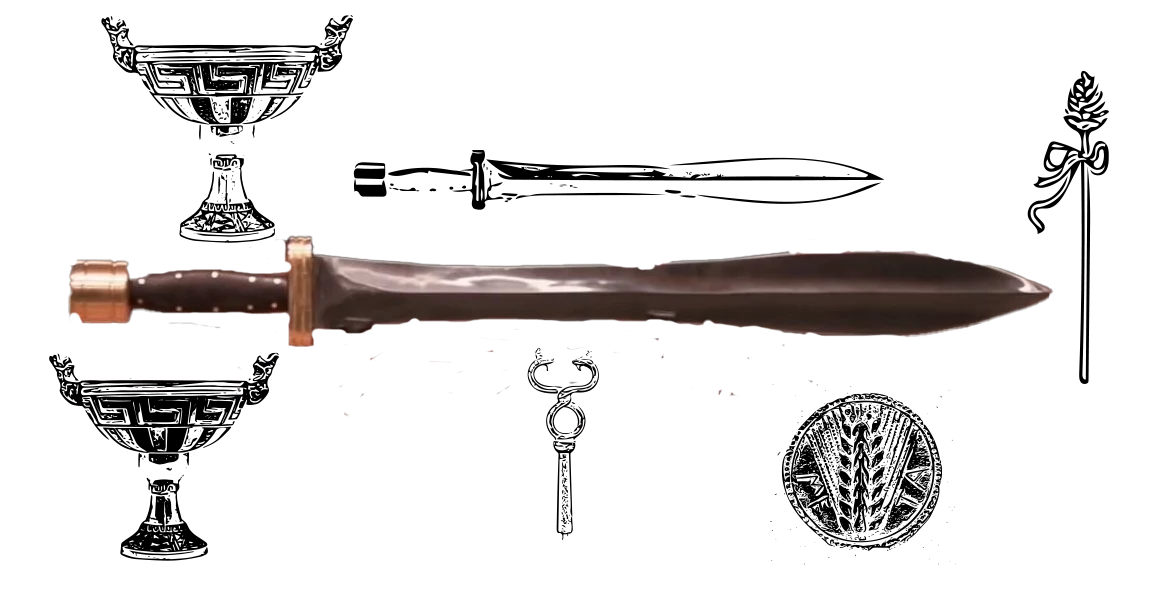
and I am trying to do the same black outline on this new image: 
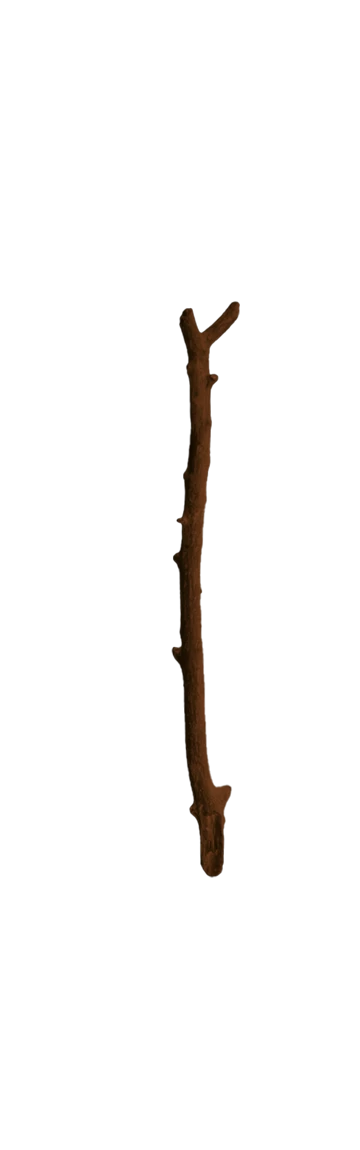
Thanks in advance!

2 replies

davescm
Community Expert
Community Expert
October 29, 2025

You could try Filter > Stylize > Find Edges followed by a Threshold adjustment layer.


Dave

Participant
October 30, 2025

Hi! Thanks for replying, I found out that I captured the shape to create the symbols. So problem solved, somewhat. 

Trevor.Dennis
Community Expert
Community Expert
October 29, 2025

Nowadays you just ask the Ai (Firefly) to do it for you.  This used the Gemeni 2.5 model  and the following prompt, but I did not have a clear idea of what you are trying to create.   Fine tune the prompt and try the Firefly 3 model.


Create a 50 assorted swords wands and magical staffs. They should be distributed on a white background and have a mystical quality.

Before we had Ai I used to use a thesaurus web site. Enter one of the words of interest and see what alternatives the thesaurus offers, and use the inter words, terms, phrases to search Google images.  That will generate directly usable results, or ideas you can develop yourself by illustrating if you have the skill, or combining elements and compositing in Photoshop.


https://www.thesaurus.com/browse/wand


If I am miles away from what you are asking, you need to give more detail. Your screenshots are good, but explain what they mean/represent