Swanepoel
Participant
October 26, 2017
Question

Pigeon Photograph Editing

  • October 26, 2017
  • 3 replies
  • 16232 views

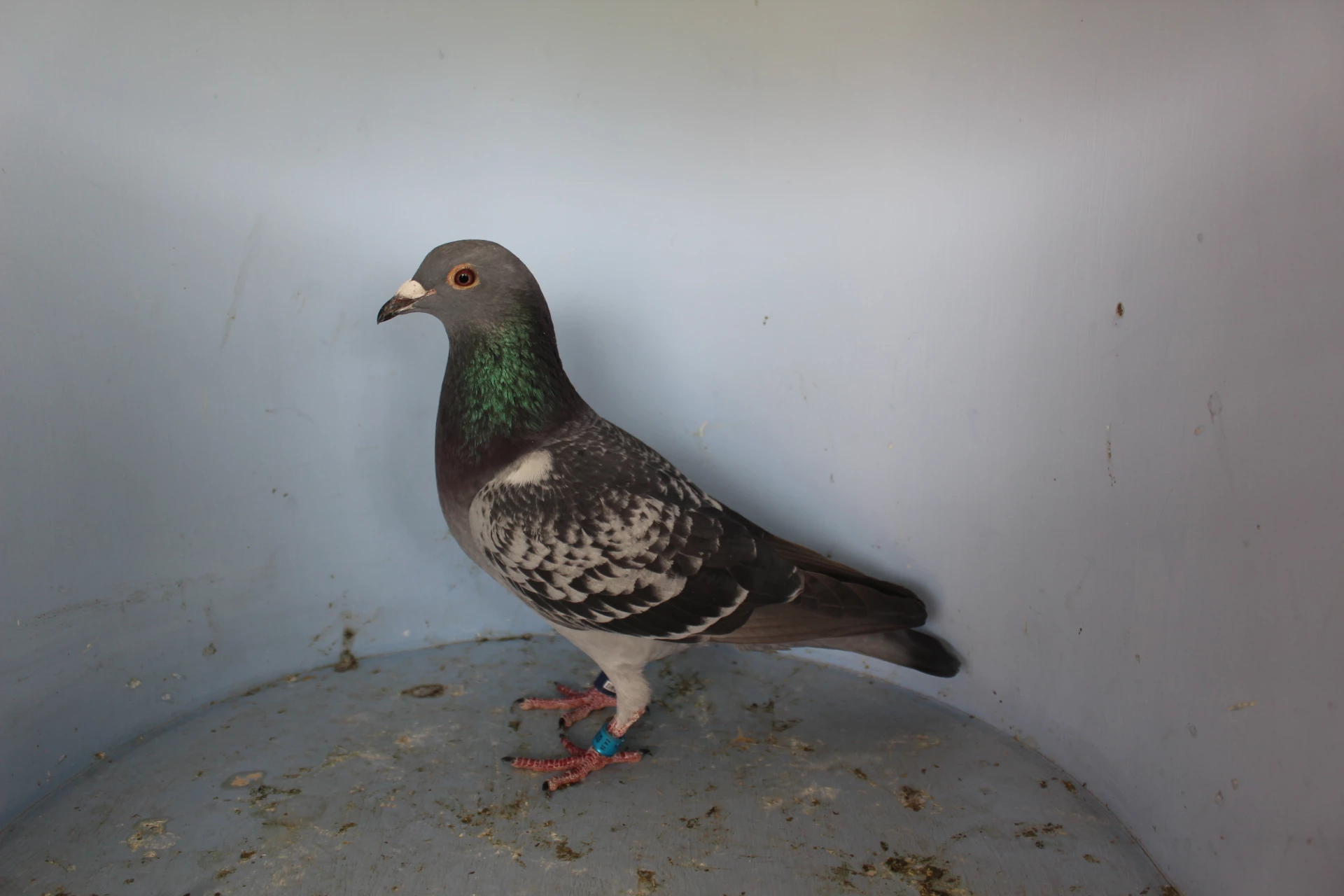
Please help, I have been trying for years to figure out how to do this:

Create the perfect pigeon stance
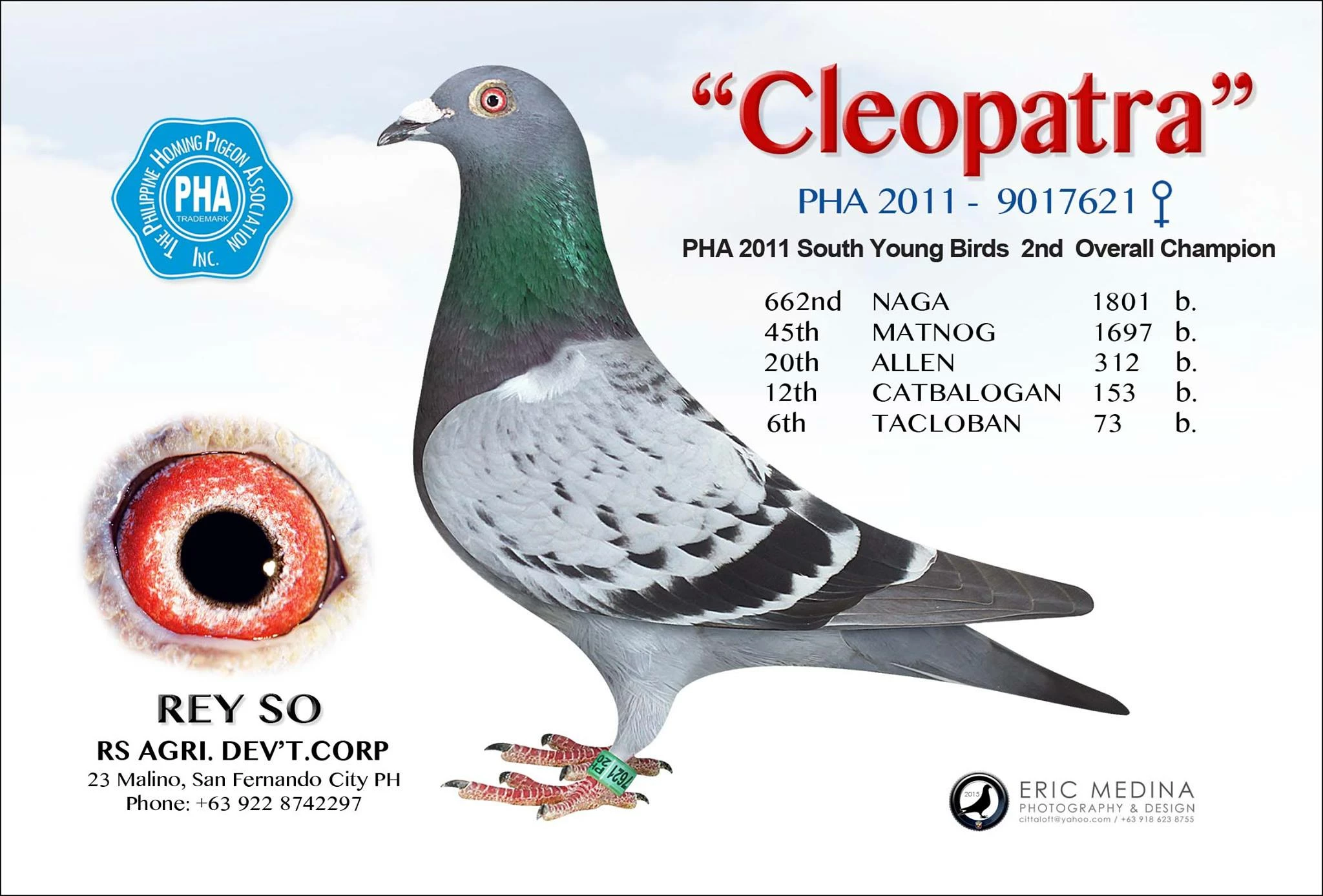
Using this template and a photo:

In just 5 mins.

Thank you in advance

    3 replies

    Participant
    April 14, 2022

    Participant
    August 2, 2024

    Looking for someone to do around 30 high quality pigeons photos per week for auction site, [removed by moderator]

    davescm
    Community Expert
    Community Expert
    October 17, 2024

    Sorry - this is not a community to advertise for work or to hire. Try Behance or similar.

    Thread locked
    Dave

    davescm
    Community Expert
    Community Expert
    October 26, 2017

    Hi try this:

    1. Add a white solid layer as a background

    2. Mask the white on your template so only the blue shows

    3. Add your pigeon layer , flip it and put it in a smart object

    4. Alt click on the layer panel between the pigeon and the template so the pigeon clips to the template layer

    5. Use puppet warp to pull the pigeon into position

    Dave

    Swanepoel
    SwanepoelAuthor
    Participant
    October 26, 2017

    Thank you very much for taking the time to answer me, we really appreciate it.  How does one puppet warp without distorting the head?

    I will definitely give this a try.

    Kind Regards

    Soné

    davescm
    Community Expert
    Community Expert
    October 26, 2017

    ...........How does one puppet warp without distorting the head?

    Puppet warp does distort. The trick is to freeze some pins and move others so that the distortion looks OK.

    Dave

    October 26, 2017

    I don't think it's done in 5 minutes.

    1. Cut out the pigeon

    photoshop remove background - YouTube

    2. Transform the pigeon with puppet warp and/or Liquify

    photoshop puppet warp - YouTube

    photoshop liquify body shape - YouTube

    Fenja

    Swanepoel
    SwanepoelAuthor
    Participant
    October 26, 2017

    Thank you very much, will try this method.   Really appreciate your time and willingness to assist.