

pixel distortion in Save for Web (Legacy)
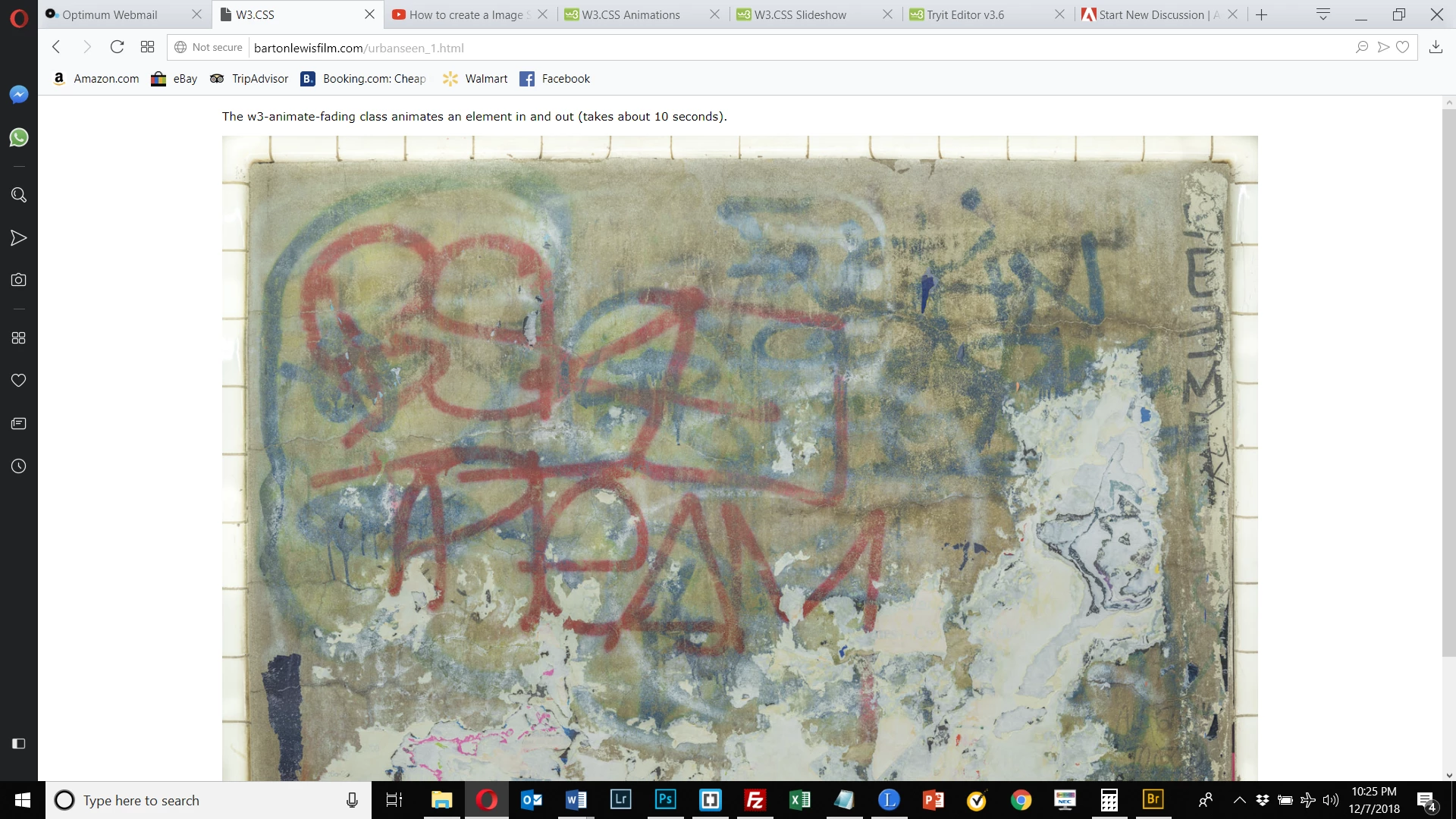
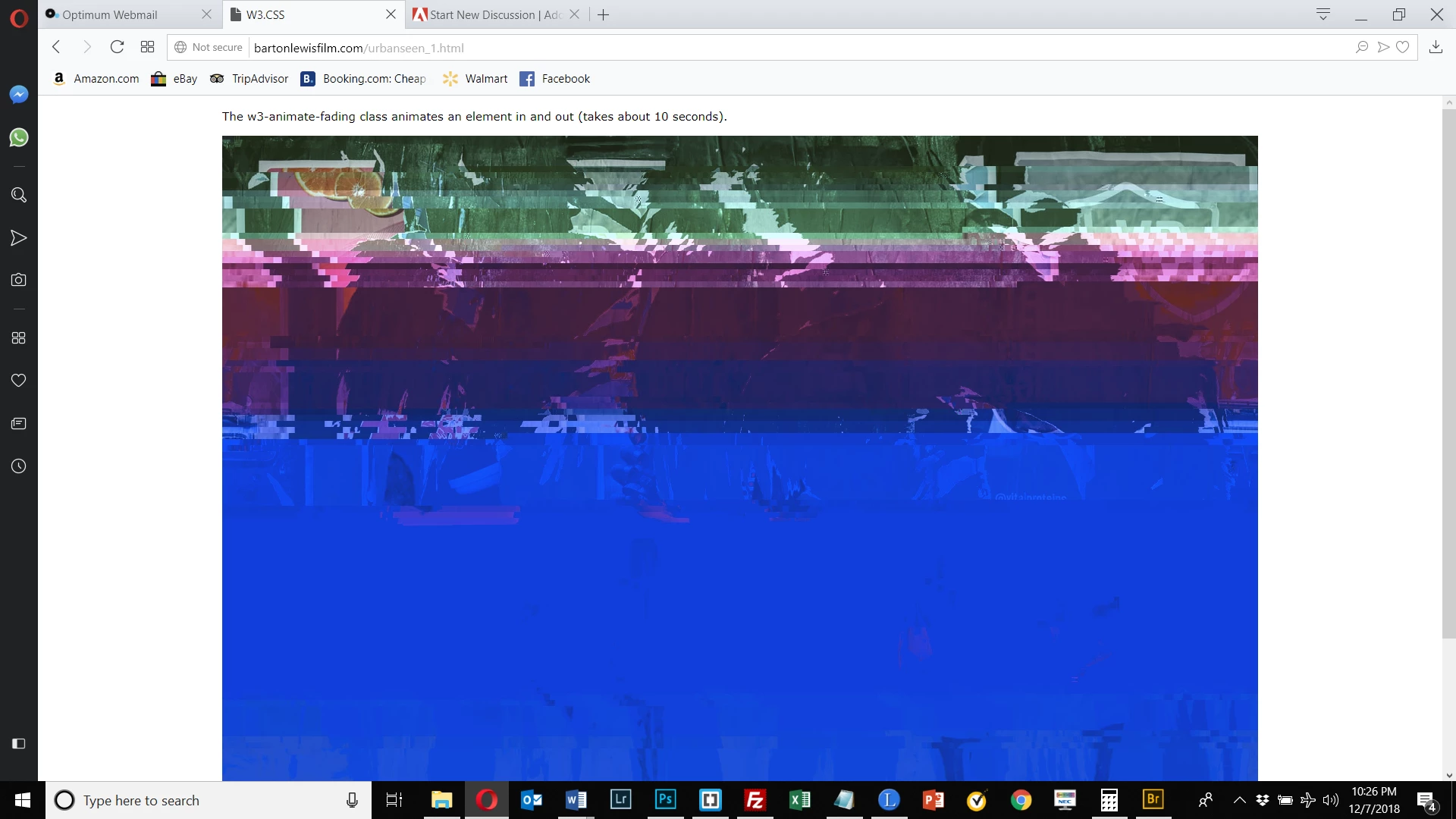
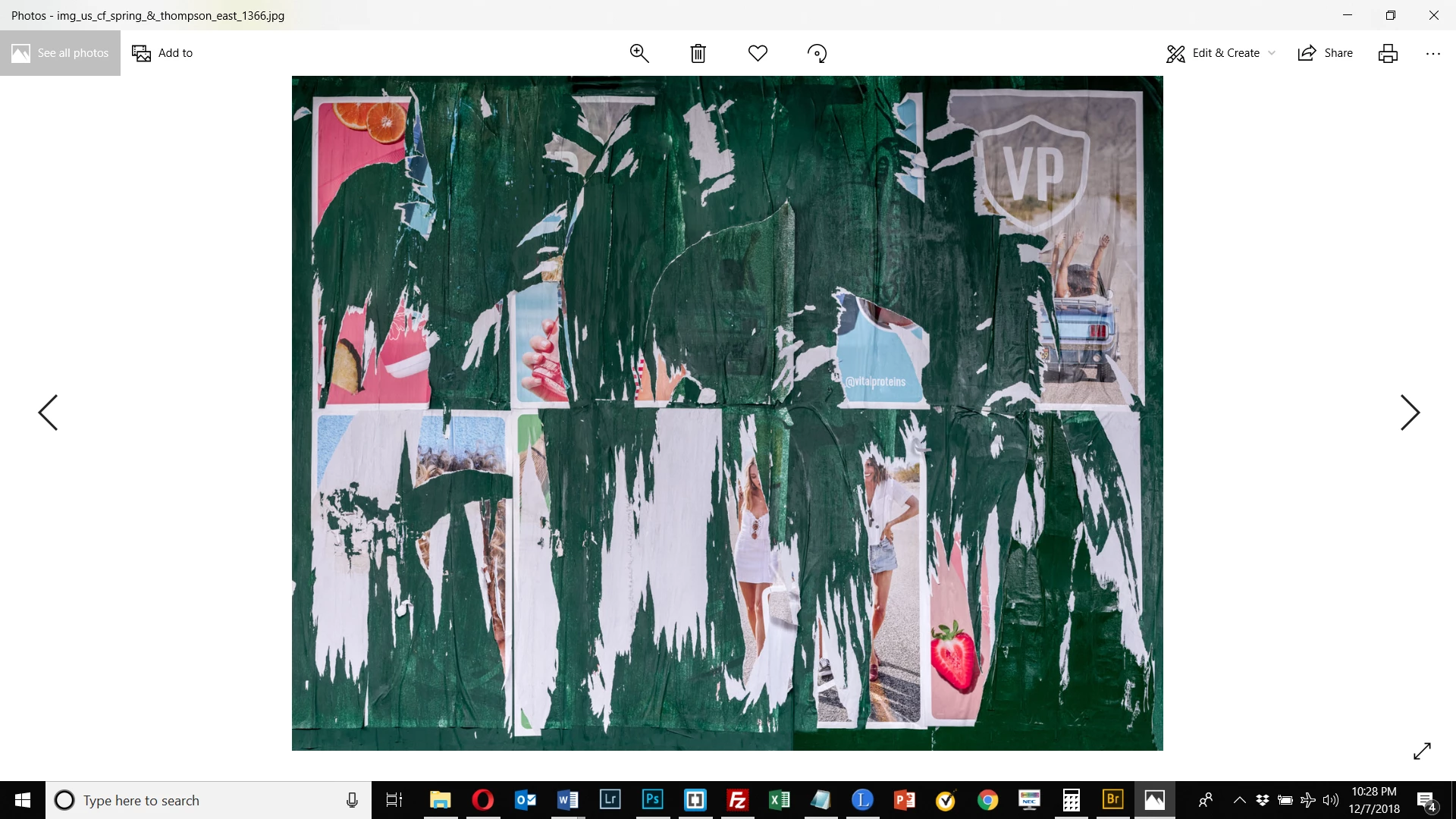
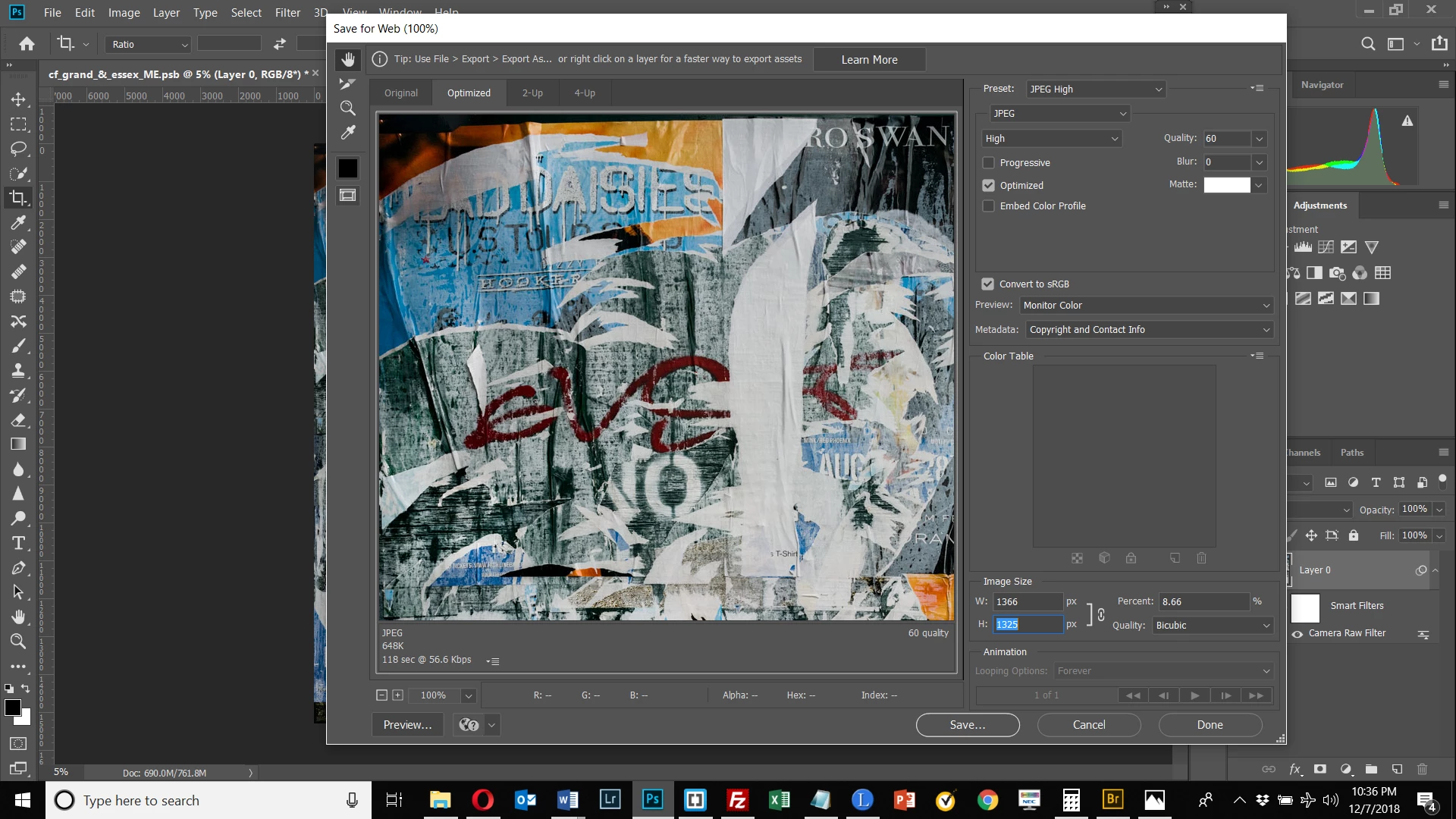
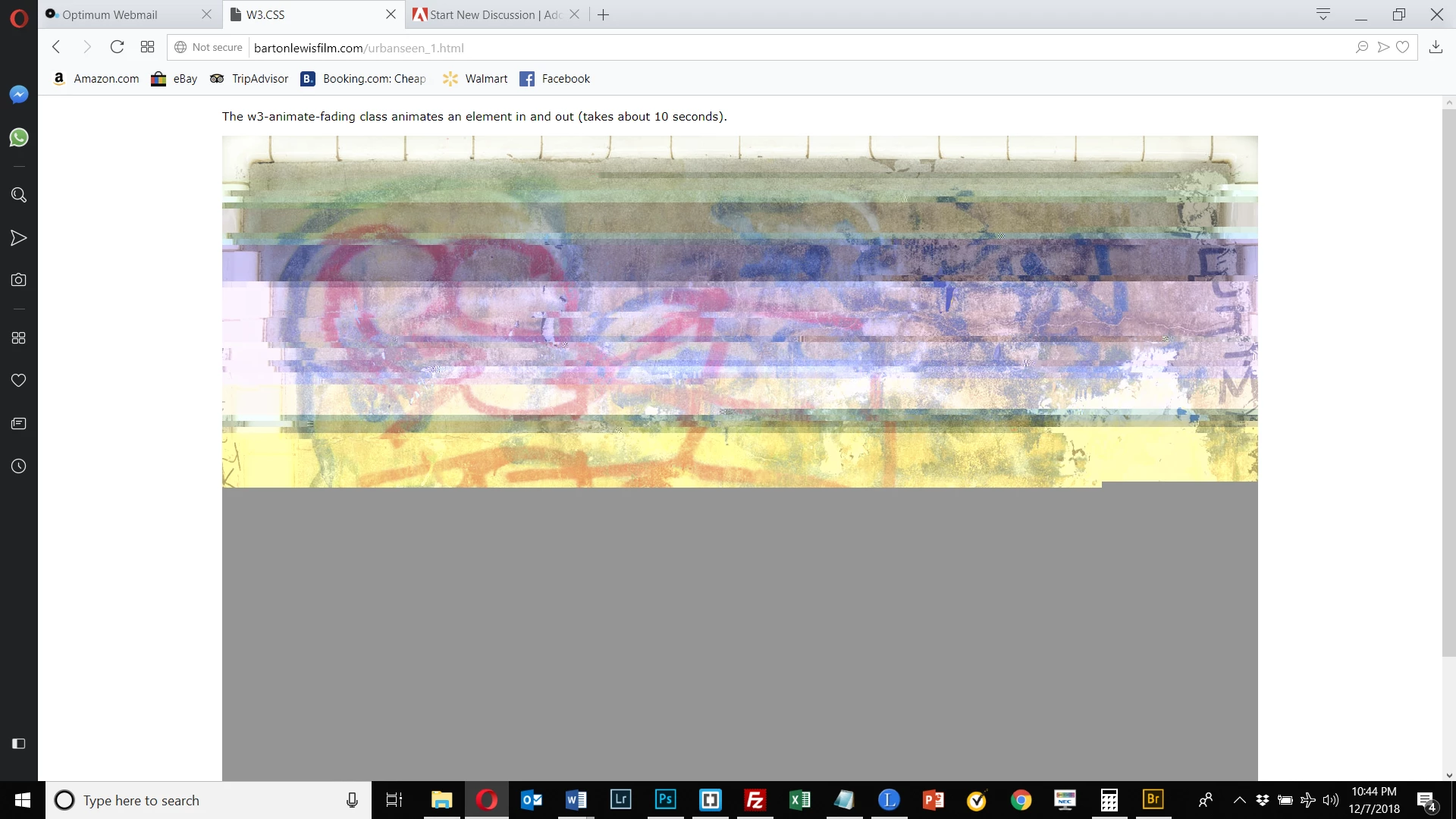
I am trying to create a slideshow and my images are extremely distorted. I used Save for Web (Legacy) which is what I usually use to create jpg's from my psd and psb files with no problem. The jpg's themselves are fine. When I use Live Preview in my code editor to view the slideshow, they're fine. I added an image to the slideshow that I created previously (before today) and it's fine. The screen shot below shows the good image from the slideshow, followed by the bad image from the same slideshow, followed the jpg version of the bad image, followed by a screen shot of the Save for Web (Legacy) dialog box. Finally, I used Save for Web (Legacy) to create a new jpg of the 1st image shown here, and it is corrupt. So the common denominator appears to be the export process. Something is going wrong that prevents the image from being properly viewed on the web in the process, although the jpg itself reads fine when viewed as a standalone file. Does anyone have any ideas what could be going wrong? Thanks.


 AdChoices