Question
Pixel screen
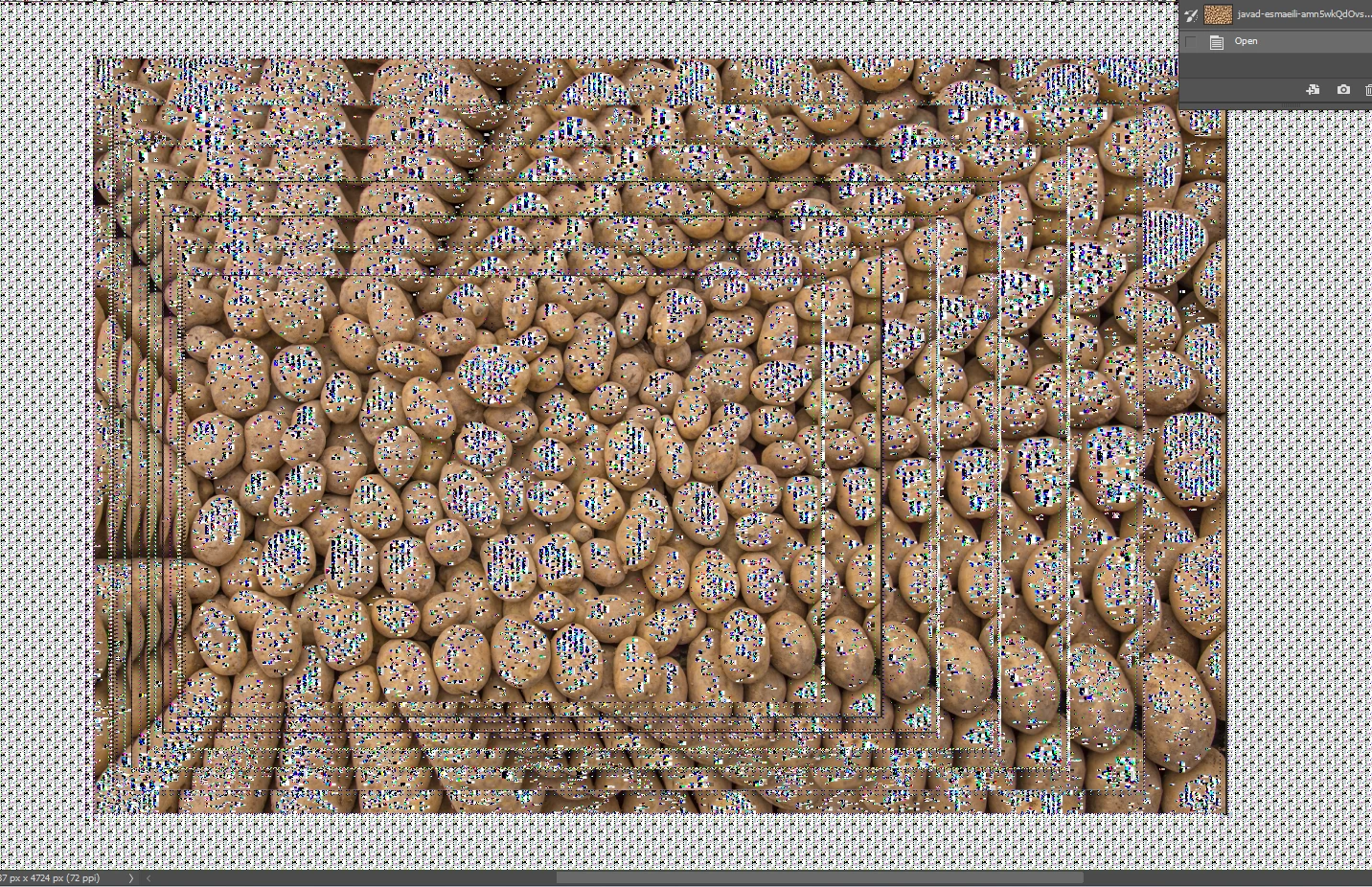
Anyone else had this before?
It seems to have meory of where the image used to be and is all pixelated. All my files appear like this when opening. On Windows 11

Anyone else had this before?
It seems to have meory of where the image used to be and is all pixelated. All my files appear like this when opening. On Windows 11
Already have an account? Login
No account yet? Create an account
Enter your E-mail address. We'll send you an e-mail with instructions to reset your password.


 AdChoices