


Please Help!!
I am trying to do the final project for courseras Image editing Course. It gives me these directions,
Create your scene.
Download the files from this page to get the corresponding assets for your project of choice (i.e., backpack, button, copy options, and logo).
Open the Photoshop desktop app and drag the backpack image to the center of the canvas, leaving room for the image, text, and logo.
Select the backpack in the Layers panel. With the Object Selection tool, select the background surrounding the backpack. When you do this correctly, the selection will be highlighted in pink, with the backpack in the center of the selection.
With the background selected, click Generative Fill. Type a prompt to generate a summer scene depicting grass in the foreground and mountains in the background.
The files load in as in artboard so when I move the backpack image over and try to select only the background of white for winter and summer it selects the entire thing and I don't know what to do. 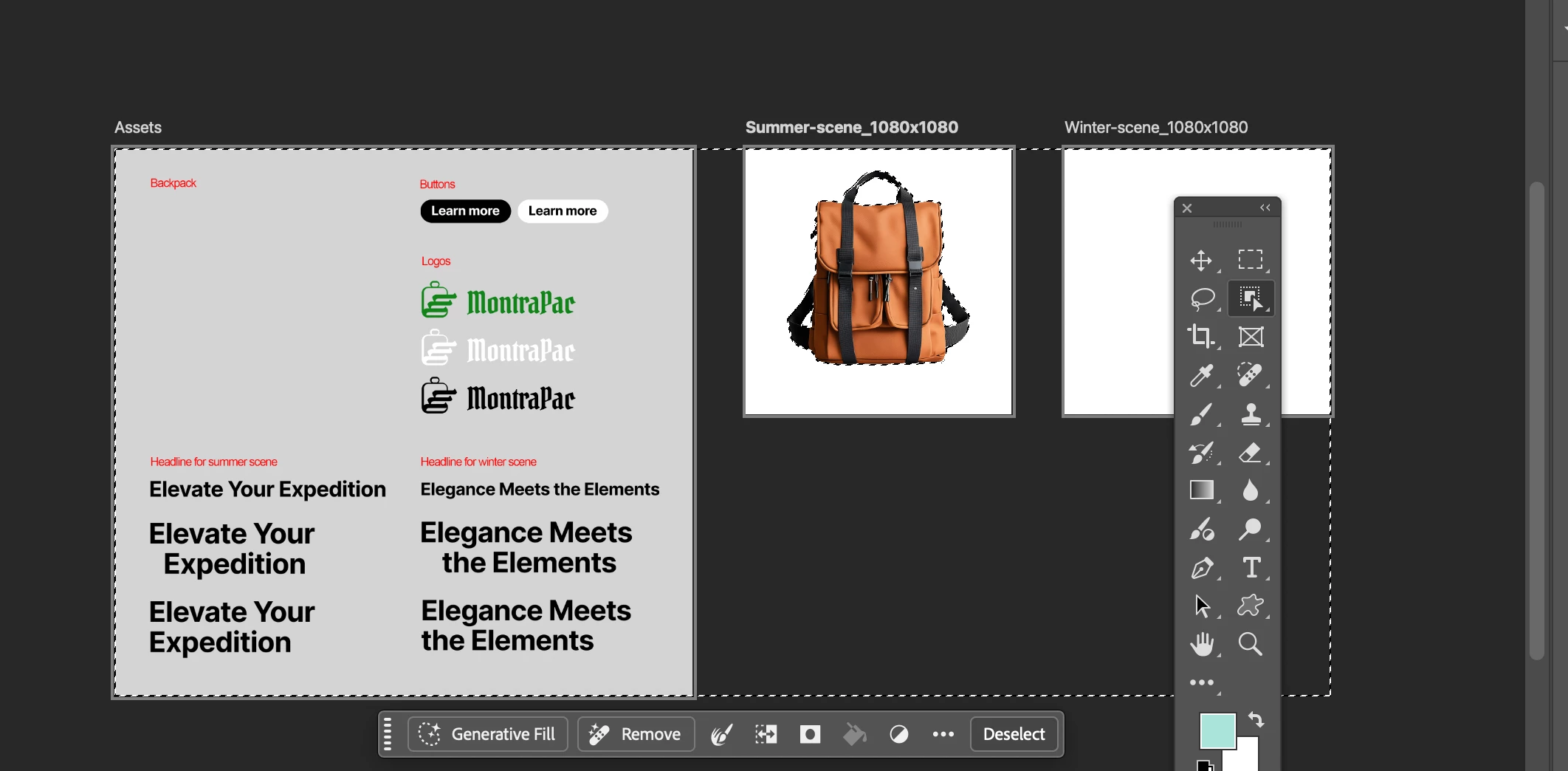
 AdChoices