
Question
Please help resolve errors that occur when using Photoshop in a Windows environment.
Hello.
I want to solve the interface size issue. Currently, I am using a 27-inch 5k monitor.
This setting caused a problem that made the interface appear too small when using Photoshop.
So, I modified some of the settings with the help of a Korean Adobe employee, But the same symptom occurred like this.
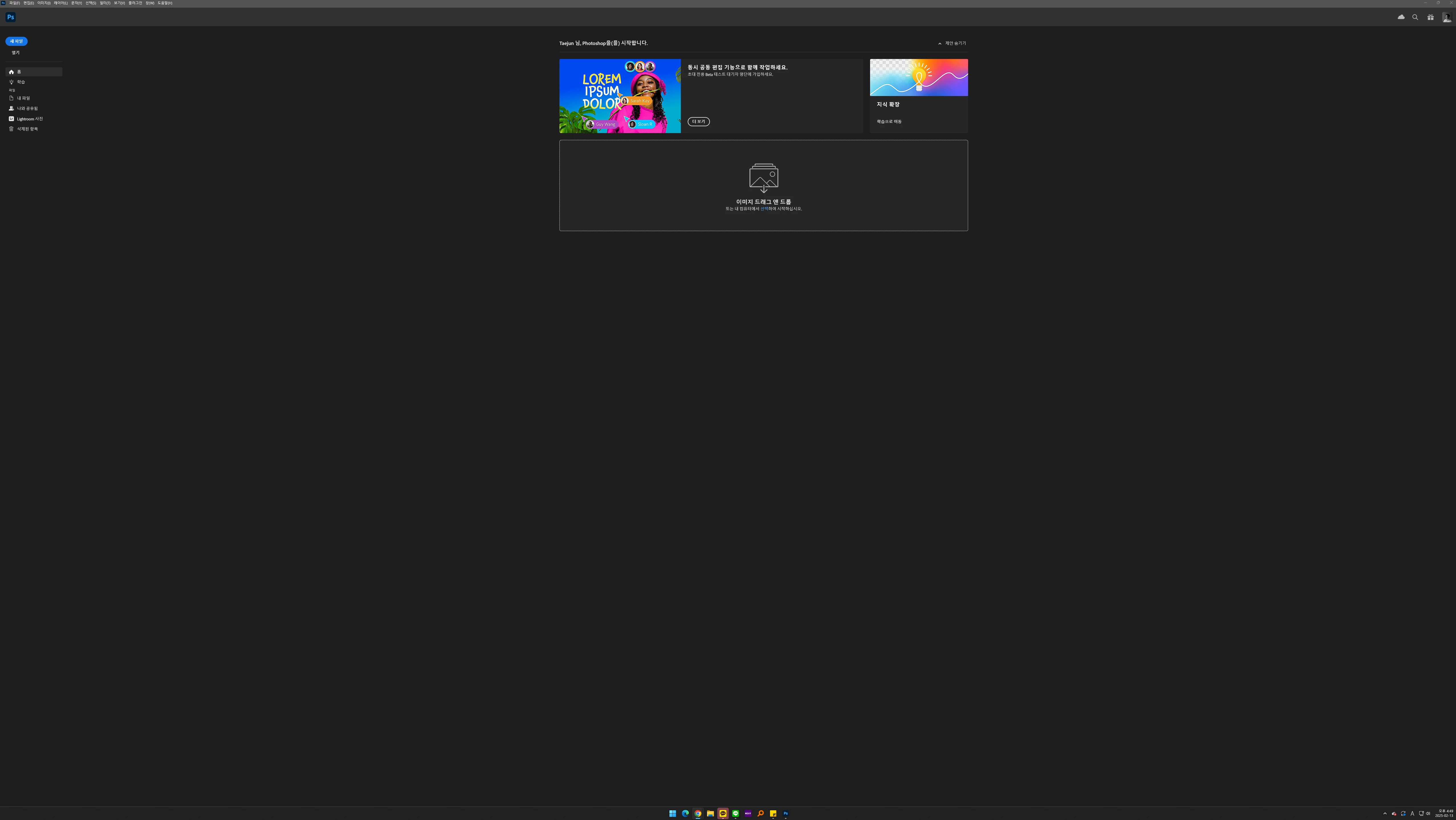
However, his advice didn't help at all, and I tried to solve the problem by changing the display resolution settings.
After adjusting the display resolution, we succeeded in enlarging the size of the interface, but a problem occurred with the brush. The moment I select a brush and click with the mouse, the brush stretches towards the top left.
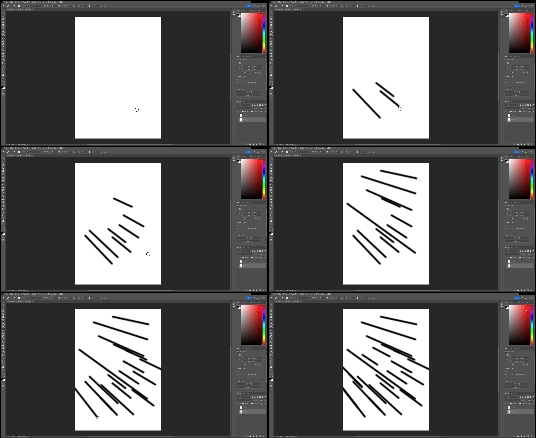
Please help me to solve this problem.


 AdChoices