


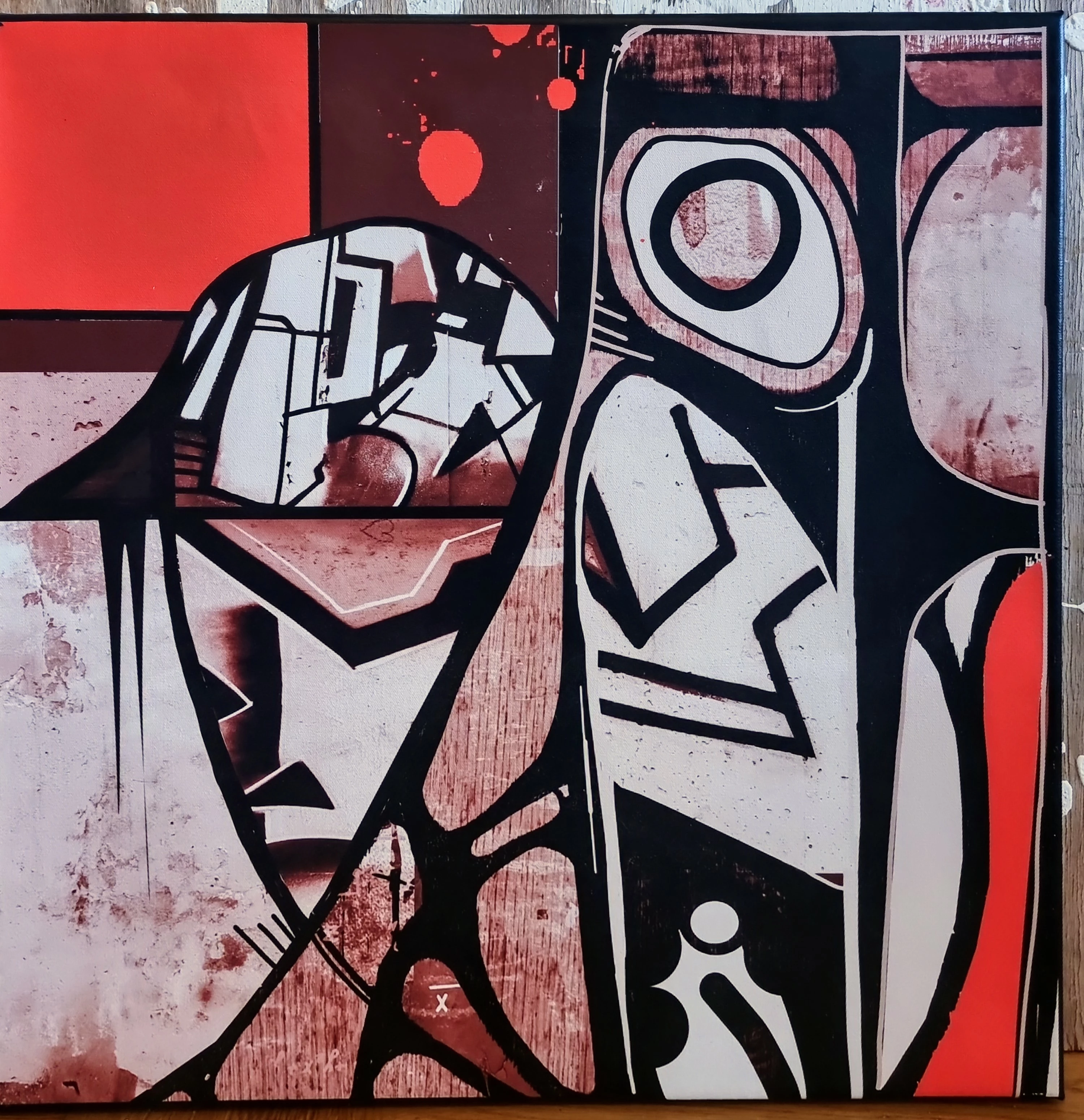
peppe sedin
Known Participant
June 7, 2025
Question

Please help trying to make text around another layers/contours

  • June 7, 2025
  • 2 replies
  • 377 views

I've been on this for 5 hours straight now and read a lot.

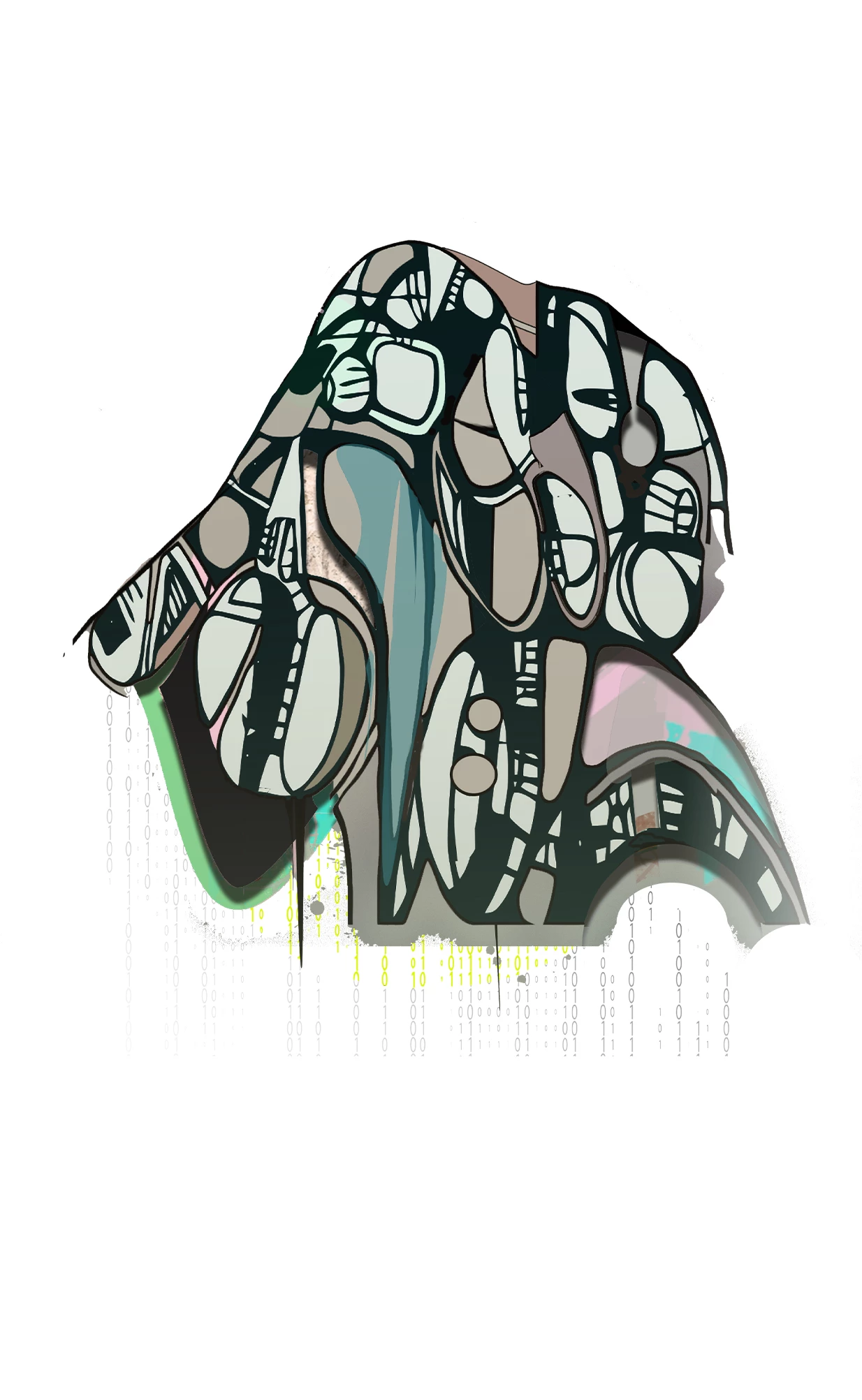
This i what I want to do


I put text just from the outlines from another layer. I´m doing as Google says. I choose both layers and go to the layer menu, and then it diffuses what I need to do.


i atach the file here for. but my dont have background of course.


It´s a tshirt design im working on.

Take care


2 replies

c.pfaffenbichler
Community Expert
Community Expert
June 7, 2025

Are you using Shape Layers? 

Could you please post screenshots taken at View > 100% with the pertinent Panels (Toolbar, Layers, Properties, Options Bar, Paths, …) visible? 

peppe sedin
Known Participant
June 9, 2025

Sure i do that next time.

Trevor.Dennis
Community Expert
Community Expert
June 7, 2025

Hi Peppe.  Can you have another go at explaining what you are trying to do?  I can see the ones and zeros at the bottom of the graphic.  Is it the starting point you want to control?


If you could do a screen shot of just element with its text perhaps?  Right now I am not getting it.

Trevor.Dennis
Community Expert
Community Expert
June 7, 2025

Are you trying to place text around the shapes in your design?

peppe sedin
Known Participant
June 9, 2025

Yes exactly! I know i can make a layer for every letter and getting it exakt but if there's a way i can do it with less effort it would make me happy 😊