

PNG Export doesn't match OCIO Document - Urgent
For years I've been working with a regular RGB/32bit Photoshop document with an Output Transform Color Lookup adjustment layer, and then an Inverse_sRGB Colour Lookup adjustment layer for compositing V-Ray ACEScg renders. This was due to Photoshop not using OCIO natively. This set up has worked perfectly for years but is now broken. Example of the correct colours here:
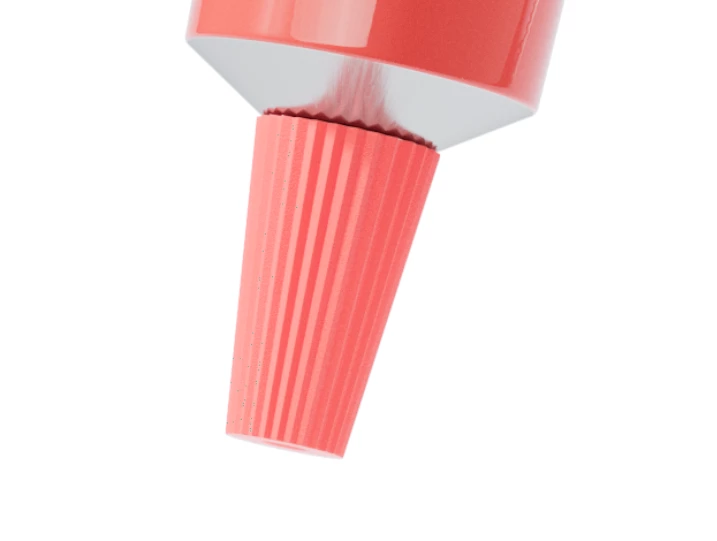
This is with using ACES Config 1.2.
With the latest release of Photoshop the Inverse sRGB adjustment layer now converts overbright pixels to weird colours (hot pinks, reds, or turquoises).
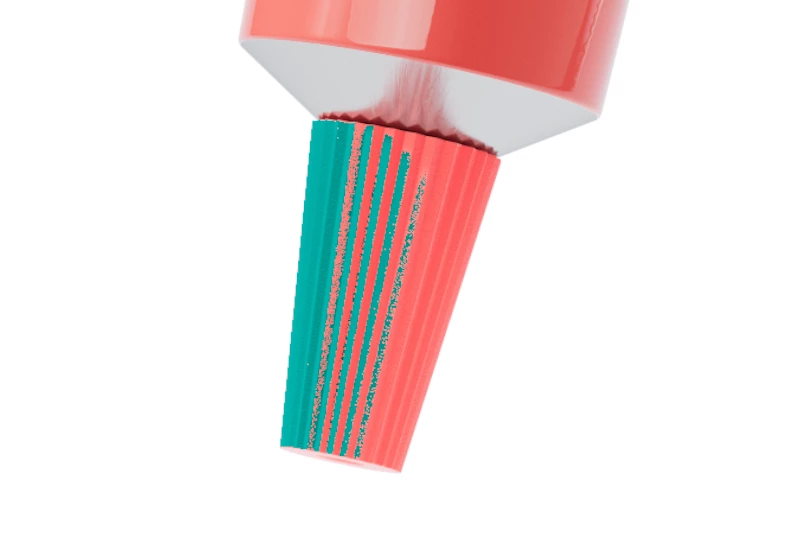
Now that Photoshop can create OCIO documents I've just tried dragging my layers from the regular PSD to the OCIO version. I've hidden my colour transform layers and the render looks identical to the non-OCIO document.
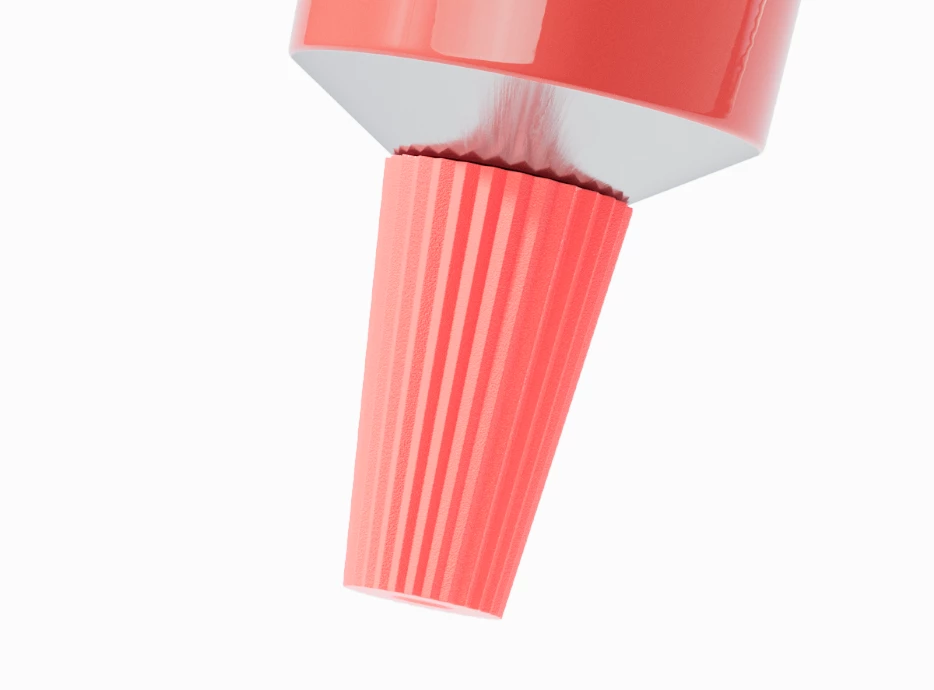
However, when I go to File > Export > Export PNG the colours are thrown off and it way too saturated.
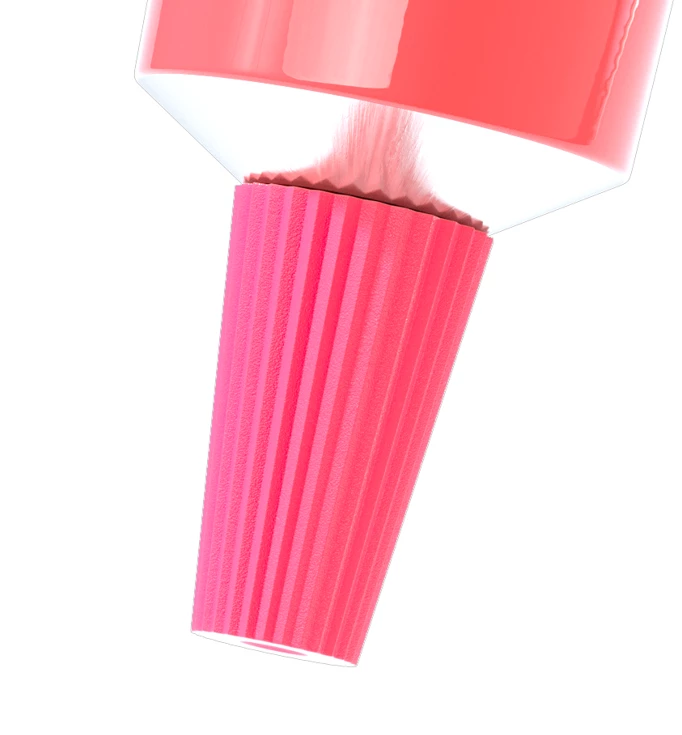
How can I get Photoshop to either stop throwing the colours way off in the standard PSD document, or how can I get the OCIO document to export a PNG with correct colours.
Help needed urgently due to client deadlines.
Photoshop 26.8.1
Why is it never easy!


 AdChoices