farshadsadri
Inspiring
Jan 9, 2021 9:32 AM UTC
Answered

PNG export from Photoshop removes transparent background

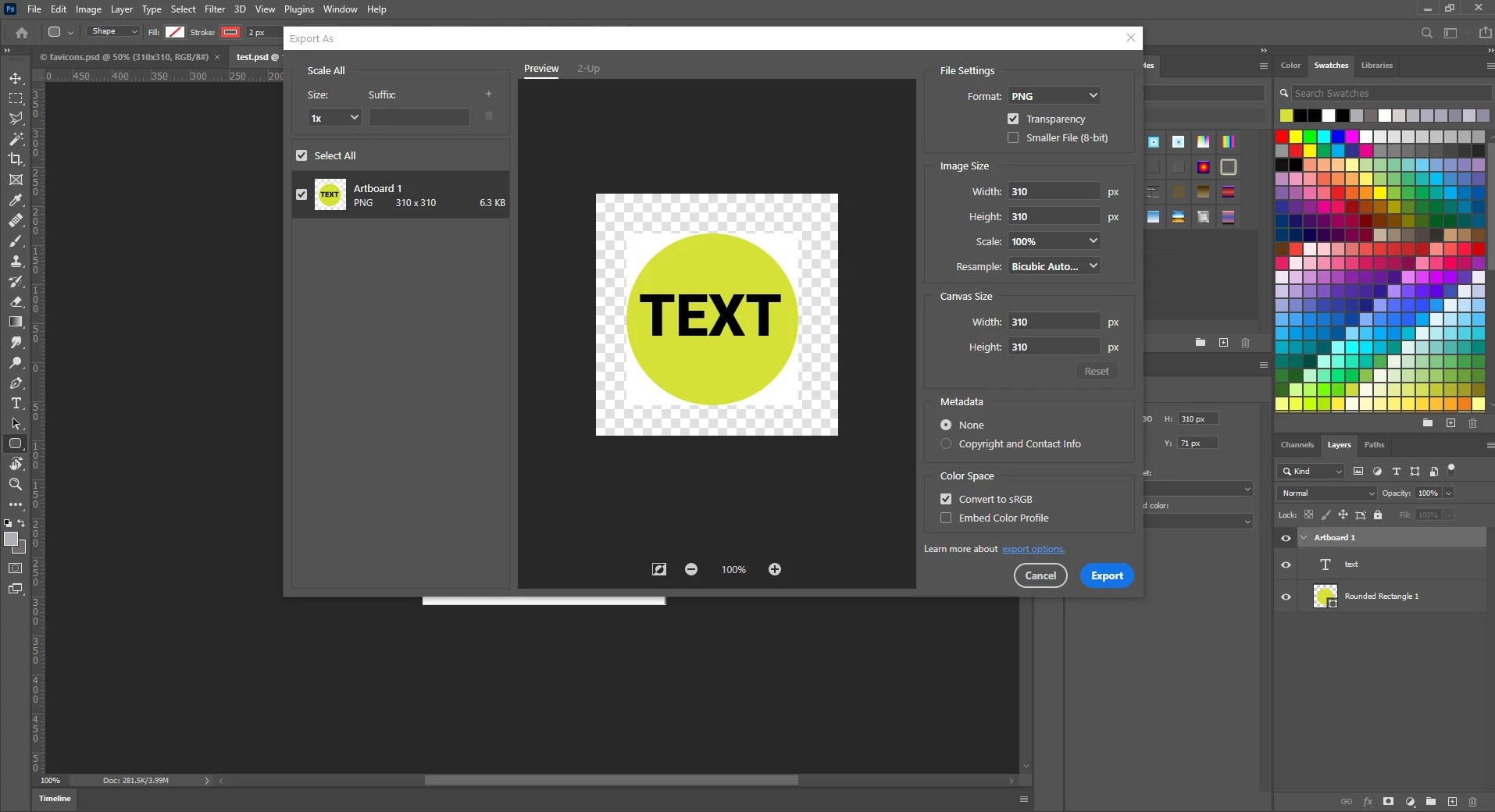
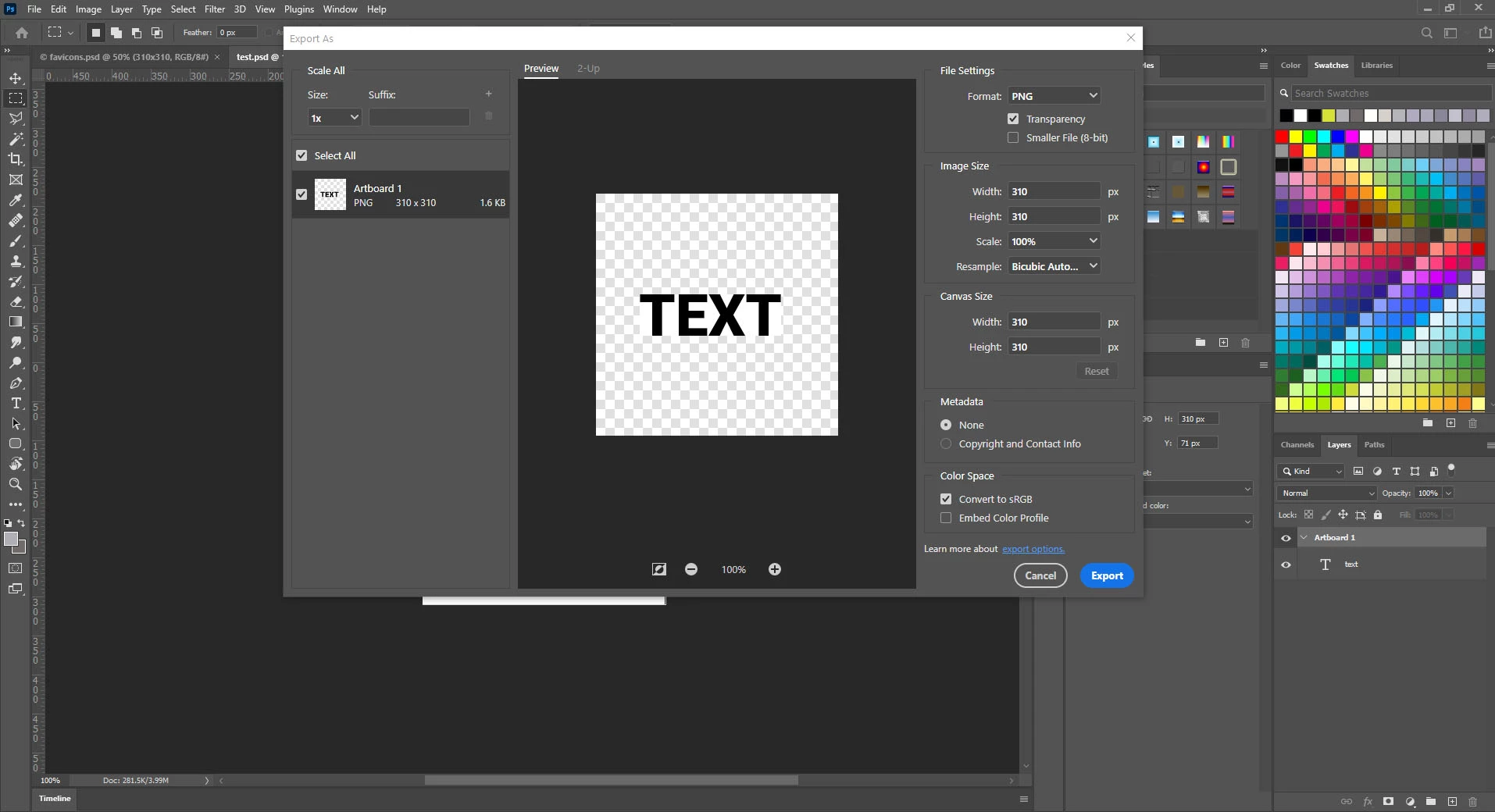
The same happens to me, and it drives me mad! Without any logical reason the transparent export draws a white rectangel around my transparent objects!


Please note the added white rectangle around the transparent objects! This issue just happened as I updated to Photoshop 22.0.1. I experience the same problem even with files I exported correctly with previous versions. This issue just happens when I export from artboards, when I don't use artboards everything is fine and it only happens when I set the artboard background to transparent, i.e. when I choose a color for background transparent objects just work fine.


This problem has frustrated me so much I installed the previous photoshop version to be able to deliver my work!!


PLEASE HELP!
 

farshadsadri
farshadsadriCorrect answer
Inspiring
May 1, 2022 2:40 PM UTC

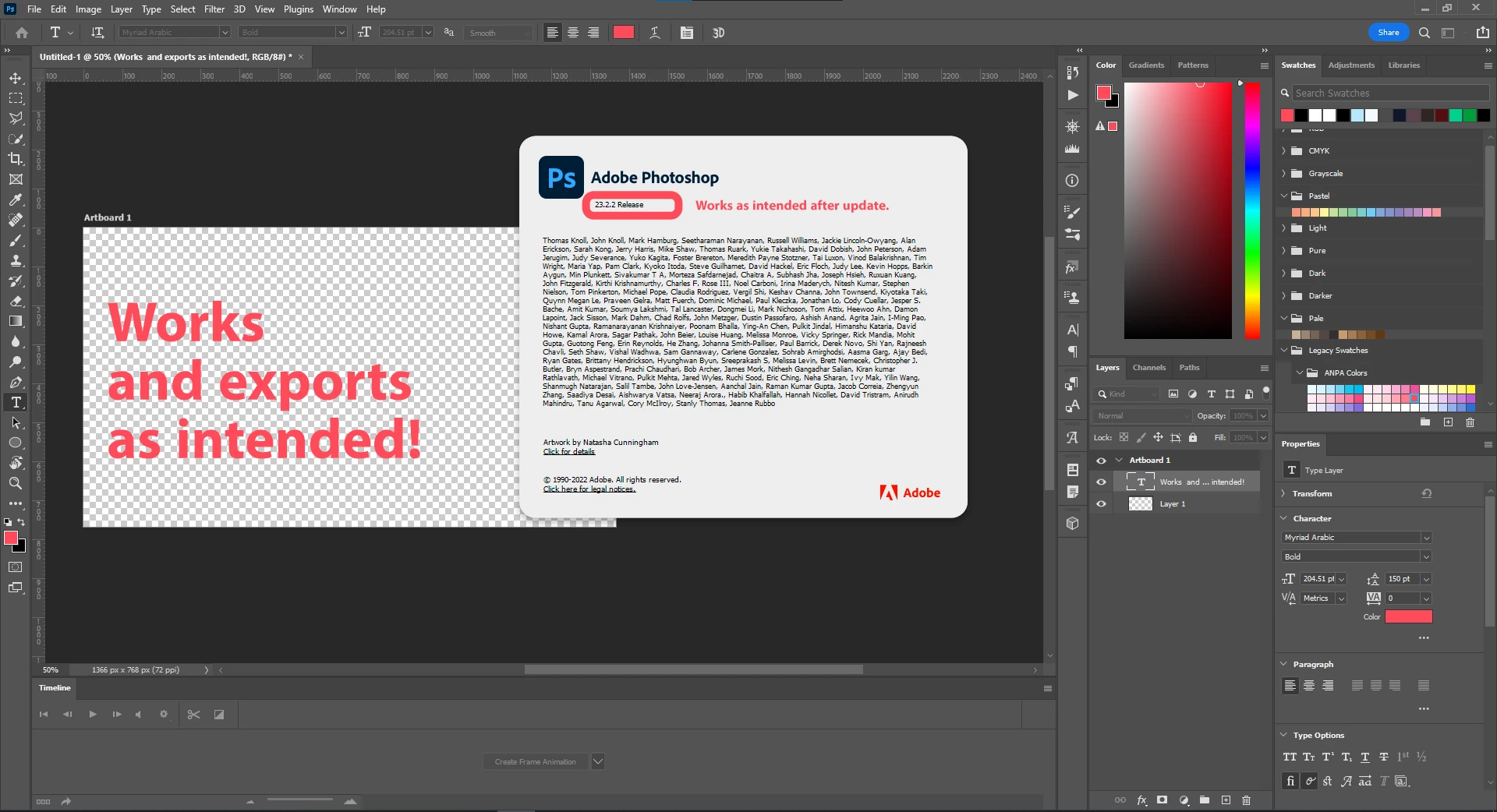
I recently updated to Adobe Photoshop 23.2.2 and the problem has been solved. I no further experience the issue. I recommend to do so for others experiencing the same issue.


I'd like to add that I use the same machine and OS that I used since I initially experienced the issue.


79 replies

Participant
Apr 24, 2025 9:55 AM UTC

select artboard background color -> Transparent


Translate
Inspiring
Oct 12, 2024 4:40 AM UTC

The issue has returned in Version 2024 - 25.12.0 20240903.r.806 055f5e9 x64


PLEASE FIX ASAP!

Translate
Known Participant
Oct 12, 2024 11:54 AM UTC

Ugggh. I must not be on that version yet. Thanks for the heads up! Yes, Adobe, please fix.
tmsr

Translate
Participant
Aug 13, 2024 12:57 PM UTC

I dont think the problem is with the software itself; I think you need to choose transparent mode from the top.


Translate
Douglas Stefani
Participating Frequently
Jul 16, 2023 8:28 PM UTC

It worked for me! I put all the layers inside a group and export this group to PNG (right click on the group > Quick export as PNG)

Translate
Participant
Jan 31, 2023 10:19 PM UTC

For those experiencing this issue still in current versions, ungrouping the artboards did the trick for me and then it exported as normal. 

Translate
Participant
Sep 28, 2022 2:04 PM UTC

Might be a bit late for this, but i encountered the same problem, and here is the solution in 2 steps.

The solution: 1- Select Artboard Tool, 2- Change bg color to transparent

Despite all the other options in preferences might be configured right, if this one isnt, then it will always export the BG.

Hope it helps, Cheers 😉

Translate
chuckm50660037
Participant
Jun 21, 2023 7:36 PM UTC

I could not find the Artboard tool, thanks!!!

Translate
c.pfaffenbichler
Community Expert
Community Expert
Jun 22, 2023 6:00 AM UTC

Where haveyou actually looked? 

If it is not in its default position check Edit > Toolbar

Translate
Melise5E8B
Known Participant
Jul 11, 2022 10:07 PM UTC

1. Photoshop 23.4.1 (began having this issue with the previous version of Photoshop)

2. Windows 10 machine

3. I create an image with a transparent background, and then export to PNG with transparency option selected.

4. I anticipate that the final PNG will have a transparent background, but instead it has a white background as if it was a JPG. The image itself does not have a background.


I have attached a screenshot and the document itself.

Translate
Jeff Arola
Community Expert
Community Expert
Jul 12, 2022 1:52 AM UTC

What method are you using to save the png out of photoshop?

Translate
farshadsadri
farshadsadriAuthorCorrect answer
Inspiring
May 1, 2022 2:40 PM UTC

I recently updated to Adobe Photoshop 23.2.2 and the problem has been solved. I no further experience the issue. I recommend to do so for others experiencing the same issue.


I'd like to add that I use the same machine and OS that I used since I initially experienced the issue.


Translate
Inspiring
Oct 12, 2024 4:44 AM UTC

I am using Version 25.12 and the issue HAS NOT BEÈN RESOLVED!

Translate
Participant
Apr 28, 2022 11:46 AM UTC

It's bugged color profile. Go to Edit > Assign Profile and pick any other profile, or even "don't color manage" option and click "Ok". After that, you can come back to your original profile


Translate
Participant
Oct 31, 2023 9:59 PM UTC

Didn't work. The file still comes out with a white background when exported as a PNG. Lol. 

Translate
Participant
Apr 22, 2022 1:54 PM UTC

I had the same problem. Finally found the problem today. The reason your transparent layers are not exporting transparent is that it's under an artboard. All you need to do is go under your layers and right-click on the artboards group (it will be at the top of your list of layers) and select "Ungroup Artboards".

Translate
Participant
Jul 23, 2023 8:58 AM UTC

Sorry, I didnt get it at all. Under my layers there is nothing like that. The artboard group is on top of my layers

Translate
c.pfaffenbichler
Community Expert
Community Expert
Jul 23, 2023 10:43 AM UTC

Could you please post screenshots with the pertinent Panels (Toolbar, Layers, Options Bar, …) visible? 

Translate