
Question
PPI Mismatch Between Replacement Image and Smart Object Results in Noticeable Shrinkage
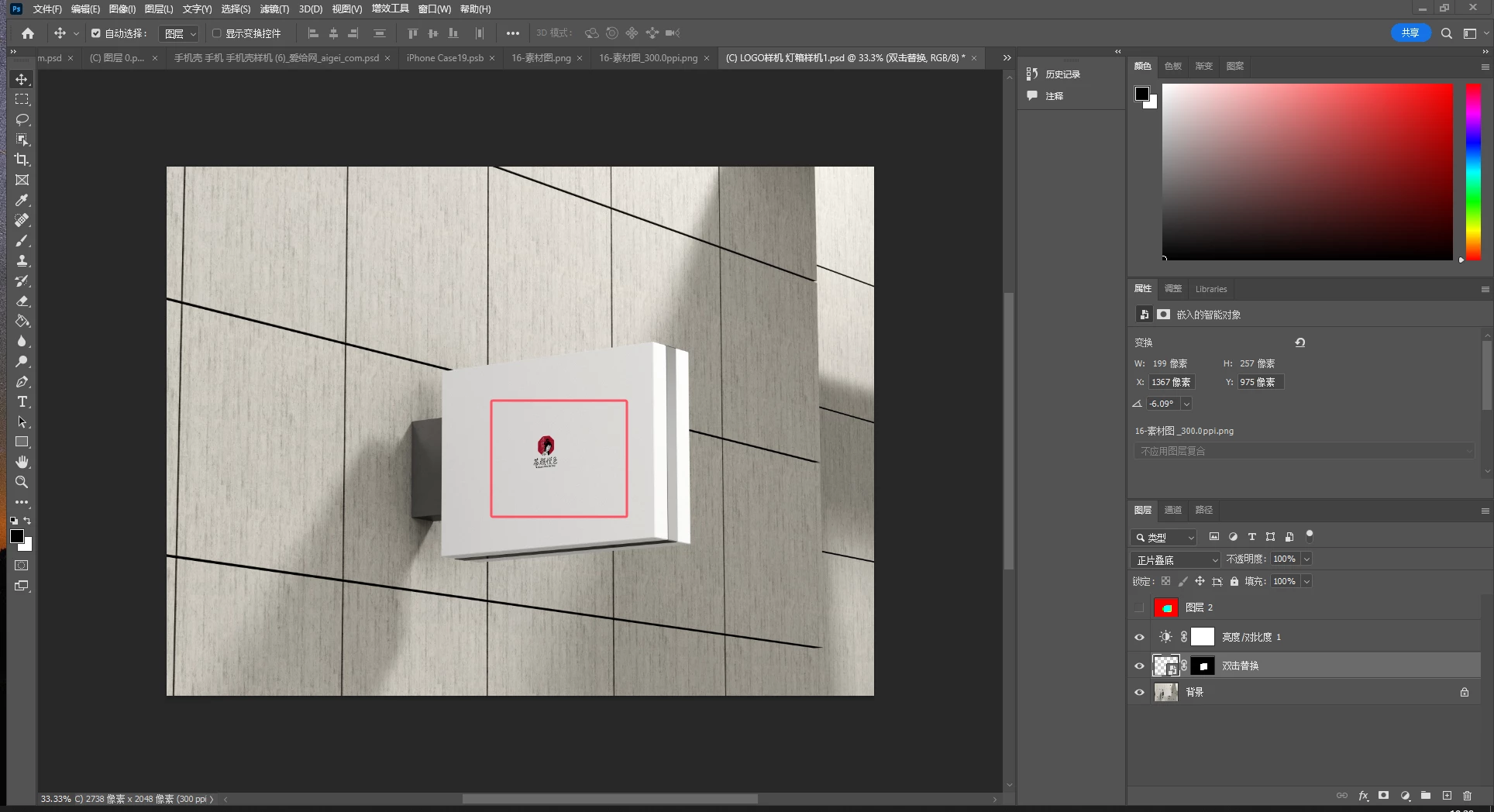
The image used for replacement has a PPI different from the PPI of the smart object content, causing it to shrink noticeably after replacement.
Can you explain the relationship between the smart object layer and its content, and the underlying principles? I have a solution to convert the image's PPI to match the PPI of the smart object content. Is this feasible?
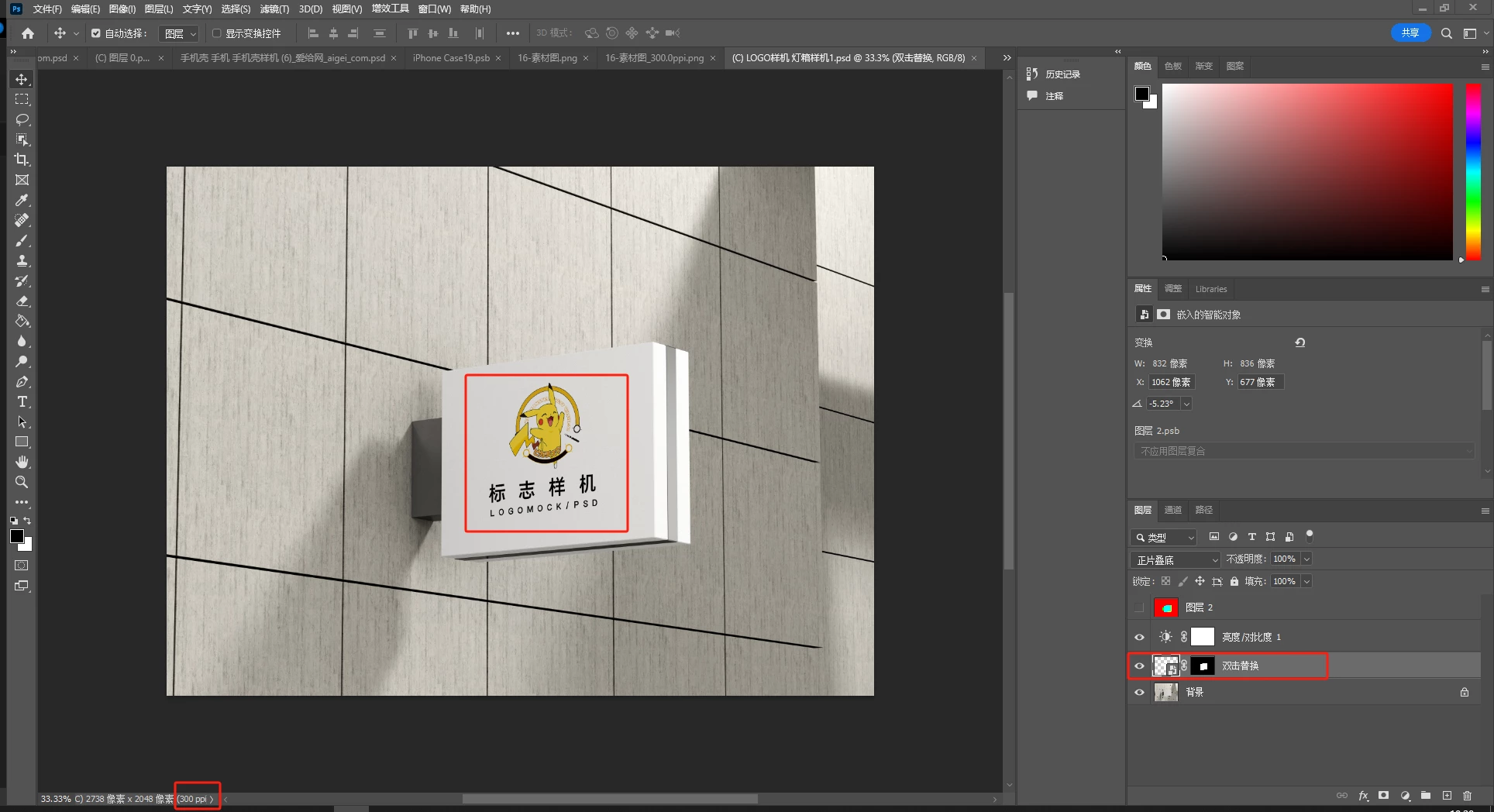
psd ,ppi=300
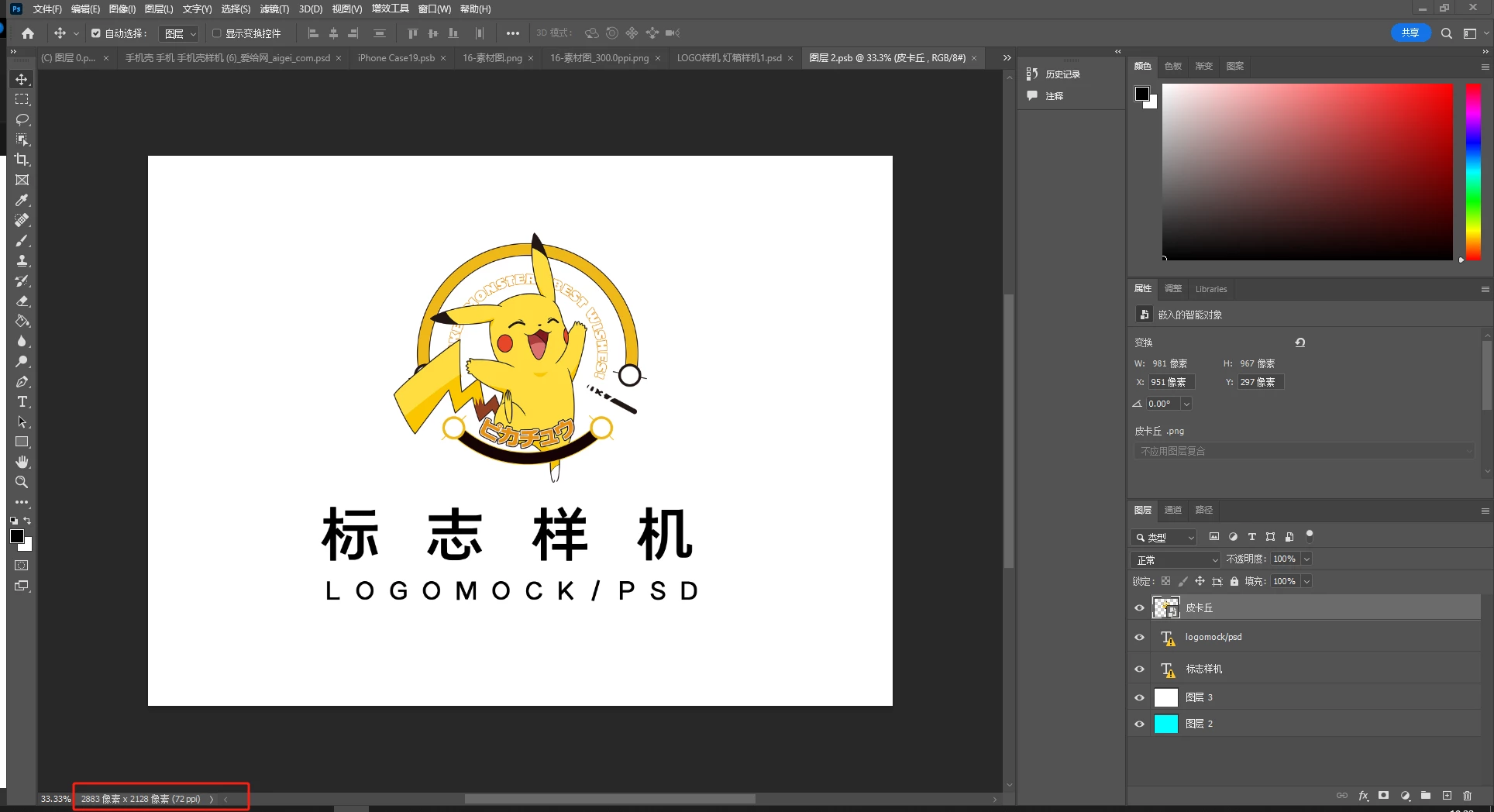
smart object content ppi=72
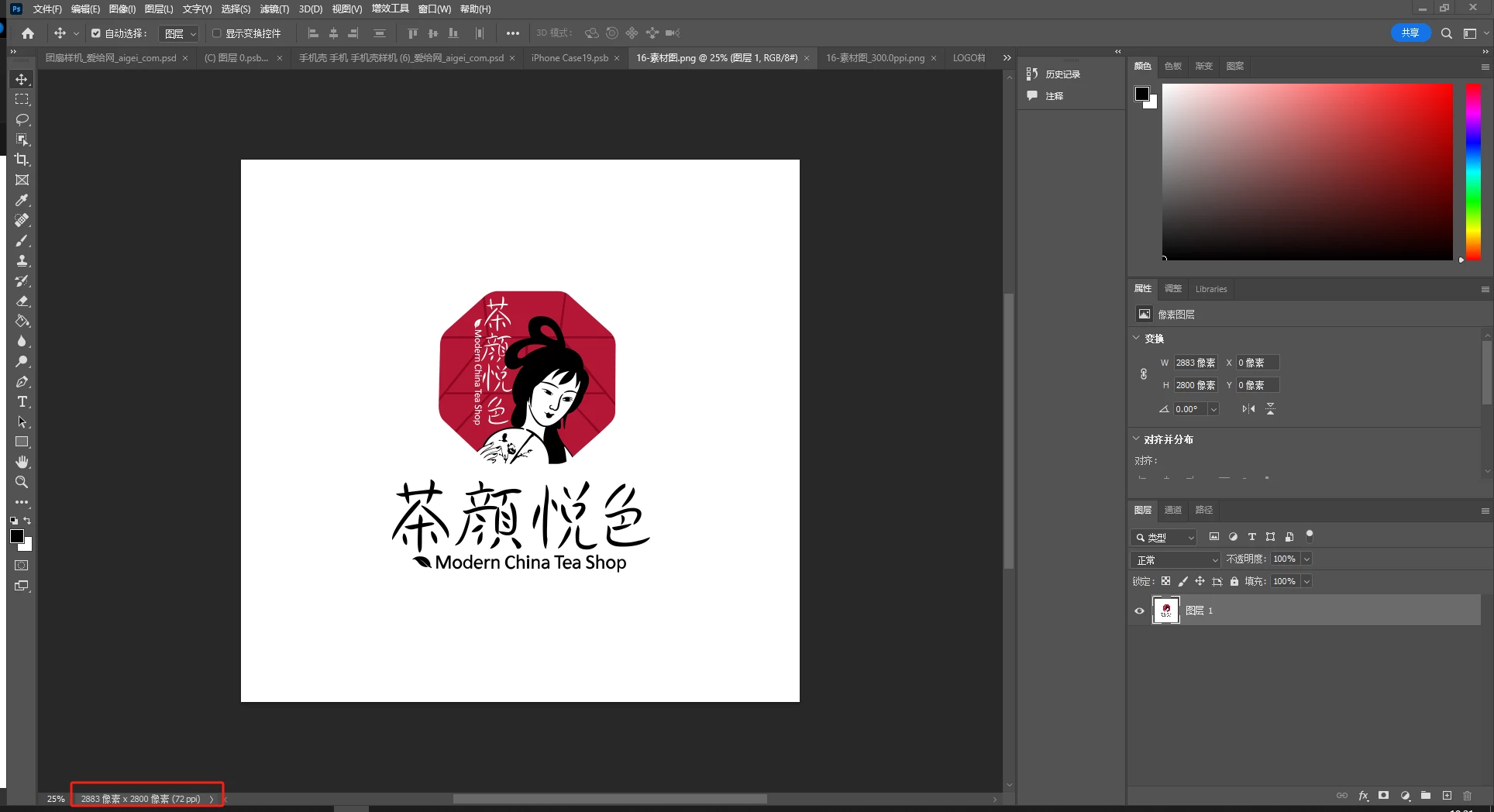
Replacement Image 1 ppi=72
 \
\
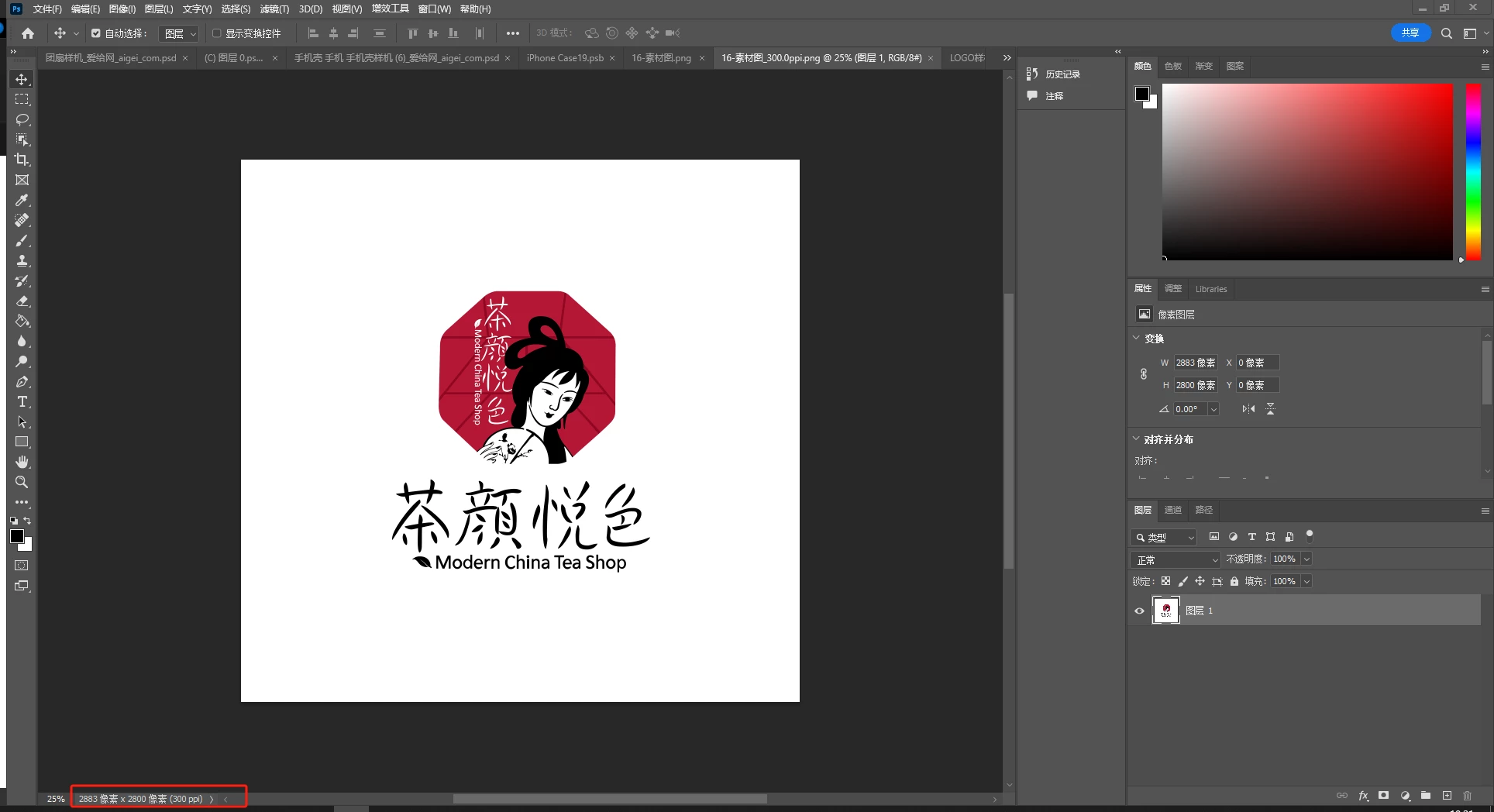
Replacement Image 2 ppi=300
Right-click and select "Replace Contents," then use a replacement image with PPI=72. The replacement works as expected.
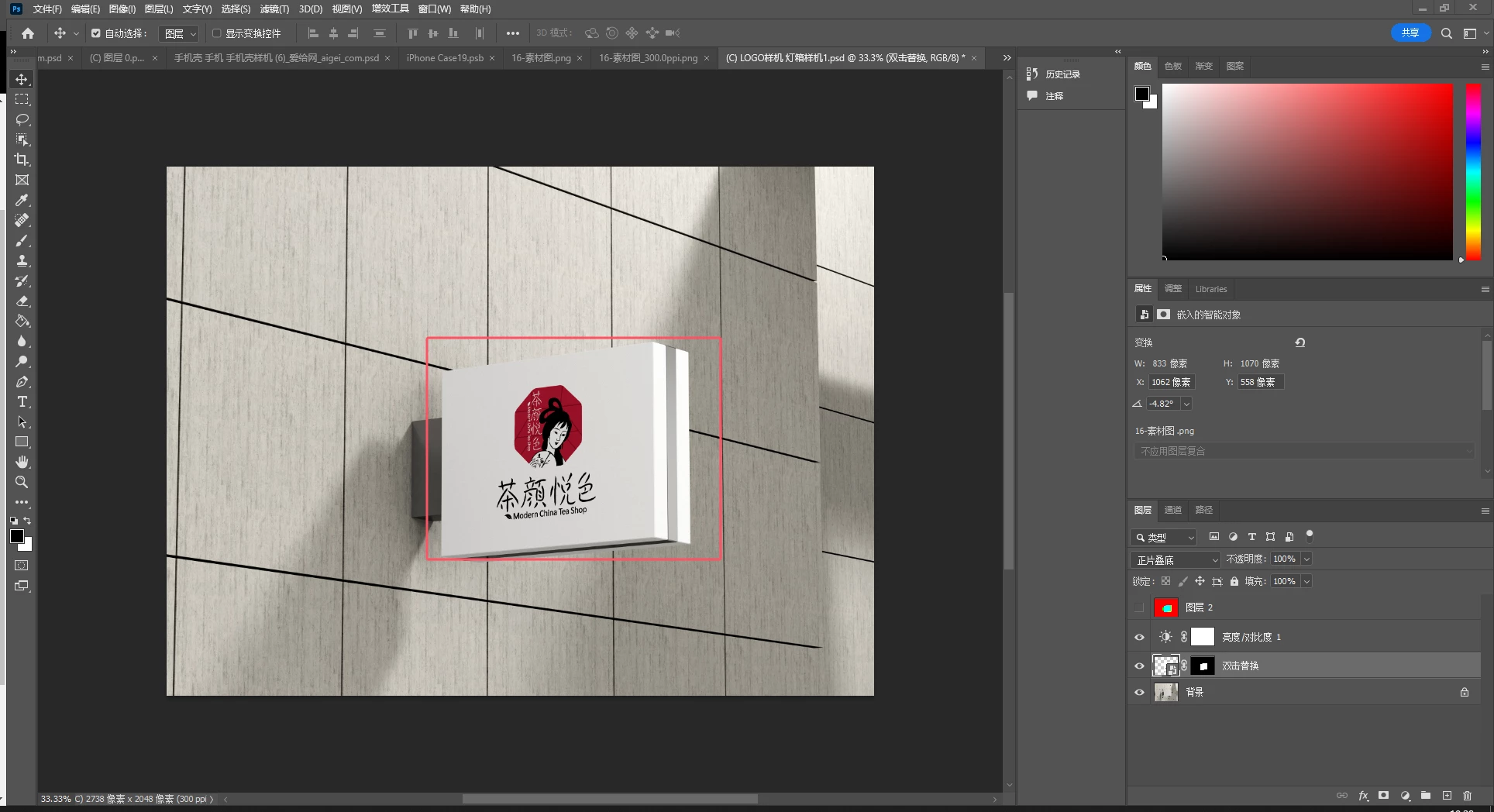
Right-click and select "Replace Contents," then use a replacement image with PPI=300. The replacement results in noticeable shrinkage.


 AdChoices