Inspiring
June 29, 2026
Question

Practical question for Bucket tool

  • June 29, 2026
  • 2 replies
  • 0 views

I have a question, how to practically work with Paint Bucket tool. 


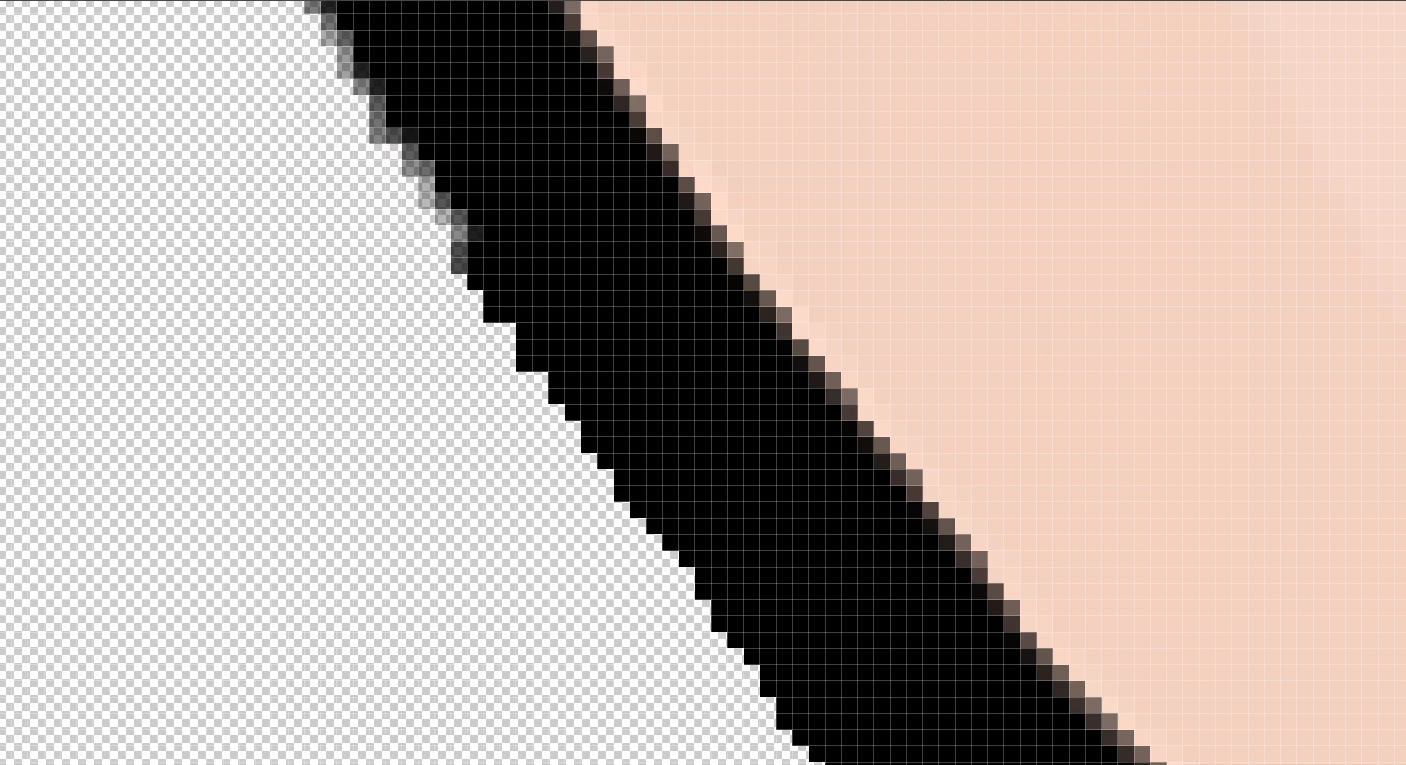
For example here, I have the outline and I would like it to change to black. However it is not capable to change it smoothly. Usually I don't have the advantage of being it on seperate layer for color overlay. 



    2 replies

    D Fosse
    Community Expert
    Community Expert
    June 29, 2026

    Indeed. Here’s the thread. The general conclusion is that the paintbucket is old and outdated, and there are so many better alternatives and workflows now.

    https://community.adobe.com/questions-712/why-does-the-paint-bucket-tool-leave-a-bloody-white-unfilled-line-around-my-art-this-is-very-annoying-and-yall-should-fix-it-sincerly-weenie-1629733?tid=1629733&postid=7694401#post7694401

    c.pfaffenbichler
    Community Expert
    Community Expert
    June 29, 2026

    In the image ​@Yuriwexy posted screenshots of a Black Solid Color Layer with an appropriate Blend if-setting might suffice, but it’s hard to judge based on that small part visible. 


    c.pfaffenbichler
    Community Expert
    Community Expert
    June 29, 2026

    Could you please provide the image in question? 

    What are the Tool settings (Tolerance etc.) you are using? (see Options Bar) 


    The Paintbucket Tool has come up recently in another thread and several Photoshop users generally agreed that the Tool has serious drawbacks. 

    Depending on the image content other approaches might take (slightly) longer but provide better results.