
Pressure Sensitivity not working with Huion Kamvas 24Pro 4k and Photoshop 25
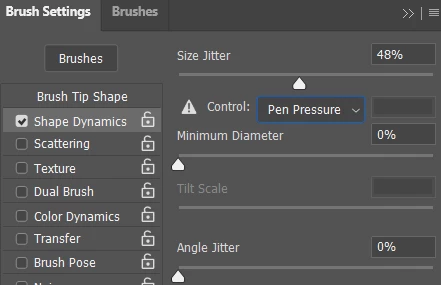
Two weeks ago, I was working fine using this same system, but today the "pen pressure" controls are marked with a /!\ icon and I've got no sensitivity controls when drawing.
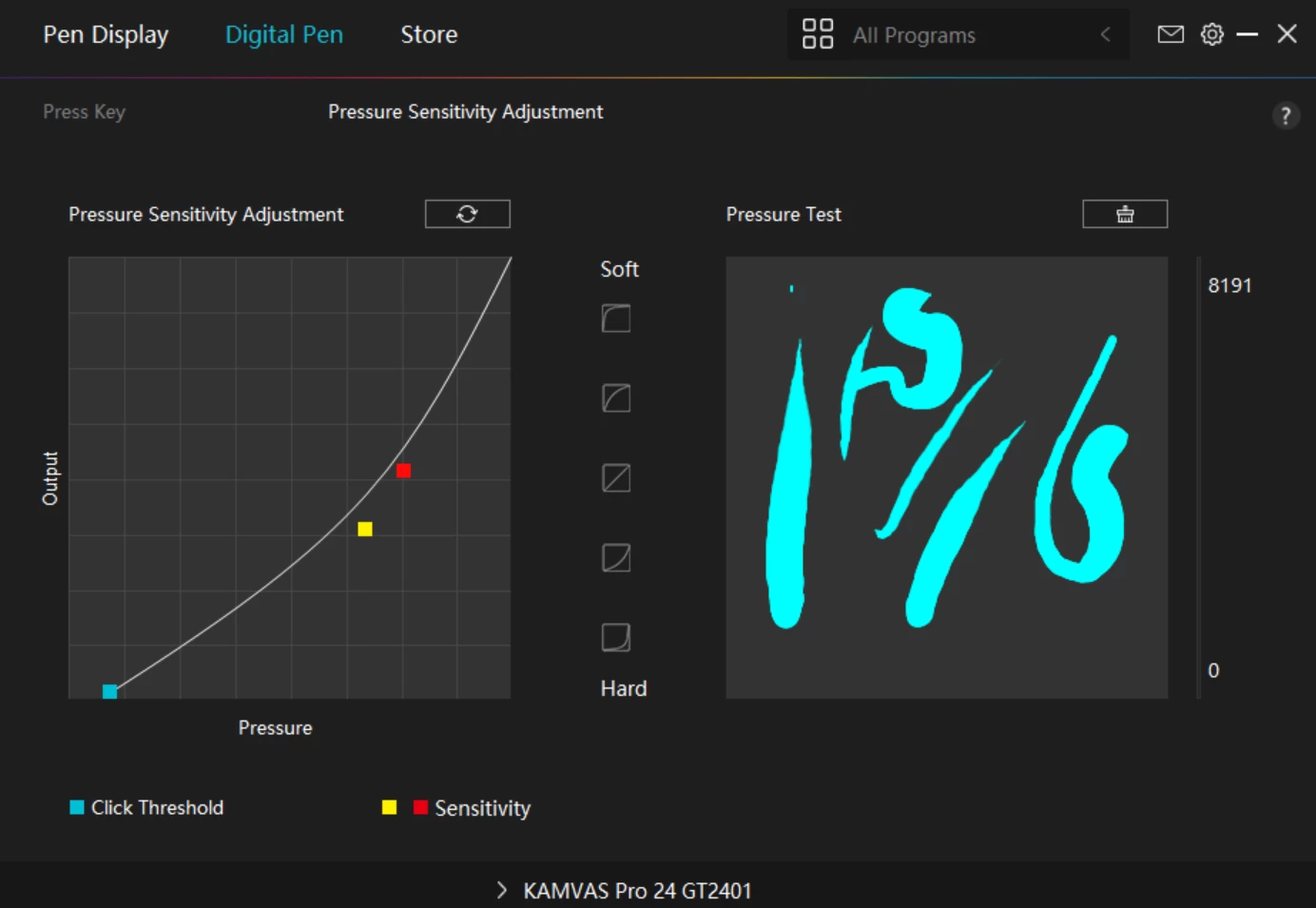
The pressure sensitivity is working fine in the Huion App -
I've tried the PSUserConfig, I've uninstalled and reinstalled Photoshop, installed older versions of Photoshop, uninstalled and reinstalled the Huion software, tried every suggested hack to shut down the Windows Ink Worskpace, tried turning Windows Ink off, rebooting, tested, turned it back on, rebooted, tested, etc... I've spend the whole day trying to get this to work and I'm approaching the last resort of a full factory reset of my main working system (which I dread).
I'm running the latest build of Photoshop (25.1.0), and am running Edition Windows 11 Home, Version 22H2, OS build 22621.2428, Experience Windows Feature Experience Pack 1000.22674.1000.0


 AdChoices