Participant
November 7, 2023
Question

problem opening PS

  • November 7, 2023
  • 2 replies
  • 208 views

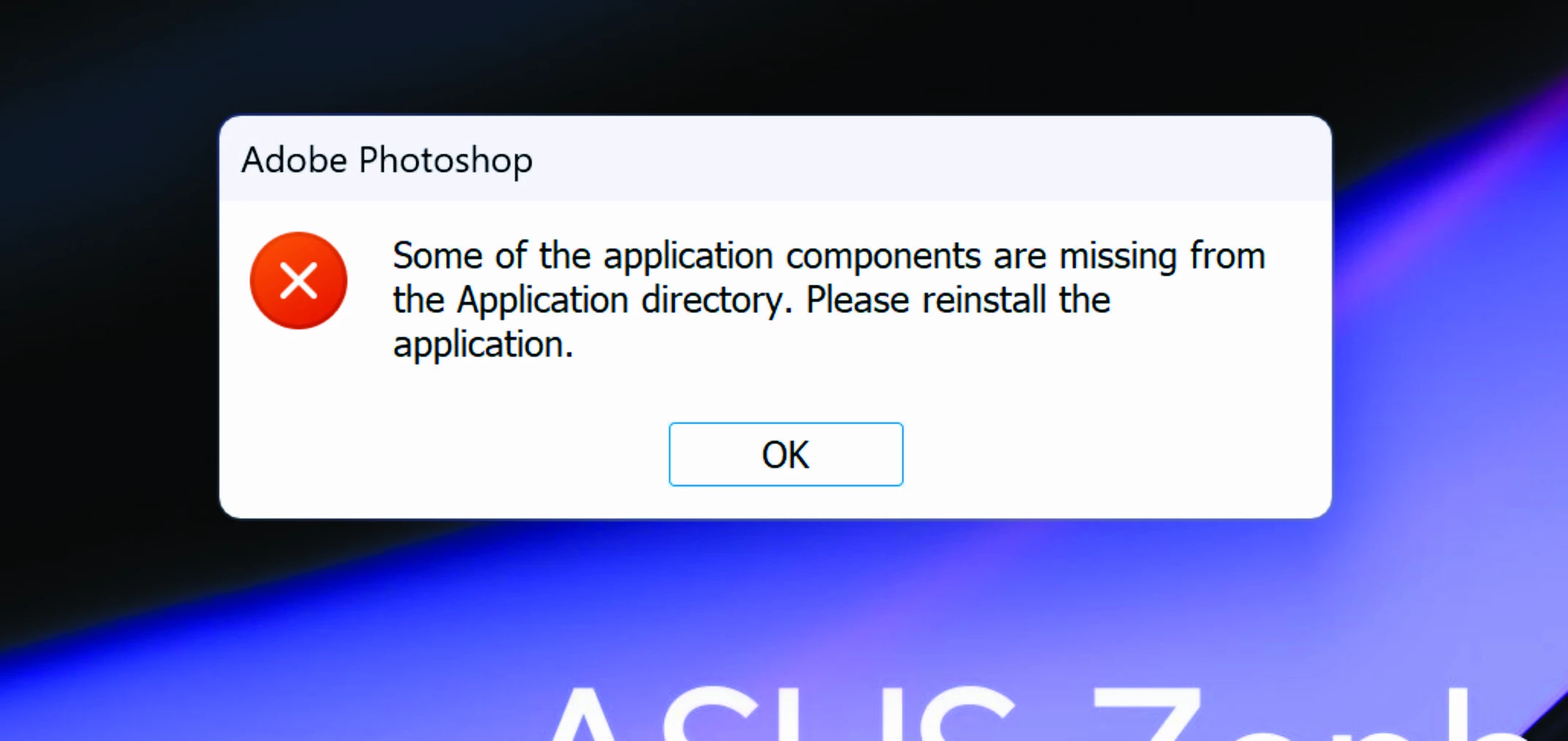
I have a . I downloaded the program to my new computer but it won't open. It says files are missing

    This topic has been closed for replies.

    2 replies

    Peru Bob
    Community Expert
    Community Expert
    November 7, 2023

    I've moved this from the Using the Community forum (which is the forum for issues using the forums) to the Download and Install forum.

    Peru Bob
    Community Expert
    Community Expert
    November 7, 2023

    Did you install from the Creative Cloud app?


    If so, try resetting the CC App.
    To reset the Creative Cloud desktop app, make sure it's in the foreground, then press:
    Win: Ctrl + Alt + R
    Mac: Cmd + Opt + R

    If that doesn't work, try uninstalling and reinstalling the CC App:
    https://helpx.adobe.com/creative-cloud/help/uninstall-creative-cloud-desktop-app.html
    https://helpx.adobe.com/download-install/kb/creative-cloud-desktop-app-download.html

    If not, use the Cleaner Tool and then install the Creative Cloud app and download from there.

    Participant
    November 7, 2023

    yes, I uploaded everything from CC, illustrator works, LR too, only photoshop doesn't

    Kevin Stohlmeyer
    Community Expert
    Community Expert
    November 7, 2023

    @Jožef334526049baj did you install on your C drive or main drive that your system folder is located?