MarieLyn Graphiste
Participating Frequently
October 1, 2025
Question

Problème d'enregistrement avec la version 26.11

  • October 1, 2025
  • 3 replies
  • 346 views

Il m'est impossible d'enregistrer un nouveau fichier que je viens de créer dans la nouvelle version 26.11 de Photoshop. 


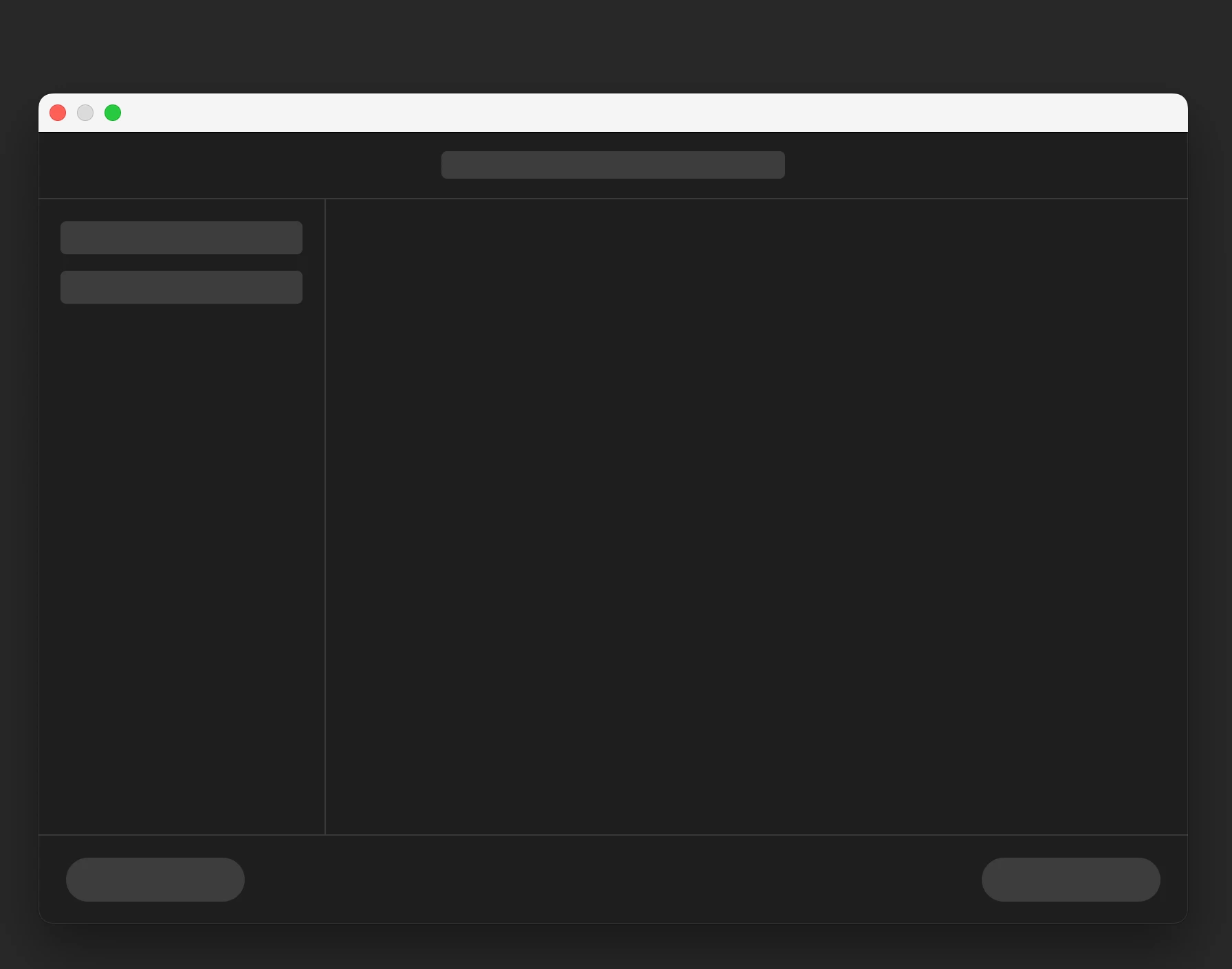
Je demeure bloquée ainsi avec le bloc d'enregistrement en noir. Je suis bien connecté à ma session de Creative Cloud.


Merci et bonne journée,



3 replies

ALBA Paysage
Participant
October 4, 2025

Idem pour moi. Impossible d'enregistrer un nouveau fichier. Je ne sais pas si il s'agit de la nouvelle version ou mise à jour mais si il existe une solution, et rapidement bienvenue, car c'est très bloquant professionnellement, merci.

Claire H.
Community Manager
Community Manager
October 24, 2025

Hi @mlcote@rmpq.ca, I'm just checking in to see if the suggestion helped or if you are still running into this issue? Let us know how things are going. Happy to keep troubleshooting with you if needed. ^CH

Pete.Green
Community Manager
Community Manager
October 3, 2025

Curious if you change the default file location to "on your computer" in File Handling preferences if you're able to save files?


Kevin Stohlmeyer
Community Expert
Community Expert
October 1, 2025

@MarieLyn Graphiste what version Mac OS are you running?

Noel Orridge
Community Manager
Community Manager
October 1, 2025

Hi @Réseau2285, Thank you for reaching out! Is the issue happening with just this file, or with other files as well?


Here are some quick fixes you can try:


1) Click Photoshop > Settings > Performance. Uncheck the box for Use Graphics Processor. Click OK and restart Photoshop.

2) Try resetting your preferences. Please be sure to back them up first. Here's a HelpX article with steps and more info on preferences in Photoshop.

3) Instead of "Save As", use "Save a Copy". To "Save a Copy": Press Command + Option + S.


Let us know how it goes!

Cheers!

Noel