
Question
Problems with removing background or masking motives
Hi community,
yesterday photoshop just stopped removing backgrounds. When I click on "remove background" it just puts an empty white mask on the layer.
This happens with all pictures, not a matter of contrast or colors. I tried a lot of different pictures.
It also does not detect any subjects anymore, when I want so select a subject, it just selects the whole picture.
I have reinstalled photoshop several times, with several versions, it happens to all of them. Currently working with photoshop 26.2.0.
You can see on the picture what happens after I clicked on "remove background". Empty white mask. 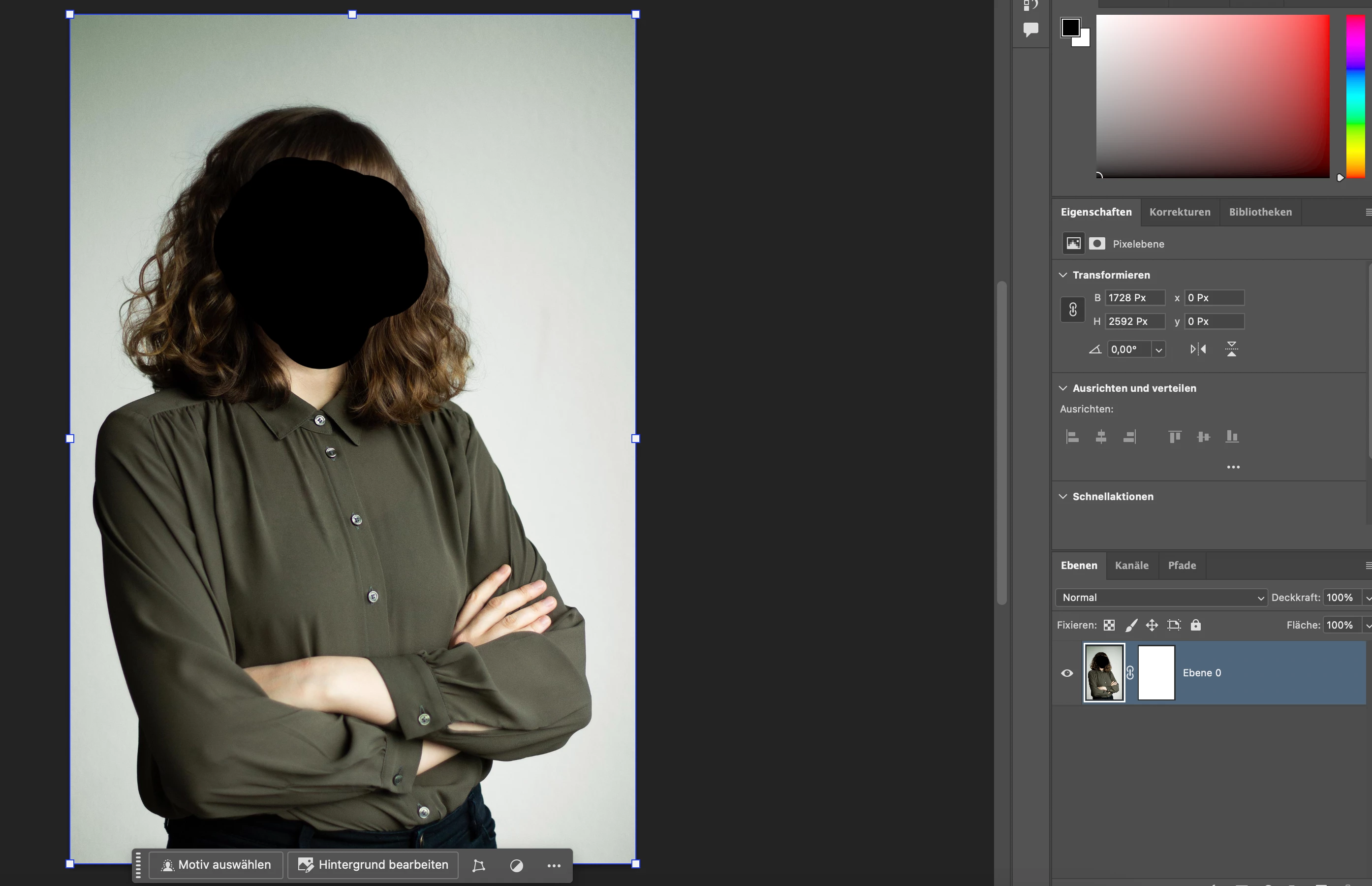
Everything worked perfectly until yesterday evening. Can you help me with this?


 AdChoices