Participant
February 12, 2025
Question

Proplem with zoom in photoshop
  • February 12, 2025
  • 2 replies
  • 139 views

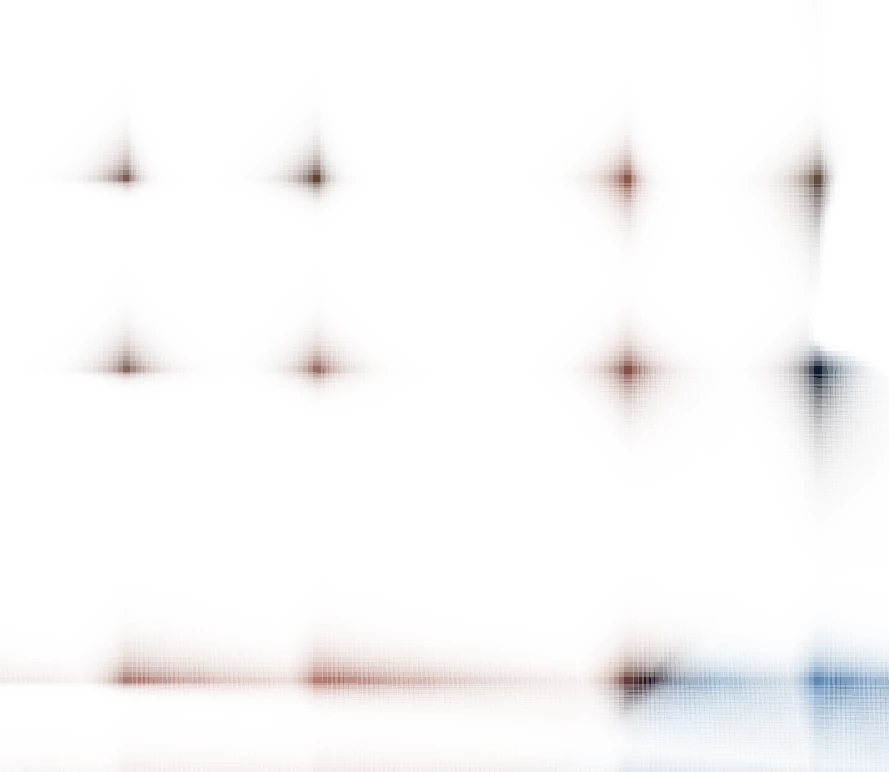
I have a problem. When I zoom in too much in Photoshop, so-called "artifacts" appear. Disabling the graphics processor helped, but without it, Photoshop lags a lot

2 replies

Participant
February 12, 2025

Disabling the "GPU Compositing option" helped me, but after that, the image that was previously fine became very pixelated and sharp

BrettN
Community Manager
Community Manager
February 14, 2025

The rule of thumb is that if disabling the GPU and related features helps address an issue, the first thing you should do is update your video card drivers. Visit your manufacturer's website, download the latest compatible with your device, and install. Then retry Photoshop.

Sameer K
Community Manager
Community Manager
February 12, 2025

Hey, @39531994?9719. Welcome to the Photoshop Community. I'll move this to discussions for now. Please share the system info from Photoshop Help > System info > Copy and paste into a text document > Upload and attach here.


Does this happen when you use any image? Try disabling GPU compositing. Here's how you can do it:

  1. Go to Edit in the top menu.
  2. Select Preferences, then Performance.
  3. Click on Advanced Settings.
  4. Uncheck the GPU Compositing option.

After doing this, restart Photoshop and see if the issue exists. If it doesn't help, try Photoshop (beta) from the Creative Cloud App > Apps tab > Beta apps.


Here are some additional things you can try: https://adobe.ly/40V6IwQ


Let me know how it goes. 

Thanks!

Sameer K

(Type '@' and type my name to mention me when you reply)