

Question
PS 2018 Select and mask crashes
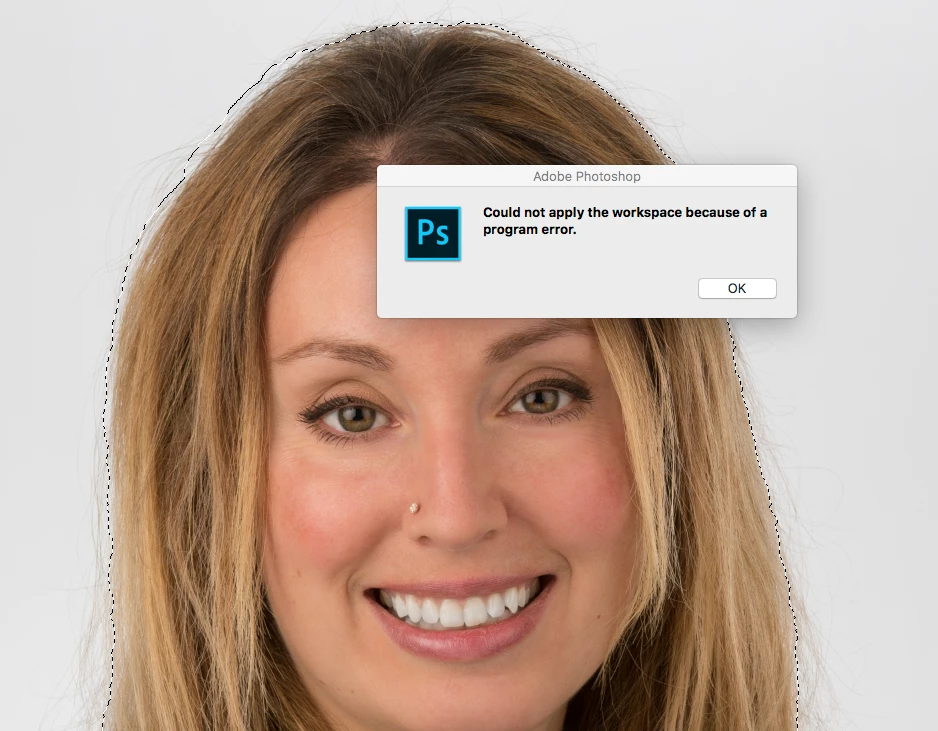
When I make a selection then click the "Select and Mask" button (or right click and choose select and mask) I get the following error:
"Could not apply the workspace because of a program error."
Using macOS Sierra 10.12.6
I've reset the workspace (by removing ~/Library/Preferences/Adobe Photoshop CC 2018 Settings/Workspaces (Modified) and relaunching)
Same error with multiple files.
 AdChoices