



PS 25: Generative Fill suddenly not working
This feature arrived at a great time for our studio, we're needing to extend the backgrounds of 15-20 large-format portraits for a client's digital installation. And when I tested Generative Fill on a couple of those the other day it seemed to work just fine, but now it is only producing totally unrelated, useless results.
Here's my example: I have a simple portrait (I even scaled this down to reduce the potential "load") with lots of extra space that I want to fill...
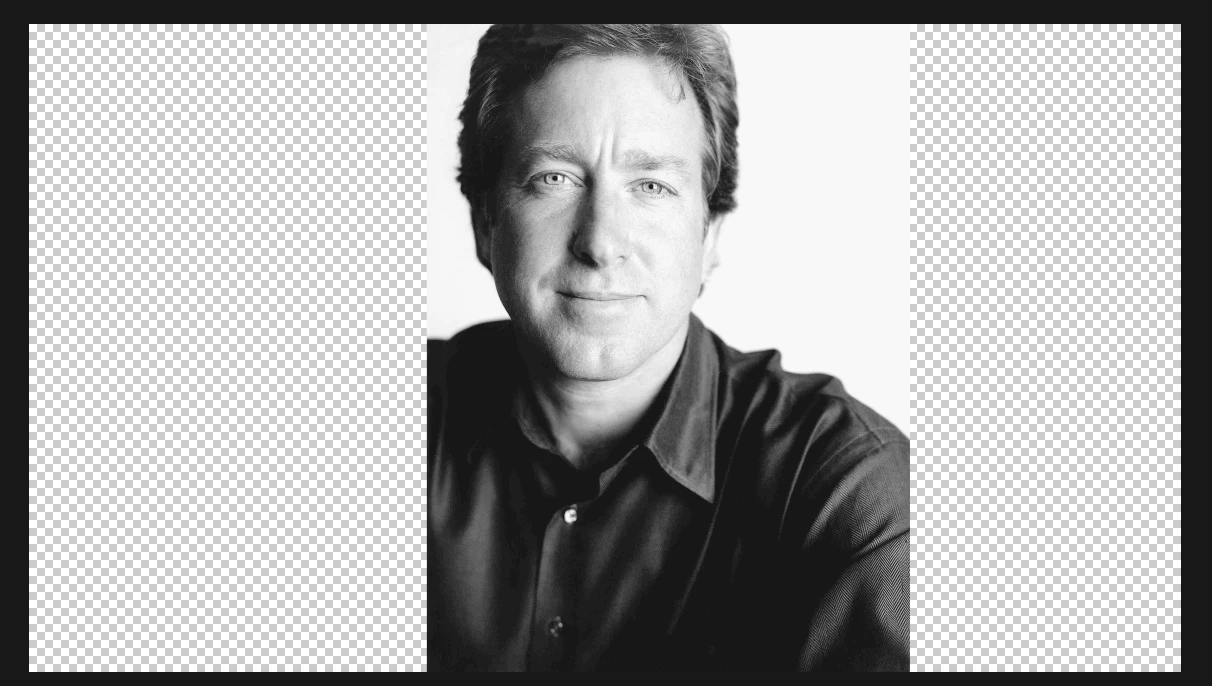
With the Marquee, I Select All and click Generative Fill and then Generate (no description, though I've tried specifying one). Results like this keep happening...
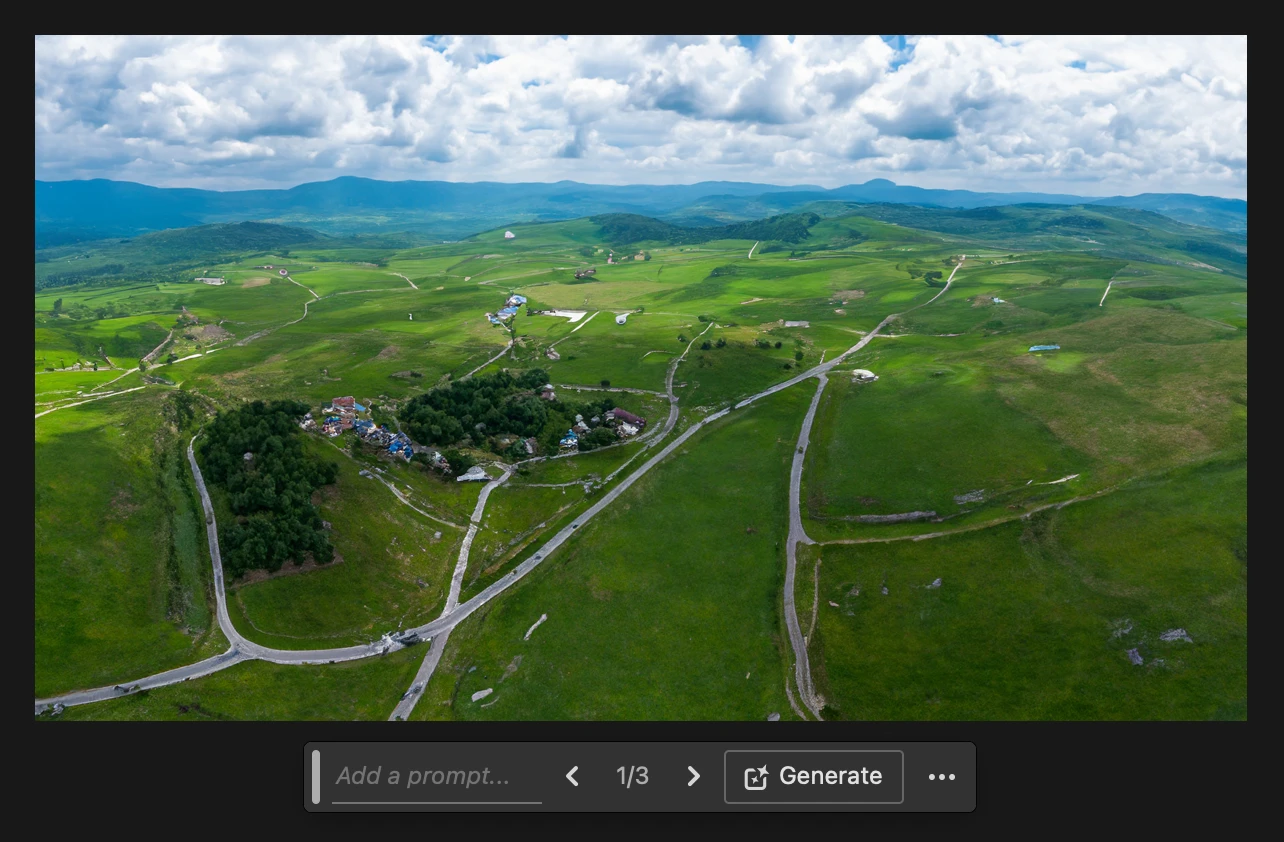
😐 Obviously not even remotely related. The source image is RGB/8 bit, the source layer is just a normal grid of pixels (i.e., not a Smart Object). I'm not seeing any kind of errors. What on earth is going on here??
 AdChoices