Hi @sevenK,
Thank you for the additional screenshots, system info, and recording. I tried to reproduce the issue using your workflow, but I’m currently unable to reproduce it.
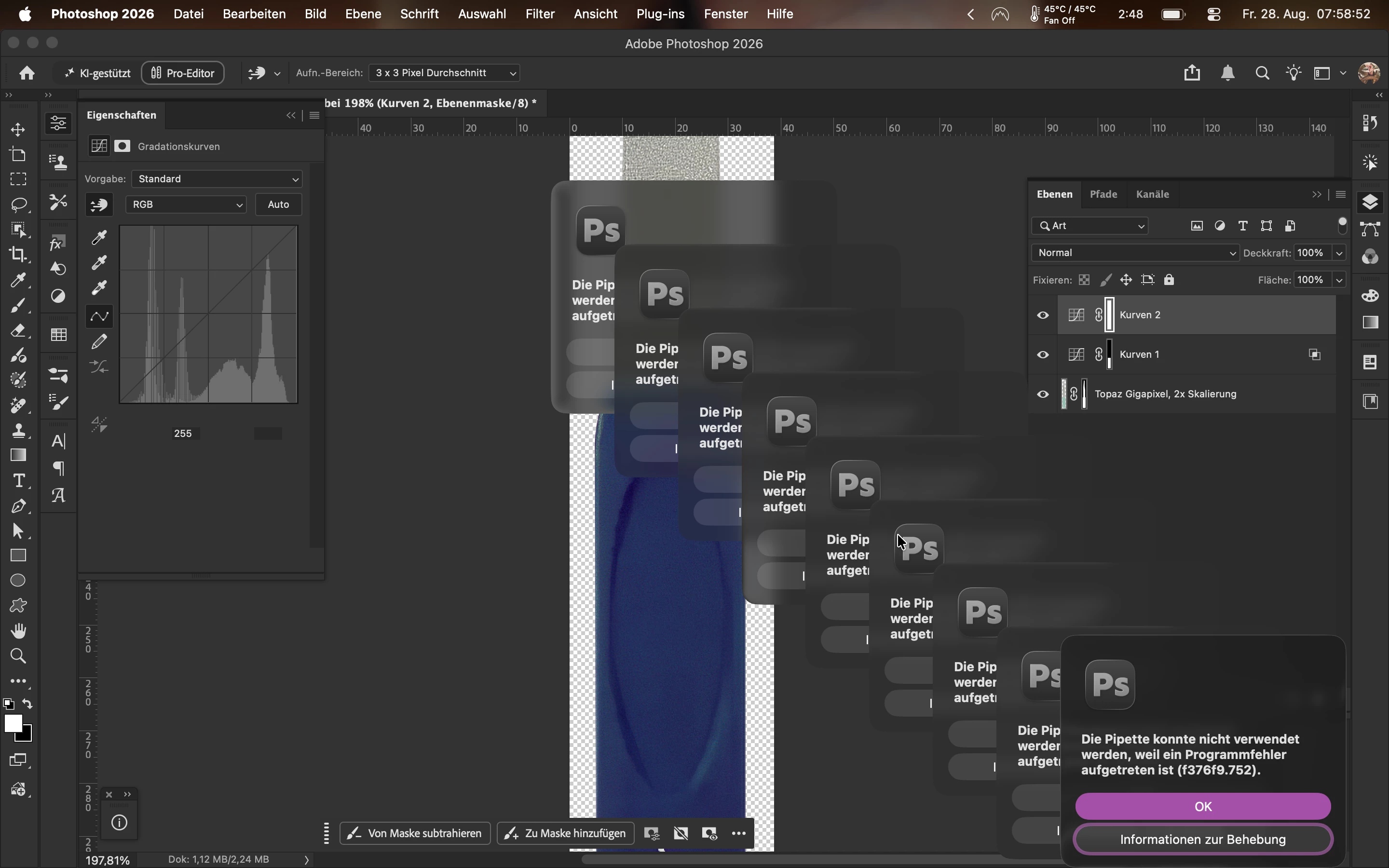
I’m testing on a 16-inch MacBook Pro with an M5 Max, running Photoshop 27.10, and I’m not seeing the f376f9.752 error. So far, I also haven’t seen another report with this same error code and the Curves workflow.
Could you please make one more recording using a completely fresh JPEG?
1. Open a new, untouched JPEG in Photoshop.
2. Add a Curves adjustment layer using the mouse.
3. Reproduce the workflow step by step, including each reference point you add.
4. Please avoid keyboard shortcuts for this test.
5. Don’t use an image that has already been upscaled, edited with Curves, or otherwise processed.
6. Continue recording through the point where the Curves panel becomes greyed out, and the error appears.
Please share that screen recording here (or send me a Google Drive, Dropbox, or WeTransfer link via DM).
This will help me compare the exact workflow on a clean image and determine what is triggering the error on your system.
Thanks again for helping us narrow this down.
Best,
Anshul Saini





 AdChoices