


December 30, 2025
Answered

PS 27.2.0 crashes when saving - Windows 10

  • December 30, 2025
  • 2 replies
  • 122 views

Hi.

After the update to PS 27.2.0 it is impossible to save whatever I am doing. It just shuts down immediately. I have updated my graphic card driver, removed any "extras" from usb ports etc, uninstalled and re-installed PS and have a Windows version which is newer then 1903. I have also checked the Enable Legacy in the Preferences.
I've tried the ctr+alt+shift when starting PS, but just the same.
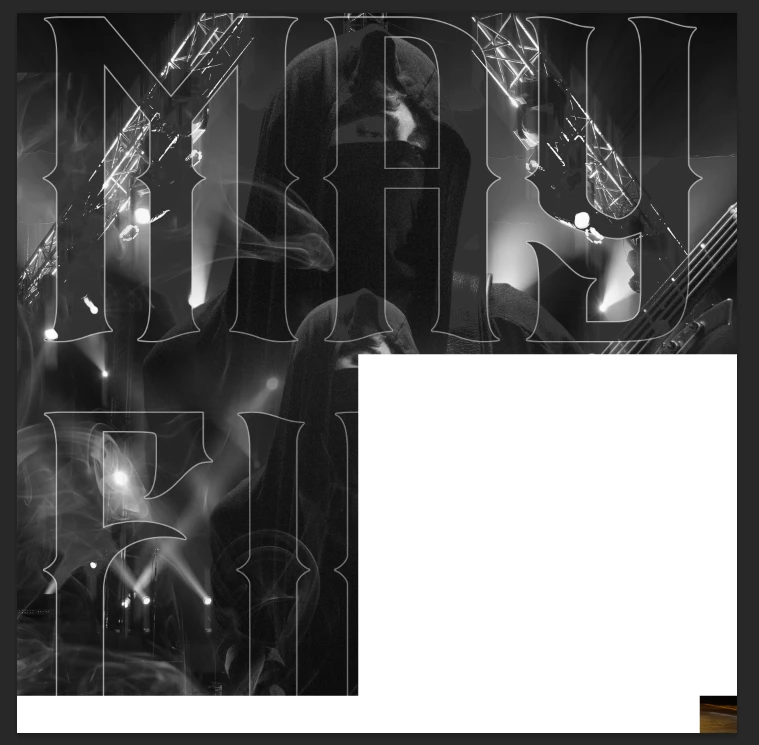
When doing alt+ctrl+shift+e this happens:
file.png
And the masks, which was white, turns black.

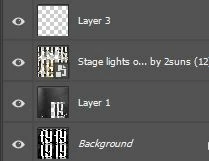
Previous to this, when I used masks, and trying to save, I got all my masks and layers to be messed up. Enclosed is a print screen of layers which make no sense at all
PS.JPG
This has made me a major setback on my concert photography as I get absolutely nowhere at the moment.
I would appreciate any feedback on this one. Have a good one.

Correct answer Bobbie.Dale

@Ged_Traynor I downgraded to PS26.11 and un-checked the GPU in the preferences and no problems do far. I will try to do an update back to 27.2, but that will be later. Thanks for replying so fast 🙂

2 replies

Bobbie.DaleAuthorCorrect answer
December 30, 2025

@Ged_Traynor I downgraded to PS26.11 and un-checked the GPU in the preferences and no problems do far. I will try to do an update back to 27.2, but that will be later. Thanks for replying so fast 🙂

Ged_Traynor
Community Expert
Community Expert
December 30, 2025

@Bobbie.Dale try manually resetting your Photoshop preferences
https://helpx.adobe.com/ie/photoshop/using/preferences.html#Manually
Remember to back up your settings before doing the preference reset
https://helpx.adobe.com/ie/photoshop/using/preset-migration.html

If that doesn't help, can you post your Photoshop system info, in Photoshop go to Help > System Info, hit the copy button and paste the entire thing into this thread