


PS crashes after failed update
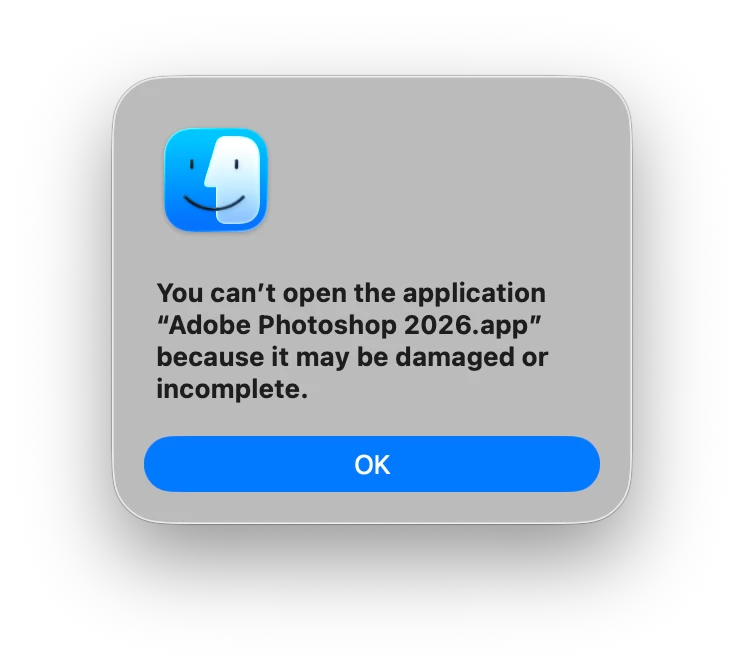
SECOND TIME, BUT ON A DIFFERENT COMPUTER.Today I attempted an update to PS 2026 which was probably at 27.7. While updating it froze at 51% with the message that it was taking an unusually long time and.... After waiting over an hour I canceled the update, closed all apps and restarted my computer. Then tried to open PS and got this message.
Also here is detail from Finder:
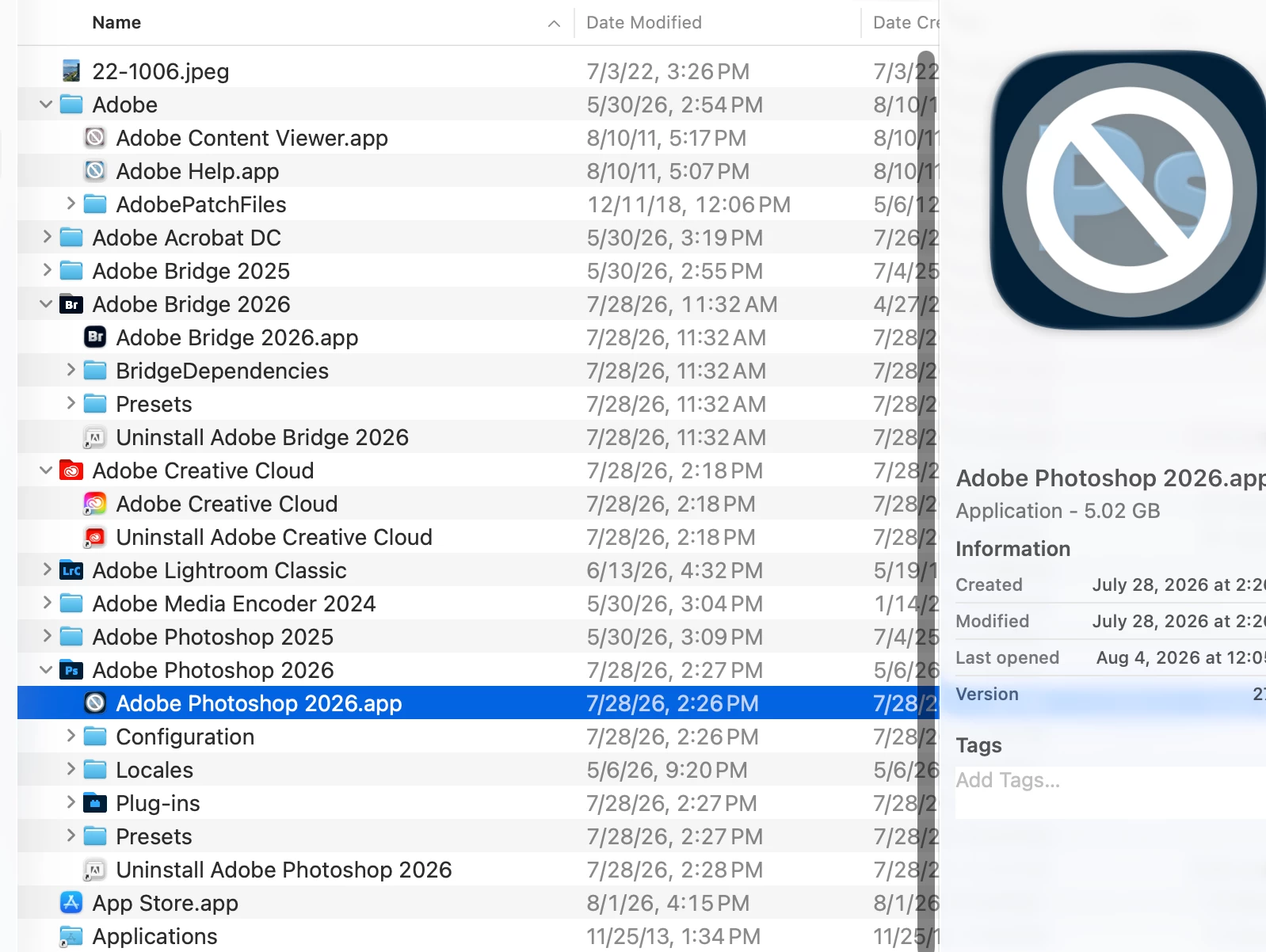
This is on my Macbook Pro apple silicon with Tahoe 26.6.
Less than a month ago the exact same thing happened on my Apple Studio and current OS. Then, with costly outside support, I had to use CC cleaner and reload, etc with all the hassle that entails.
ADOBE: PLEASE FIX THIS. Otherwise how many times do I have to reload etc?
QUESTION. Do I have to use Creative Cloud Cleaner or is there a more efficient way like simply uninstalling PS and then reinstalling it.

 AdChoices