


Answered
PS documents not opening
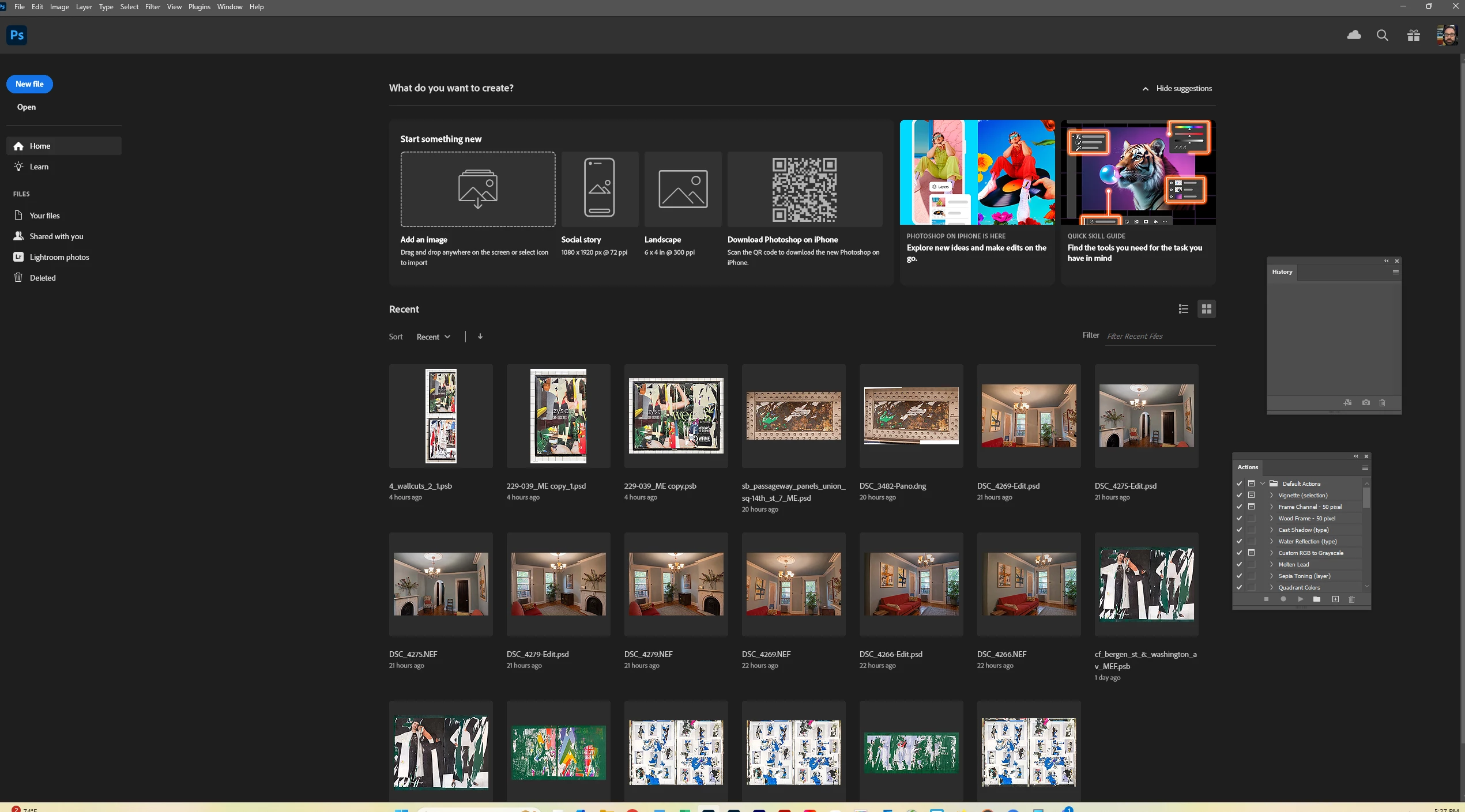
PSD and PSB files are not opening - whether I open in the app using, FIle > Open or right click on the file in File Explorer and choose Open With > Adobe Photoshop 2025 - I get the Home screen, or whatever the landing page before you open a document is called - as shown below. I also tried clicking on Open from this screen, and when I navigate to a file and select it, nothing then happens. Why would this be happening? Thanks.
 AdChoices