
Participant
June 15, 2024
Question

PS iPad desaturates images on export

  • June 15, 2024
  • 5 replies
  • 316 views

Hello, I'm hoping someone can help me. I'm not sure if this is a bug or a user error. 

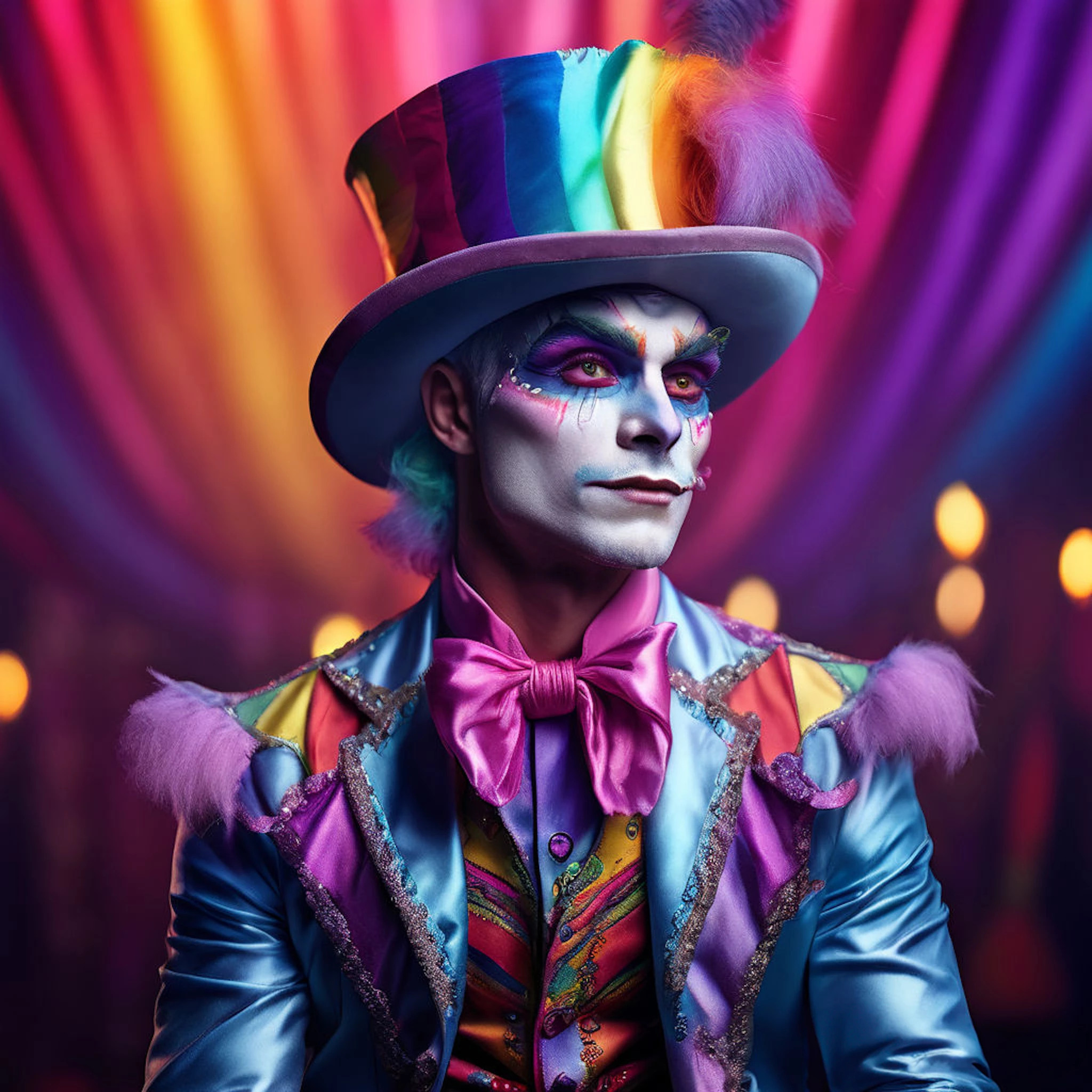
I recently got a refurbished iPad Gen 6 and was excited to be able to edit in PS on the go. But I noticed that when I export my edited photos from the iPad version the images become desaturated and drab looking. I've opened both images on PS desktop and looked at the color mode settings in the before and after settings but they remain unchanged. I can't figure out what is happening or find any export settings in iPad PS settings to see what could be happening. This is very disappointing and will definitely prevent me from editing on my iPad if I can't figure it out. 


Here is what the image looks like before being importrd into PS iPad:
 

Here is after export:
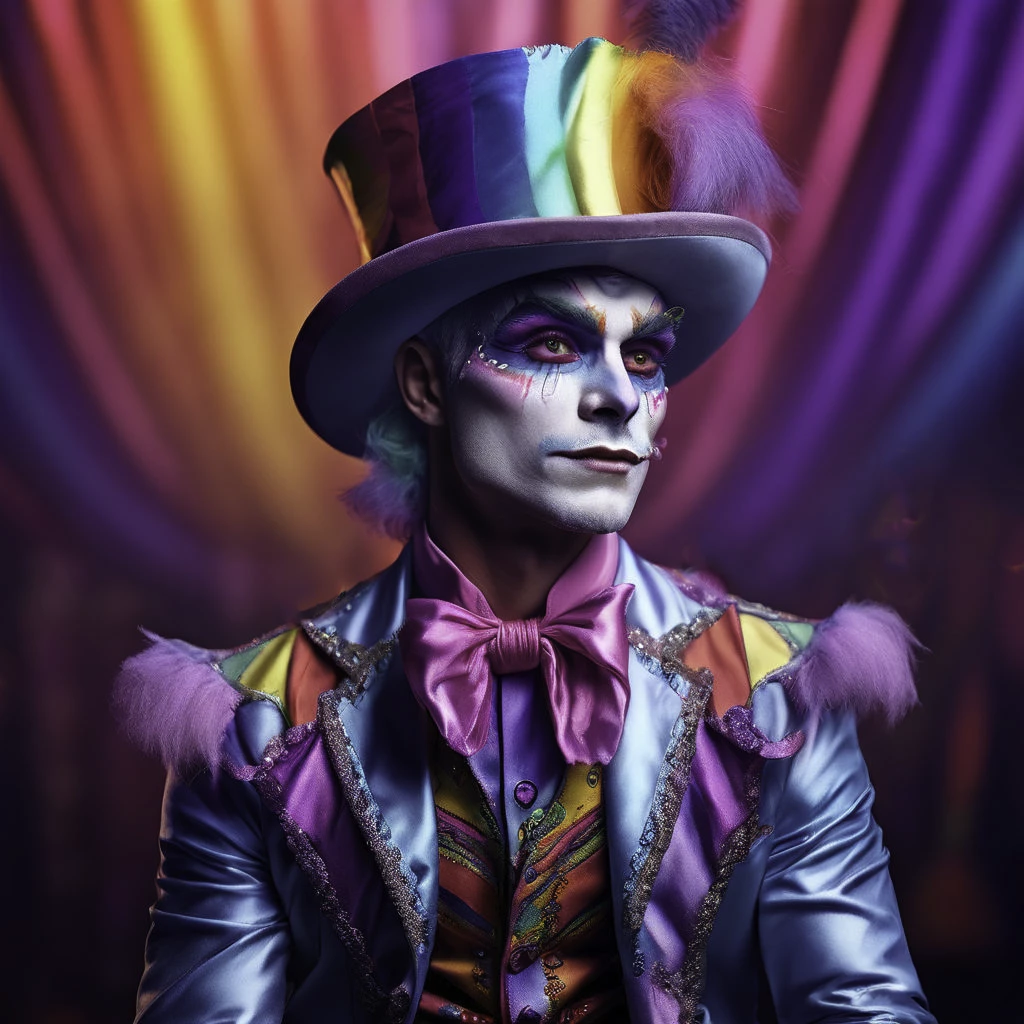
 

Both images show they are RGB 16bit. Please help!


This topic has been closed for replies.

5 replies

Participant
June 15, 2024

Thank you!  I'll try that! 

D Fosse
Community Expert
Community Expert
June 15, 2024

Check "embed color profile" in Export. Once you've done that it sticks. Don't uncheck it again, the profile should always be embedded.

Participant
June 15, 2024

The embedded profile going into PS is sRGB. but PS seems to strip the color profile on export. also I'm converting from jpg to png, but I didn't think that would affect the color profile. 

Participant
June 15, 2024

The embedded profile going into PS is sRGB. but PS seems to strip the color profile on export. also I'm converting from jpg to png, but I didn't think that would affect the color profile. 

D Fosse
Community Expert
Community Expert
June 15, 2024

But what is the embedded color profile, sRGB, Adobe RGB, Display P3, ProPhoto? And crucially, is there an embedded profile at all? If not, all bets are off and it can look like anything depending on where you see it.


The point of an embedded profile is to define the colors.