

PS on iOS unable to open Sony RAW files?
I connected my Sony CFExpress card reader to my iPad M5 Pro USB-C port and bring up the Files app and copy the Sony images (RAW .AWF) files to my iPad local folder that Photoshop created “Default User”.
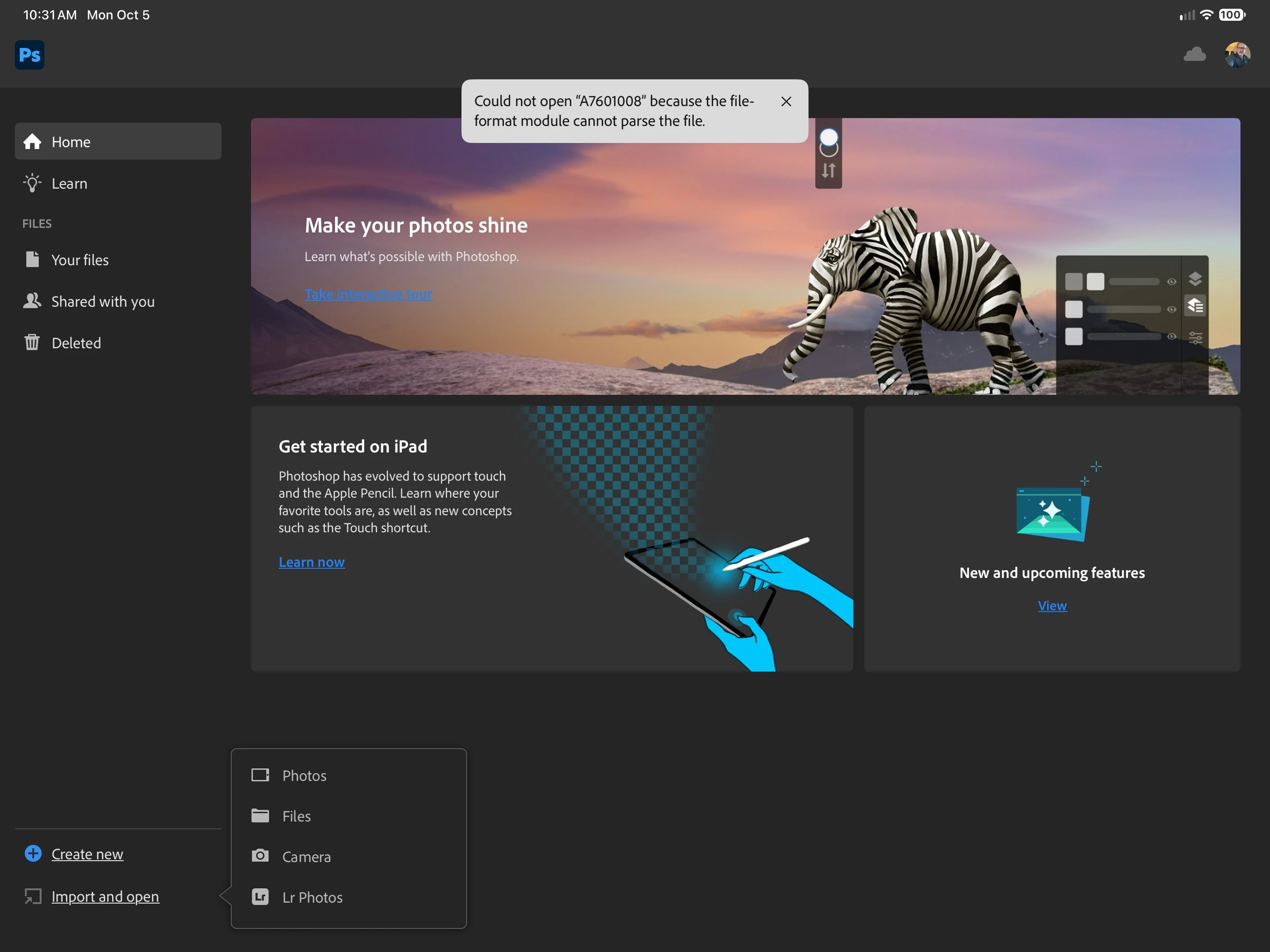
I open PS for iOS and select Import, locate the file and select it for import and then I get the following error message:
“Could not open “A7601008” because the file-format module cannot parse the file” ??
I see thunbnails for the file so I know something is able to read the file, but apparently not PS?
So to make sure there is not issue with my Sony CFExpress reader and/or files that I copied over to my iPAD M5 Pro, I open Affinity Photo 2 and did an import from there and the files imported just fine, no issues. So this is clearly an Adobe problem for PS on iOS.
Is there a solution?
Seems odd that my much older software “Affinity Photo 2” can work with my Sony RAW files but PS for iOS can’t ? Even more strange that on my Windows 11 PC Adobe PS works just fine with my Sony RAW files it’s ONLY on iOS where PS fails.
Rob.


 AdChoices